
Canon imageCLASS LBP6030w
3.8Editor score
Compact space-saving design
Wireless connectivity options
19 pages per minute speed
This guide compares the best laser printers with cheap toner options for home and office use based on cost efficiency and performance.
Finding a laser printer with cheap toner is essential for managing long-term printing costs effectively. Many users overlook the cost of consumables when purchasing hardware, leading to unexpected expenses later.
We evaluated ten top models based on their toner yield, upfront cost, and overall reliability. This list includes options from Brother, Canon, and HP to suit various printing needs.
Each pick highlights key features and potential trade-offs to help you make an informed decision. Remember that prices and availability may change over time so check current listings before buying.
3.8Editor score

4.1Editor score

4.3Editor score
This side-by-side comparison highlights the key specifications and features of each model to help you identify the best value for your specific printing requirements.





The Brother HL-L2405W stands out as a top choice for home offices needing efficiency and reliability. It boasts a solid 4.1 rating and delivers crisp black and white prints at speeds up to 30 pages per minute.
We may earn a commission when you buy through this link, at no additional cost to you.
Its compact design fits easily into small spaces while offering dual-band wireless connectivity for seamless printing from multiple devices. The included Refresh EZ Print Subscription Service helps manage toner costs effectively over time.
While it lacks automatic duplex printing, the manual feed slot supports specialty paper and envelopes which adds versatility for occasional needs. This trade-off is acceptable given the overall value and speed.
Ideal for individuals or small teams prioritizing print quality and cost management this printer is a strong investment. It balances performance with affordability making it a reliable partner for daily tasks.
The subscription service ensures you never run out and offers savings on genuine supplies.
Dual-band wireless supports stable connections on both 2.4GHz and 5GHz networks.
We may earn a commission when you buy through this link, at no additional cost to you.
The Canon imageCLASS LBP6030w is an excellent entry point for those seeking a budget friendly laser printer. It carries a 3.8 rating and provides reliable single function printing for basic document needs.
We may earn a commission when you buy through this link, at no additional cost to you.
Its space-saving design makes it ideal for dorm rooms or small home offices where space is limited. The wireless connectivity allows printing from mobile devices without cluttering cables.
While the speed is slower at 19 pages per minute it handles casual printing tasks well. The energy saver mode ensures it uses minimal power when idle which helps reduce electricity costs.
This model is perfect for users who prioritize affordability and simplicity over advanced features. It delivers consistent quality and ease of use for everyday printing requirements.
The compact form factor allows placement on desks or shelves without taking up much room.
Uses less than 2 watts in Energy Saver mode to minimize power consumption.
We may earn a commission when you buy through this link, at no additional cost to you.
The Brother MFC-L2820DW is a premium all-in-one solution that combines speed and versatility for small offices. With a 4.3 rating it delivers dynamic print scan copy and fax capabilities in a compact footprint.
We may earn a commission when you buy through this link, at no additional cost to you.
Its 36 pages per minute speed and automatic duplex printing significantly reduce time spent on large print jobs. The 2.7 inch touchscreen simplifies navigation and cloud app integration for easy document management.
While the upfront cost is higher the inclusion of a toner subscription service helps offset long-term expenses. This model is designed for users who need robust features without sacrificing space efficiency.
It is highly recommended for small teams needing multifunctional capabilities and consistent output quality. The combination of speed and ease of use makes it a standout premium choice.
Combine printing copying scanning and faxing in one device to save desk space.
Print directly to popular apps like Google Drive and Dropbox via touchscreen.
We may earn a commission when you buy through this link, at no additional cost to you.
The Canon imageCLASS MF3010 VP is a solid choice for those who prefer stable wired connections. It carries a 4.2 rating and includes a high-yield toner cartridge right in the box for immediate use.
We may earn a commission when you buy through this link, at no additional cost to you.
Its wired USB connection ensures reliable performance without wireless interference issues. The multifunction capabilities allow scanning and copying tasks alongside standard printing for a complete setup.
Although it lacks wireless features the ID card copy function adds utility for small businesses needing quick document handling. It is simple to set up and works well in fixed office locations.
This printer is ideal for users who prioritize stability and value over mobile flexibility. It delivers consistent results and requires minimal setup for immediate productivity.
Get started immediately with the included high yield toner cartridge in the box.
The small footprint and simple design make it easy to fit into any workspace.
We may earn a commission when you buy through this link, at no additional cost to you.
The Brother HL-L2460DW delivers high-speed performance with automatic duplex capabilities for efficient printing. It has a 4.0 rating and is designed for home offices that require quick turnaround on documents.
We may earn a commission when you buy through this link, at no additional cost to you.
Its 36 pages per minute speed and 250-sheet tray reduce downtime and keep workflows moving smoothly. The dual-band wireless ensures strong connections and reliable mobile printing from various devices.
The inclusion of the Refresh EZ Print Subscription Service helps manage ongoing toner costs effectively. This makes it a strong contender for users focused on both speed and operational efficiency.
This model is perfect for small teams or home offices needing robust performance and paper handling. It balances speed and convenience well for daily document production needs.
Print on both sides of the page automatically to save time and paper.
The 250-sheet capacity minimizes frequent refills during busy work hours.
We may earn a commission when you buy through this link, at no additional cost to you.
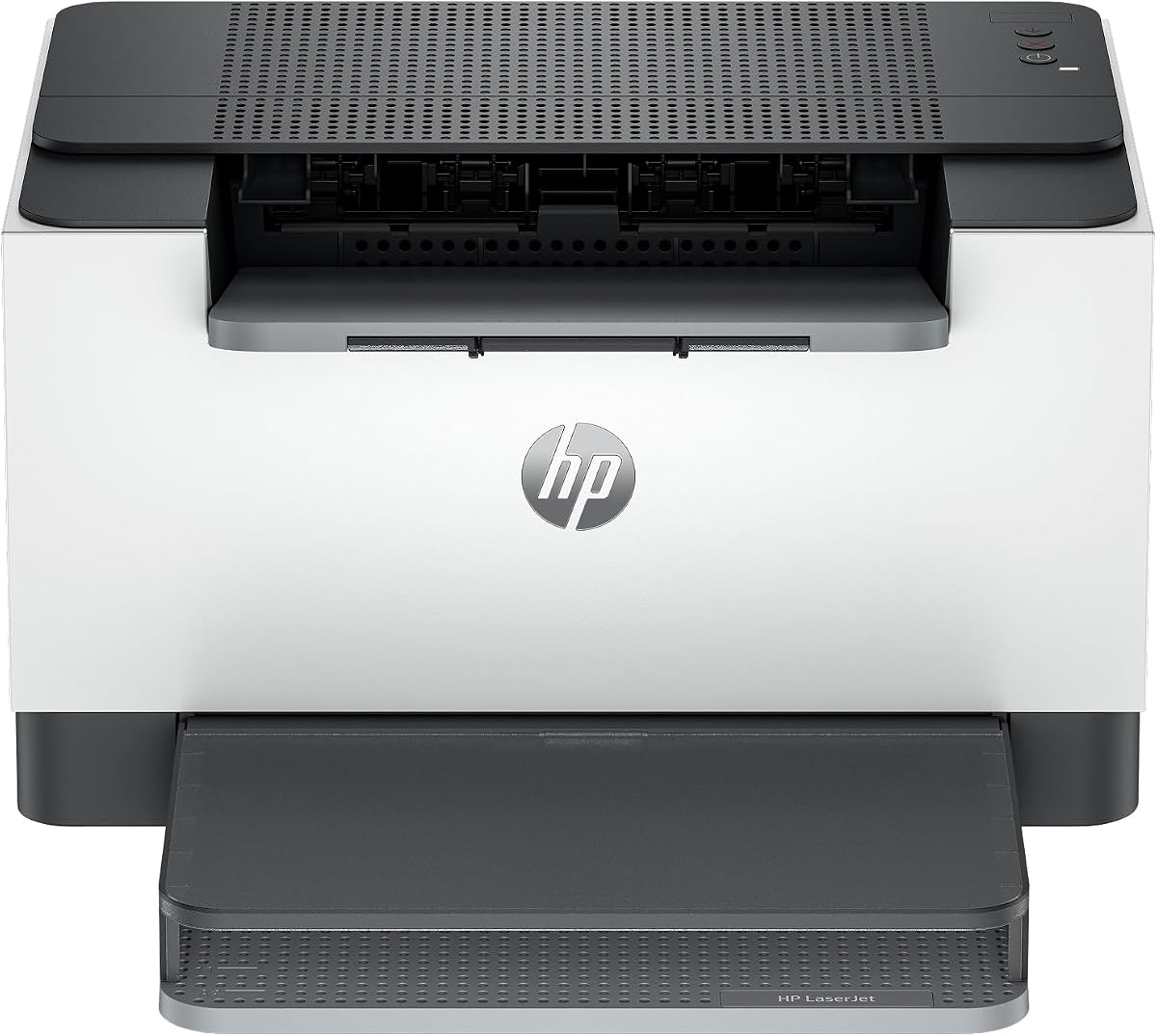
The HP LaserJet M110w is a trusted compact option for small teams needing reliable printing. It holds a 3.9 rating and features easy setup with self-resetting Wi-Fi to maintain connectivity.
We may earn a commission when you buy through this link, at no additional cost to you.
Its compact design fits anywhere while still delivering fast speeds and wireless flexibility. The HP Smart app streamlines repetitive tasks and allows convenient cloud scanning and printing.
Users should be aware of proprietary chip requirements which may limit third-party toner options. However the ease of use and connectivity features make it a practical choice for small offices.
This printer is ideal for businesses that value simplicity and quick deployment. It offers solid performance and ease of integration into modern digital work environments.
Automatically detects and resolves wireless issues to keep you connected.
Use the HP Smart app to eliminate steps in repetitive printing and scanning tasks.
We may earn a commission when you buy through this link, at no additional cost to you.
The HP LaserJet M209dw offers fast two-sided printing with a solid 4.2 rating for small teams. It delivers 30 pages per minute and includes auto duplex for efficient document production.
We may earn a commission when you buy through this link, at no additional cost to you.
Its Instant Ink eligibility provides flexible toner options that may reduce costs for active users. The dual-band Wi-Fi with self-reset ensures consistent connections even during busy hours.
Built-in security features help protect your printer from potential attacks which is vital for business use. This model balances speed and security effectively for small office environments.
This printer is recommended for teams needing efficient duplex performance and reliable connectivity. It supports productivity with its fast speeds and robust network management.
Up to 19 images per minute on two-sided prints for quick turnaround.
Features protect the printer from potential attacks to keep data safe.
We may earn a commission when you buy through this link, at no additional cost to you.
The Canon imageCLASS LBP122dw is a streamlined choice for wireless duplex printing. It holds a 3.9 rating and offers a compact design that fits well in home or personal office spaces.
We may earn a commission when you buy through this link, at no additional cost to you.
Its 30 pages per minute speed ensures quick output for documents while duplexing saves paper automatically. The Canon PRINT app supports on-the-go printing and adds versatility for mobile users.
This model is limited to wireless connectivity which may not suit users needing a wired network. However for personal printing needs it offers a clean efficient experience.
This printer is best for individuals prioritizing speed and space efficiency in a compact unit. It balances performance with simplicity effectively for daily home use.
Print on both sides automatically to save paper and reduce waste.
Use the Canon PRINT app to manage and send jobs from mobile devices easily.
We may earn a commission when you buy through this link, at no additional cost to you.
The HP LaserJet MFP M235sdw is a strong all-in-one option for offices needing versatility. It has a 4.0 rating and delivers fast two-sided printing up to 28 pages per minute.
We may earn a commission when you buy through this link, at no additional cost to you.
Its Ethernet connection ensures stable network integration and built-in security features protect data and hardware. This model combines scanning copying and printing for a comprehensive office solution.
While it may lack advanced touch features its robust design meets essential office needs effectively. It is reliable and secure making it a solid choice for business environments.
This printer is ideal for offices looking for secure and efficient multifunctional printing. It supports productivity with consistent speeds and dependable connectivity options.
Ethernet is included to ensure stable and reliable network connections.
Built-in security helps protect your printer from potential attacks effectively.
We may earn a commission when you buy through this link, at no additional cost to you.
The Brother HL-L2480DW is the highest rated model with a 4.5 score combining speed and functionality. It features a flatbed scanner touchscreen navigation and 36 pages per minute printing.
We may earn a commission when you buy through this link, at no additional cost to you.
Its all-in-one capabilities make it versatile for offices needing scanning copying and printing in one unit. The subscription trial helps manage ongoing toner costs and ensures continuous supply.
While the cost is higher the high rating and feature set justify the investment. It balances robust performance with user-friendly controls for seamless operation.
This printer is highly recommended for offices needing multifunctional efficiency and reliable quality. It supports daily workflows with high speed and easy navigation options.
Includes a convenient flatbed glass for scanning books or documents easily.
The 2.7 inch touchscreen simplifies navigation and cloud app access.
We may earn a commission when you buy through this link, at no additional cost to you.
Selecting the right printer requires looking beyond the initial purchase price to consider ongoing consumable costs and features.
The true cost of ownership depends on how many pages each toner cartridge prints. High yield cartridges often provide a better cost per page despite a higher upfront price.
Look for printers compatible with high capacity toner options to reduce replacement frequency and save money over time.
Print speed is measured in pages per minute and affects how quickly you can complete large jobs. Faster models help reduce wait times in busy offices.
Choose a speed that matches your daily volume needs to ensure efficient workflow without overspending on unnecessary features.
Wireless connectivity allows printing from mobile devices and laptops without cables. It adds flexibility for remote or shared workspace environments.
Ensure the printer supports dual-band Wi-Fi for stable connections that avoid interference in crowded networks.
Automatic duplex printing saves paper by printing on both sides of the sheet. It also reduces the manual effort of flipping pages.
This feature is valuable for users who print frequently and want to minimize paper waste and costs.
Paper capacity refers to the number of sheets the printer can hold in its tray. Larger trays mean fewer refills and less interruption.
Select a capacity that matches your printing volume to avoid constant reloading and maintain productivity.
Some brands offer toner subscription services that guarantee supply and include savings on genuine toner. These can simplify maintenance and reduce unexpected downtime.
Evaluate these plans carefully to ensure they fit your usage patterns and budget before committing to them.
A good warranty protects your investment against defects and hardware failures. Reliable customer support helps resolve issues quickly.
Check the length of the warranty and availability of support options to ensure peace of mind.
Start by setting up the printer according to the manual ensuring it is connected to your network properly. Use genuine or approved toner to maintain print quality and avoid voiding warranties.
Regularly clean the printer interior and exterior to prevent dust buildup that can affect print quality. Remove any jammed paper gently using recommended methods to avoid damage.
Keep the printer in a cool dry place away from direct sunlight to prevent toner from clumping. Update firmware periodically to maintain security and compatibility with your devices.
Cheap toner often refers to high yield options that print more pages per cartridge. This reduces the cost per page even if the cartridge price is higher initially.
Generic cartridges may save money but could lack the quality control of genuine ones. They might also void warranties so check manufacturer policies before buying them.
Duplex printing mainly saves paper but can reduce toner usage by printing fewer total pages for double-sided documents. It helps reduce waste and overall consumable costs.
These services automatically send toner when your printer detects low levels. They often include discounts on genuine supplies and help manage inventory seamlessly.
Laser printers are designed for text and graphics not photos. They produce quick professional documents but do not match the detail or color fidelity of inkjet photo printers.
Store unused toner in a cool dry place away from direct sunlight and moisture. Keeping it in its original packaging protects it from humidity and contamination.
We compared ten top laser printers to highlight models that balance performance and cost efficiency. The Brother HL-L2405W stands out for its speed and subscription benefits while the Canon LBP6030w offers affordability.
Prioritize features like duplex printing and high yield toner options to reduce ongoing costs. Consider your specific workflow needs to choose a model that truly fits your environment.
Remember that prices and availability change over time so check current listings before buying. This guide provides a solid foundation for finding a reliable and cost-effective printing solution.