
HP Victus FHD-Gaming-Laptop
4.5Editor score
8 Core Intel i5 Processor
32GB RAM Capacity
RTX 3050 Graphics
Finding the right laptop for Fusion 360 is crucial for engineers and designers who need reliable performance for complex 3D modeling tasks and smooth workflow efficiency.
We evaluated ten diverse models ranging from budget-friendly options to high-end gaming laptops focusing on processor speed memory capacity and graphics capabilities essential for CAD software.
Each pick highlights specific strengths for running Autodesk Fusion 360 while noting trade-offs so you can select a device that matches your budget and professional requirements accurately.
4.5Editor score

4.0Editor score
4.3Editor score
As an Amazon Associate we earn from qualifying purchases.
The following table provides a side-by-side comparison of all ten laptops reviewed to help you quickly identify key specifications and differences across models.



This ASUS TUF F16 model stands out as a top contender for Fusion 360 users due to its robust processing power and generous memory allocation.
We may earn a commission when you buy through this link, at no additional cost to you.
The Intel Core 5 210H processor paired with 32GB of DDR5 RAM ensures that complex assemblies render smoothly without lag or system bottlenecks.
While the price reflects its high-end specs the laptop delivers professional-grade performance that justifies the investment for serious CAD work.
It is ideal for engineers who need a reliable workstation that can handle heavy simulations and large drawing files efficiently.
The 32GB DDR5 RAM allows for seamless switching between Fusion 360 and other resource-intensive applications like browsers or communication tools.
NVIDIA RTX 4050 graphics provide the necessary acceleration for real-time rendering and viewport navigation within Fusion 360.
We may earn a commission when you buy through this link, at no additional cost to you.
The HP Victus offers an impressive balance of performance and affordability making it a top choice for students or professionals on a budget.
We may earn a commission when you buy through this link, at no additional cost to you.
With 32GB of RAM and a capable RTX 3050 GPU it handles Fusion 360 tasks remarkably well without compromising on speed or stability.
Users should note that battery life may vary under heavy load but this is common for laptops in this performance category.
It provides the best entry point for those needing a powerful machine to handle CAD software without overspending on premium features.
You get professional level specs like 32GB RAM at a price point that is accessible to a wider range of users.
The RTX 3050 ensures that 3D modeling and rendering tasks are handled with smooth frame rates and visual clarity.
We may earn a commission when you buy through this link, at no additional cost to you.
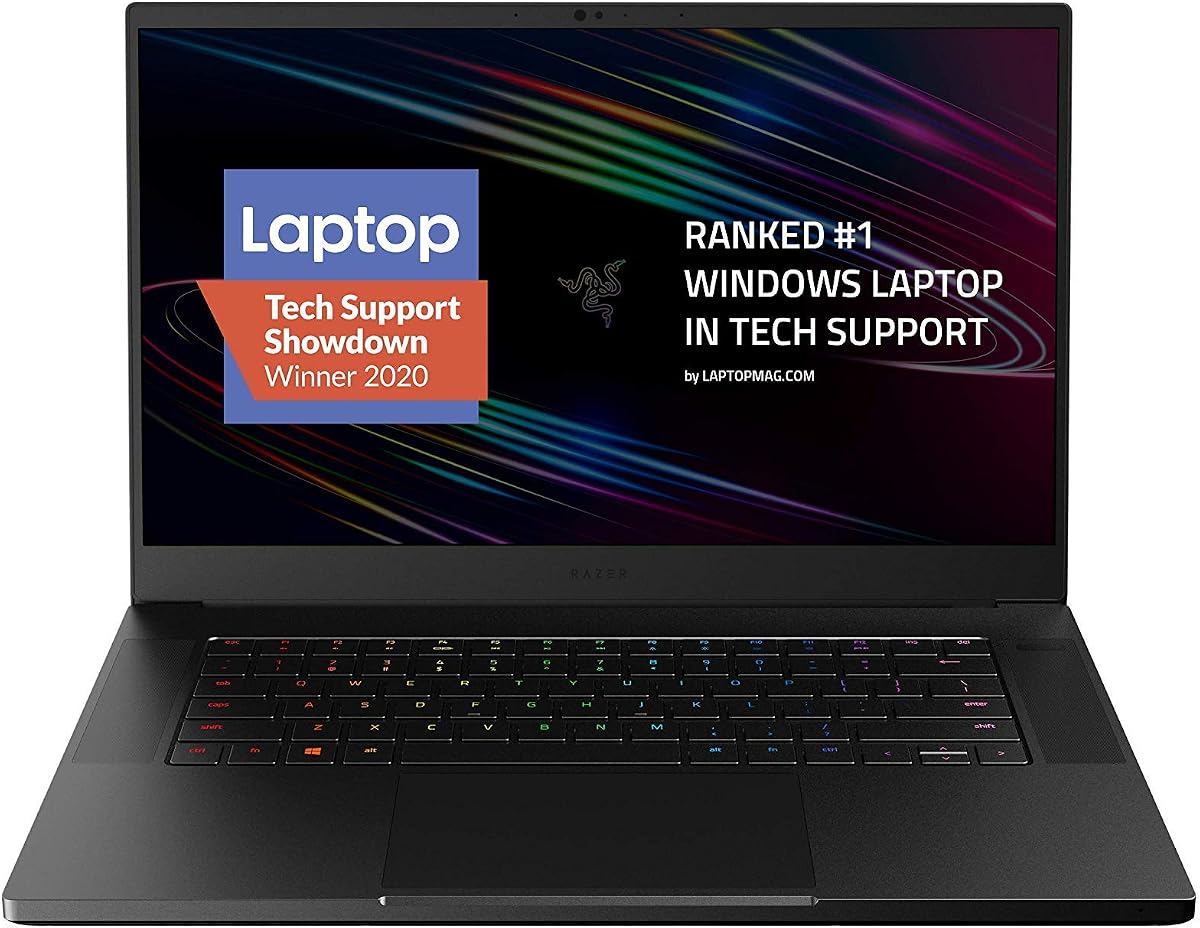
This Razer Blade 15 model is designed for users who prioritize build quality and a sleek aesthetic alongside raw performance.
We may earn a commission when you buy through this link, at no additional cost to you.
The CNC aluminum chassis provides durability and a professional look while the high refresh rate screen offers smooth visual feedback.
Although it comes with a premium price tag the combination of performance and portability makes it a standout option for mobile engineers.
It is best suited for professionals who travel frequently and need a powerful machine that does not compromise on design or quality.
The CNC aluminum unibody frame ensures the device feels solid and durable during daily use and transport.
The 300Hz FHD display delivers fluid visuals which is beneficial for navigating complex 3D models smoothly.
We may earn a commission when you buy through this link, at no additional cost to you.
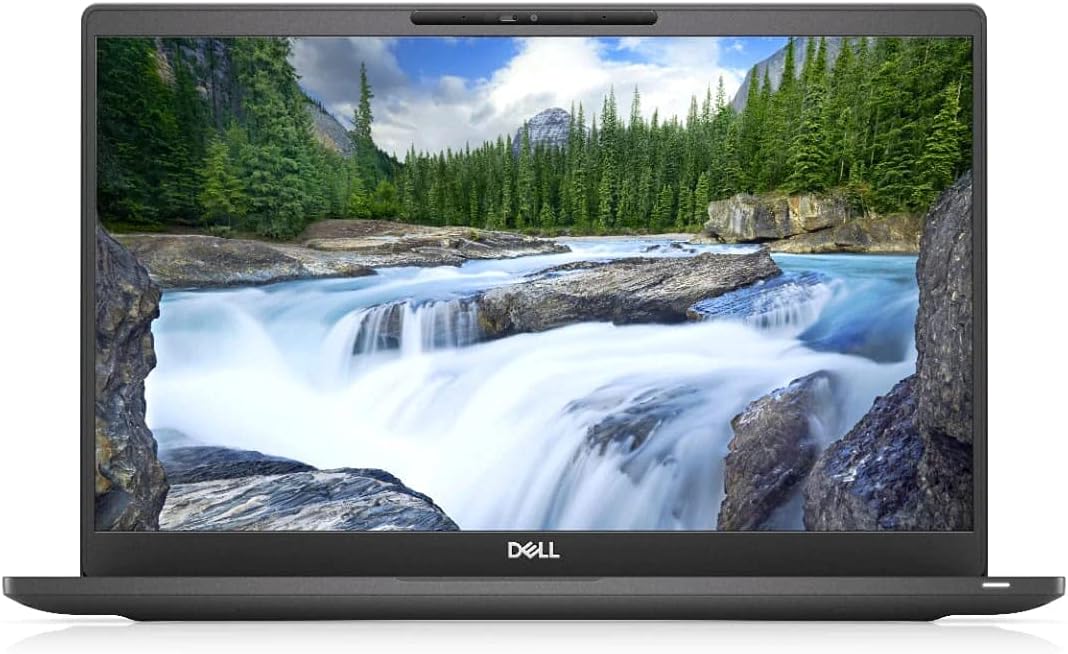
The Dell Latitude 7400 is a solid business laptop that offers reliable performance for Fusion 360 with a focus on stability.
We may earn a commission when you buy through this link, at no additional cost to you.
Its 32GB of RAM allows for significant multitasking capability even though the processor is an older generation compared to gaming laptops.
Users should consider external storage solutions as the internal SSD is modest but sufficient for system files and active project caches.
This laptop is ideal for corporate environments where reliability and a professional look are more important than cutting edge raw power.
The 32GB RAM ensures that running Fusion 360 alongside multiple browser tabs and communication apps remains smooth.
The Latitude series is known for durability and consistent performance making it a safe choice for daily professional use.
We may earn a commission when you buy through this link, at no additional cost to you.
This HP Chromebook x360 is best suited for basic viewing or light editing tasks rather than heavy rendering workloads.
We may earn a commission when you buy through this link, at no additional cost to you.
Its lightweight design and convertible form factor make it convenient for users who need to view designs on the go.
Users must be aware that native Fusion 360 installation on ChromeOS is limited and web-based access is the primary method.
It serves well as a secondary device for reviewing drawings or collaborating on projects but not as a primary engineering workstation.
The 360 degree hinge allows you to use the device in tent mode for easier viewing during presentations.
Weighing significantly less than standard laptops it is easy to carry in a bag without adding bulk to your setup.
We may earn a commission when you buy through this link, at no additional cost to you.
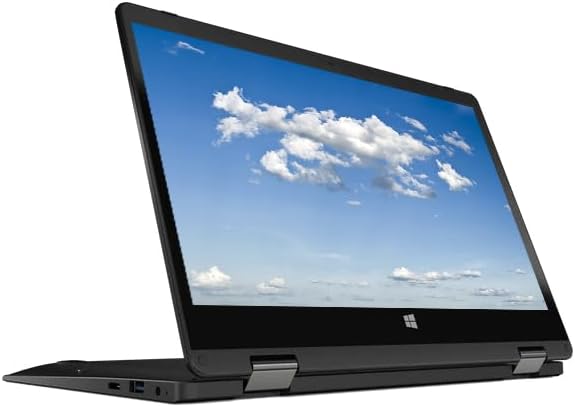
The Acer Gateway 11.6 is an entry level device that may struggle with complex assemblies in Fusion 360 but works for basic sketches.
We may earn a commission when you buy through this link, at no additional cost to you.
Its compact size makes it easy to use in tight spaces but the 4GB of RAM is a bottleneck for heavy multitasking.
Storage is limited to 64GB which means external drives will be needed for storing project files and backups.
This model is suitable for students needing a portable device for light CAD coursework rather than professional engineering workloads.
At a low price point it serves as an accessible option for those just starting to explore 3D modeling basics.
The small 11.6 inch screen and light weight make it easy to fit into small backpacks or carry in hand.
We may earn a commission when you buy through this link, at no additional cost to you.
This HP X360 offers a touch interface that can be helpful for navigating Fusion 360 menus and viewing drawings interactively.
We may earn a commission when you buy through this link, at no additional cost to you.
The 8GB of memory is a step up from entry level models allowing for smoother operation of the software interface.
However the small screen size might make detailed work challenging and external monitors would be needed for full productivity.
It is a decent choice for light users who prioritize touch interaction over high resolution display and screen real estate.
The HD touchscreen allows for direct manipulation of models which can speed up certain navigation tasks within the software.
Ultra-fast 6th Gen WiFi ensures that cloud synced projects load quickly and reliably during your work sessions.
We may earn a commission when you buy through this link, at no additional cost to you.
This ASUS TUF model combines durability with gaming performance making it a solid option for running Fusion 360 in demanding environments.
We may earn a commission when you buy through this link, at no additional cost to you.
The dedicated GTX 1650 graphics card ensures that 3D views are rendered without relying solely on the processor.
Users may want to upgrade the RAM to 16GB for optimal performance given the software memory requirements for complex files.
It is best for users who need a rugged machine that can withstand travel and still deliver decent rendering speeds.
The MIL-STD-810G construction ensures that the laptop can handle bumps and drops better than standard consumer devices.
The 144Hz refresh rate makes dragging and rotating models in 3D space feel significantly smoother and more responsive.
We may earn a commission when you buy through this link, at no additional cost to you.
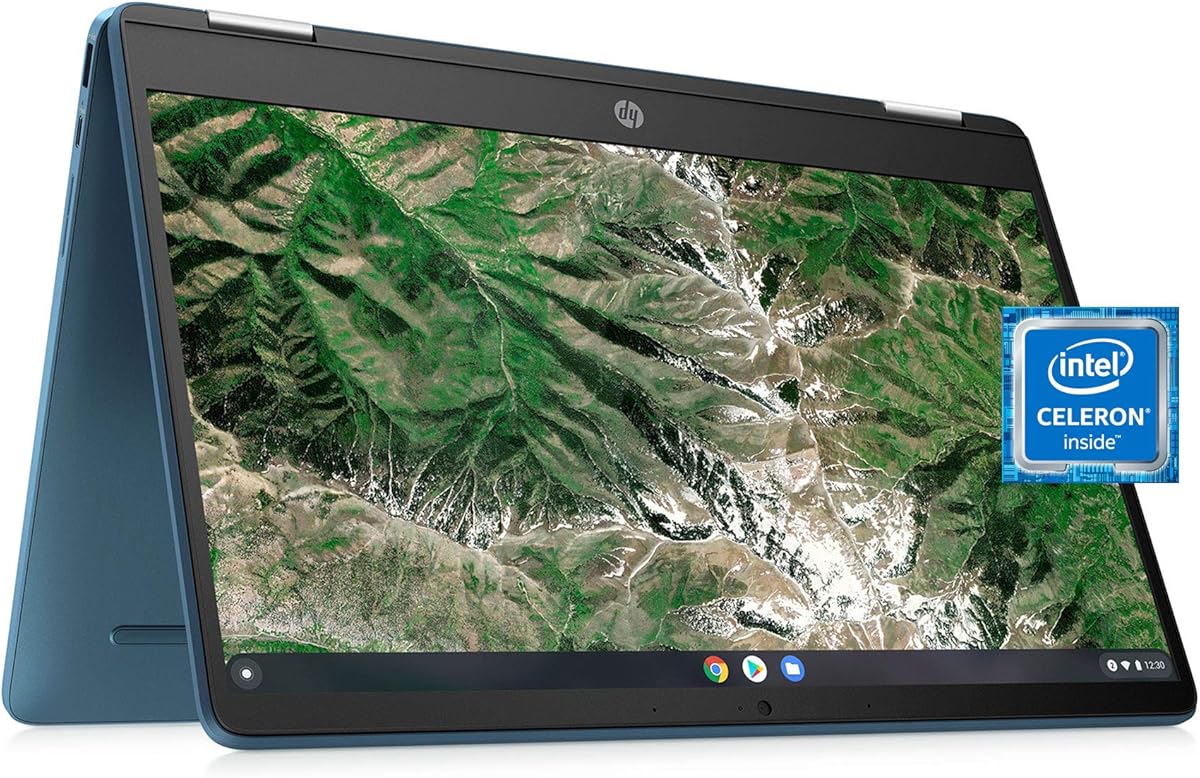
The HP X360 14a is a Chromebook that is excellent for viewing projects but limited for heavy 3D modeling tasks.
We may earn a commission when you buy through this link, at no additional cost to you.
Its light weight and long battery life make it perfect for checking drawings during meetings or travel sessions.
Users must rely on web based Fusion 360 access and should ensure a stable internet connection for all tasks.
This device is ideal for team members who need to view designs frequently but do not perform active design work daily.
The low power Celeron processor ensures that you can use the device for many hours without needing a power source.
The touchscreen allows for easy navigation through menus and quick zooming into specific areas of a design.
We may earn a commission when you buy through this link, at no additional cost to you.
This Acer Chromebook Spin 513 offers a full HD screen which improves viewing clarity for detailed CAD drawings and sketches.
We may earn a commission when you buy through this link, at no additional cost to you.
The Qualcomm Snapdragon processor provides reliable performance for web based applications ensuring that Fusion 360 runs smoothly online.
Users should note the 4GB of RAM limits multitasking but is sufficient for running the browser and Fusion 360 tab.
It is a great choice for designers who need a portable and durable device for collaboration and design review on the go.
The FHD IPS display ensures that details in your designs are sharp and colors remain accurate across different angles.
Corning Gorilla Glass on the display provides extra protection against scratches and accidental bumps during daily use.
We may earn a commission when you buy through this link, at no additional cost to you.
Choosing the right laptop for Fusion 360 involves understanding several key technical factors that impact performance and workflow efficiency.
The processor is the engine of your laptop and Fusion 360 relies heavily on multi-core speeds to handle calculations and rendering tasks efficiently.
Look for at least an Intel Core i5 or AMD Ryzen 5 processor with a high clock speed to ensure smooth navigation through complex assemblies.
Random Access Memory determines how many applications you can run simultaneously without slowing down your system while working on large projects.
A minimum of 16GB is recommended for comfortable usage but 32GB offers future-proofing for increasingly complex design files.
Dedicated graphics cards with certified drivers help accelerate viewport performance and ensure stable rendering during modeling sessions.
Models with NVIDIA RTX or GTX series GPUs generally provide the best support for CAD software compared to integrated graphics options.
Solid State Drives offer much faster load times for software and files compared to traditional hard drives ensuring you spend less time waiting.
Aim for at least 512GB of storage to accommodate your operating system software and active project files without needing external drives.
A high resolution screen with accurate color reproduction helps you visualize your designs correctly and reduces eye strain during long work sessions.
Full HD resolution is the standard minimum and IPS panels provide better viewing angles which are useful when collaborating with others.
If you need to work from different locations choose a laptop that is light enough to carry comfortably without sacrificing too much performance.
Balance the weight and size with the battery life to ensure you can work for several hours away from a power outlet.
Multiple USB ports allow you to connect peripherals like mice and external drives while reliable WiFi is crucial for cloud collaboration features.
Ensure the laptop has at least two USB ports and supports modern WiFi standards to keep your workflow uninterrupted and connected.
A sturdy chassis protects your device from bumps and wear over time which is essential for laptops that are moved frequently.
Look for models with reinforced hinges and robust materials to ensure the device lasts through years of professional use.
To get the most out of your laptop for Fusion 360 ensure you keep the operating system and graphics drivers updated to maintain compatibility and performance.
Regularly clean the vents and keyboard to prevent dust buildup which can cause overheating and reduce the lifespan of your machine over time.
Store your project files on a cloud service or external drive to protect your work from potential hardware failures and data loss events.
Fusion 360 typically requires at least an Intel Core i5 processor 16GB of RAM and a dedicated graphics card. You also need a Windows 10 or 11 operating system and a stable internet connection for licensing.
Yes you can run Fusion 360 on a Chromebook but only through the web browser or Android app versions. This limits functionality compared to the desktop version but works for viewing and basic edits.
While 8GB RAM is the absolute minimum it often leads to performance issues with complex assemblies. Upgrading to 16GB or 32GB is recommended for smooth multitasking and modeling.
A dedicated graphics card is highly recommended for better performance and stability. Integrated graphics can handle simple tasks but struggle with large 3D models and rendering.
You should look for at least 512GB of SSD storage to accommodate the software and your project files. External drives can be used for long term backups if needed.
Fusion 360 is compatible with macOS but requires a newer version of the operating system. However most users find Windows laptops offer better driver support for CAD tasks.
We reviewed ten laptops ranging from budget Chromebooks to high-performance workstations providing options for every type of user and financial situation.
Prioritize processing power and memory capacity if you work on complex assemblies but consider portability if you need to collaborate across different locations regularly.
Always check the latest pricing and availability as technology costs change frequently to ensure you get the best value for your investment today.