
HP Chromebook 14 Laptop Celeron N4120
4.3Editor score
Intel Celeron N4120
4GB RAM
64GB eMMC storage
Up to 14 hours battery
Finding the right laptop for back to school can be challenging with so many options available today. You need a device that balances performance, portability, and price to handle daily academic tasks efficiently.
We compared ten real models based on processor speed, memory capacity, storage options, and user ratings. This list covers a range of budgets and operating systems to suit different student needs.
Each pick highlights key features and trade-offs to help you make an informed decision. Keep in mind that prices and stock levels change frequently so check current offers before buying.
4.3Editor score

4.7Editor score
4.7Editor score
As an Amazon Associate we earn from qualifying purchases.
The following table provides a side-by-side comparison of all ten models including their key specifications and features.


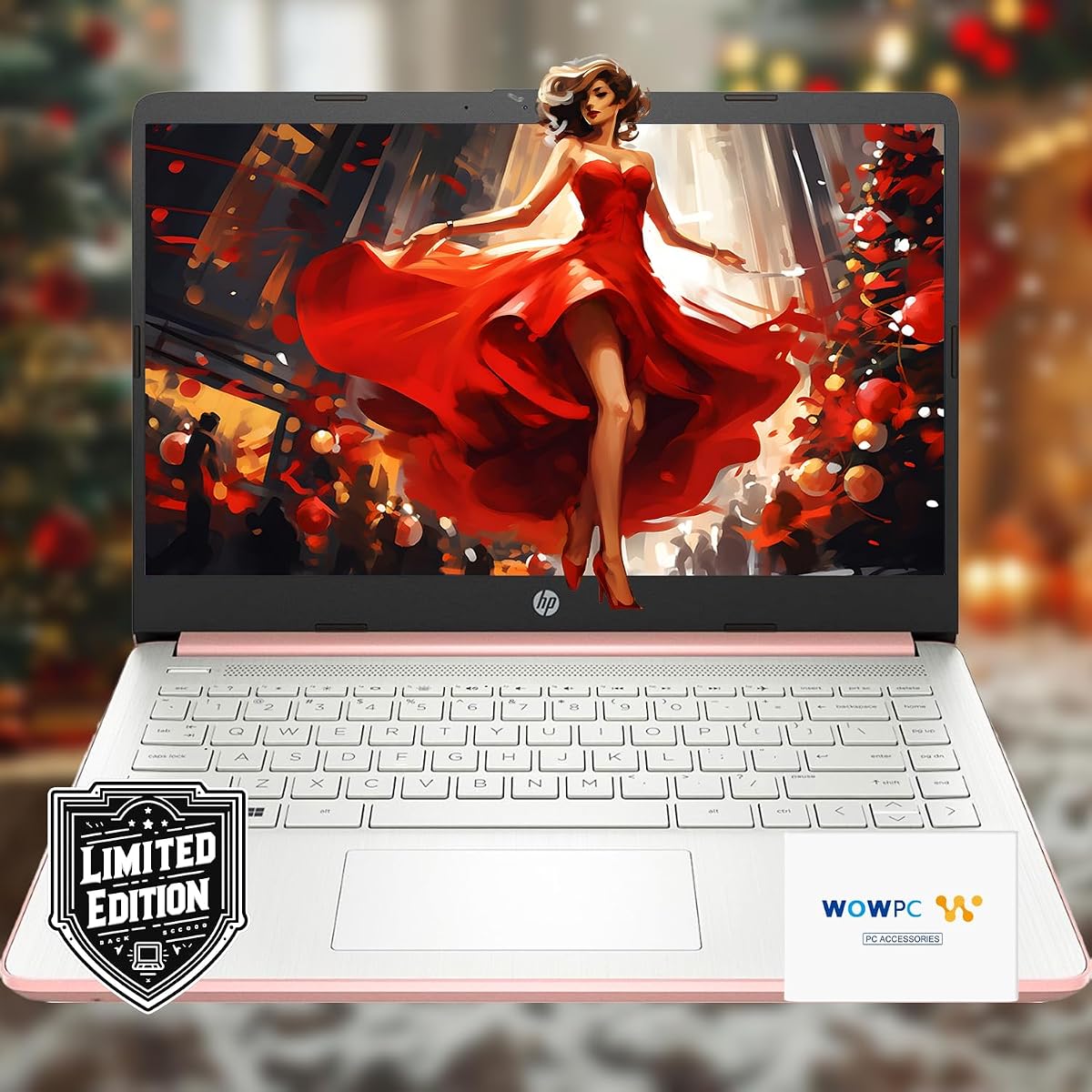
This HP 15.6 inch laptop stands out as a budget friendly option for students who need substantial memory and storage. It comes with 16GB of RAM which is rare at this price tier allowing for smooth multitasking across multiple applications and browser tabs.
We may earn a commission when you buy through this link, at no additional cost to you.
The system pairs an Intel Pentium N5030 processor with generous storage options including a 512GB internal SSD and an external drive for backup. This setup ensures that files are accessible quickly and you have plenty of space for media and documents without running out of room.
While the screen resolution is limited to HD it provides decent visuals for everyday tasks and the external accessories like microfiber cloths and sticker sheets add convenience. The main trade-off is the processor speed which may lag during heavy computing tasks.
Students looking for a reliable machine that prioritizes storage and memory over high end graphics or display quality will find this an excellent choice for general coursework and online learning.
The inclusion of 16GB RAM allows this device to handle multiple open windows and heavy applications more efficiently than most budget laptops.
A 512GB external hard drive is bundled with the laptop providing immediate backup capabilities and extra space for media files.
We may earn a commission when you buy through this link, at no additional cost to you.
The HP Chromebook 14 is designed for students who rely heavily on web based tools and need a device that lasts all day. Its battery life is exceptional offering up to fourteen hours of use which eliminates the need to carry a charger to campus.
We may earn a commission when you buy through this link, at no additional cost to you.
Powered by an Intel Celeron processor this Chromebook handles typical student tasks like writing papers and watching videos with ease. The lightweight chassis makes it easy to slip into a backpack without adding significant weight to your daily carry.
Chrome OS provides a secure and simple interface that updates automatically keeping the system safe without user intervention. However the limited 64GB storage means you will likely need to rely on cloud storage services for your files.
For students who primarily use web browsers and cloud apps this laptop offers the best balance of portability and battery life in this price range ensuring you stay productive throughout the day.
With up to fourteen hours of battery life this Chromebook ensures you can attend classes and study sessions without worrying about finding a power outlet.
Chrome OS offers a streamlined experience focused on web browsing and apps reducing setup time and maintenance requirements.
We may earn a commission when you buy through this link, at no additional cost to you.
This HP 14 inch laptop represents the best balance of performance and features for most students. It utilizes the newer N150 processor and DDR5 memory which provides a noticeable speed boost over older generations found in budget models.
We may earn a commission when you buy through this link, at no additional cost to you.
The inclusion of a full year of Microsoft 365 adds significant value as it gives you access to Word Excel and PowerPoint along with cloud storage. This bundle means you do not need to purchase separate software licenses to complete your school assignments.
While the local storage is modest at 128GB the cloud storage included helps mitigate space issues. The anti glare display is a practical feature that reduces eye strain during long study sessions.
For students seeking a dependable Windows machine that covers all academic needs without a high price tag this model is the top recommendation for overall usability and included software.
Equipped with DDR5 RAM this laptop offers faster data access and better power efficiency compared to traditional DDR4 memory.
A full year subscription to Microsoft 365 is included ensuring you have the necessary tools for writing and presentations immediately.
We may earn a commission when you buy through this link, at no additional cost to you.
This model offers a professional touch with Windows 11 Pro which provides advanced security features suitable for business students. The laptop includes a comprehensive accessory bundle that ensures you have the peripherals needed to start working right out of the box.
We may earn a commission when you buy through this link, at no additional cost to you.
Performance is handled by the N150 processor and DDR5 memory ensuring efficient multitasking for daily academic work. The addition of a 500GB external drive means you have ample space for large files without relying solely on cloud services.
Features like Copilot AI integration add a layer of modern functionality that can help streamline tasks and improve productivity. The device is designed to be durable and functional for both study and professional applications.
Students or professionals who need a secure operating system and a fully equipped setup will appreciate the additional features and accessories included with this laptop for a competitive price.
Windows 11 Pro includes BitLocker encryption and advanced management tools to keep your data secure on campus.
The bundle includes essential items like a mouse earbuds and cables saving you from buying them separately.
We may earn a commission when you buy through this link, at no additional cost to you.
The HP Essential series is designed for students who need a reliable machine for standard computing needs. It features a modern design with a willow green cover and includes Microsoft Office to help you stay productive from day one.
We may earn a commission when you buy through this link, at no additional cost to you.
Performance is adequate for web browsing and document editing thanks to the N150 processor and DDR5 memory. The 11 hour battery life provides enough power to last through a typical school day without needing to recharge.
Connectivity is robust with the 6 and Bluetooth 5.4 ensuring stable connections for video calls and online learning. The micro-edge display offers a decent viewing experience for a budget model.
This laptop is a solid choice for those who prioritize simplicity and essential features over high performance. It delivers exactly what most students need for assignments and research without unnecessary complexity.
WiFi 6 support ensures you can connect to faster networks for quicker downloads and smoother video calls.
A one year subscription to Microsoft 365 allows you to write papers and create presentations without extra costs.
We may earn a commission when you buy through this link, at no additional cost to you.
This model stands out by offering 8GB of RAM which allows for significantly better multitasking than the standard 4GB found in other budget options. It is a practical choice for students who need to keep many tabs and apps open simultaneously.
We may earn a commission when you buy through this link, at no additional cost to you.
The N150 processor provides efficient performance for daily tasks and the system comes with a year of Office 365 for academic work. The battery life of up to 11 hours ensures you can work on assignments between classes comfortably.
Storage is limited to 128GB which may require external drives or cloud usage for media files. The device is lightweight at 3.24 pounds making it easy to carry around campus without strain.
For users who want a smoother multitasking experience without upgrading to a more expensive machine this 8GB RAM variant offers a balanced upgrade at an affordable price point.
With 8GB of RAM you can switch between applications and browser tabs without slowing down the system.
Microsoft Office 365 is included so you have immediate access to Word Excel and PowerPoint for school projects.
We may earn a commission when you buy through this link, at no additional cost to you.
This HP Essential model is one of the most affordable options available making it accessible for students on a tight budget. It features a slim profile and lightweight chassis that fits easily into any backpack.
We may earn a commission when you buy through this link, at no additional cost to you.
The Celeron processor handles basic tasks like web browsing and video streaming adequately for simple use cases. Connectivity is modern with WiFi 6 ensuring you can access high speed internet on campus networks.
Performance is limited by 4GB of RAM and 64GB of storage so it is best suited for light users who rely heavily on cloud storage. The build quality feels sturdy despite the low cost.
If your primary need is a simple machine for writing papers and browsing the web this laptop provides essential functionality at a very competitive price.
This model strips away premium features to offer a functional laptop at the lowest possible price for students.
Despite the low price it includes WiFi 6 for faster internet speeds and better network stability.
We may earn a commission when you buy through this link, at no additional cost to you.
This silver laptop is designed with portability in mind making it easy to carry around campus all day. It includes essential software like Office 365 and Copilot AI to help with writing and research tasks.
We may earn a commission when you buy through this link, at no additional cost to you.
The processor handles standard web applications and document creation without issues. The 128GB storage provides space for essential files and the system boots up quickly for immediate use.
While the RAM is standard at 4GB the efficiency of the operating system ensures smooth performance for typical student workloads. The anti glare screen helps reduce eye fatigue during long study hours.
Students who prioritize portability and need a reliable device for daily assignments will find this model offers a good mix of features and convenience for school.
Built-in Copilot AI assists with writing and research tasks streamlining your workflow for school projects.
The slim and lightweight design ensures this laptop is easy to transport between classes and study spots.
We may earn a commission when you buy through this link, at no additional cost to you.
This model offers the most generous storage and memory configuration in the list making it a top pick for power users. With 16GB of RAM you can run demanding applications and have hundreds of tabs open without slowdowns.
We may earn a commission when you buy through this link, at no additional cost to you.
The storage package includes an external drive and OneDrive cloud space totaling over 1.5TB of capacity. This ensures you have plenty of room for projects media and backups without needing additional purchases.
The Rose Gold finish adds a stylish look and the included accessories like a microfiber cloth make it a complete package. The 11.5 hour battery life supports a full day of intensive use.
For students who need a premium experience with robust performance and extensive storage options this laptop is the most powerful choice available in this comparison.
Combining onboard storage with external and cloud drives gives you over 1600GB of space for all your files.
The 16GB RAM ensures that your system runs smoothly even with multiple heavy applications running simultaneously.
We may earn a commission when you buy through this link, at no additional cost to you.
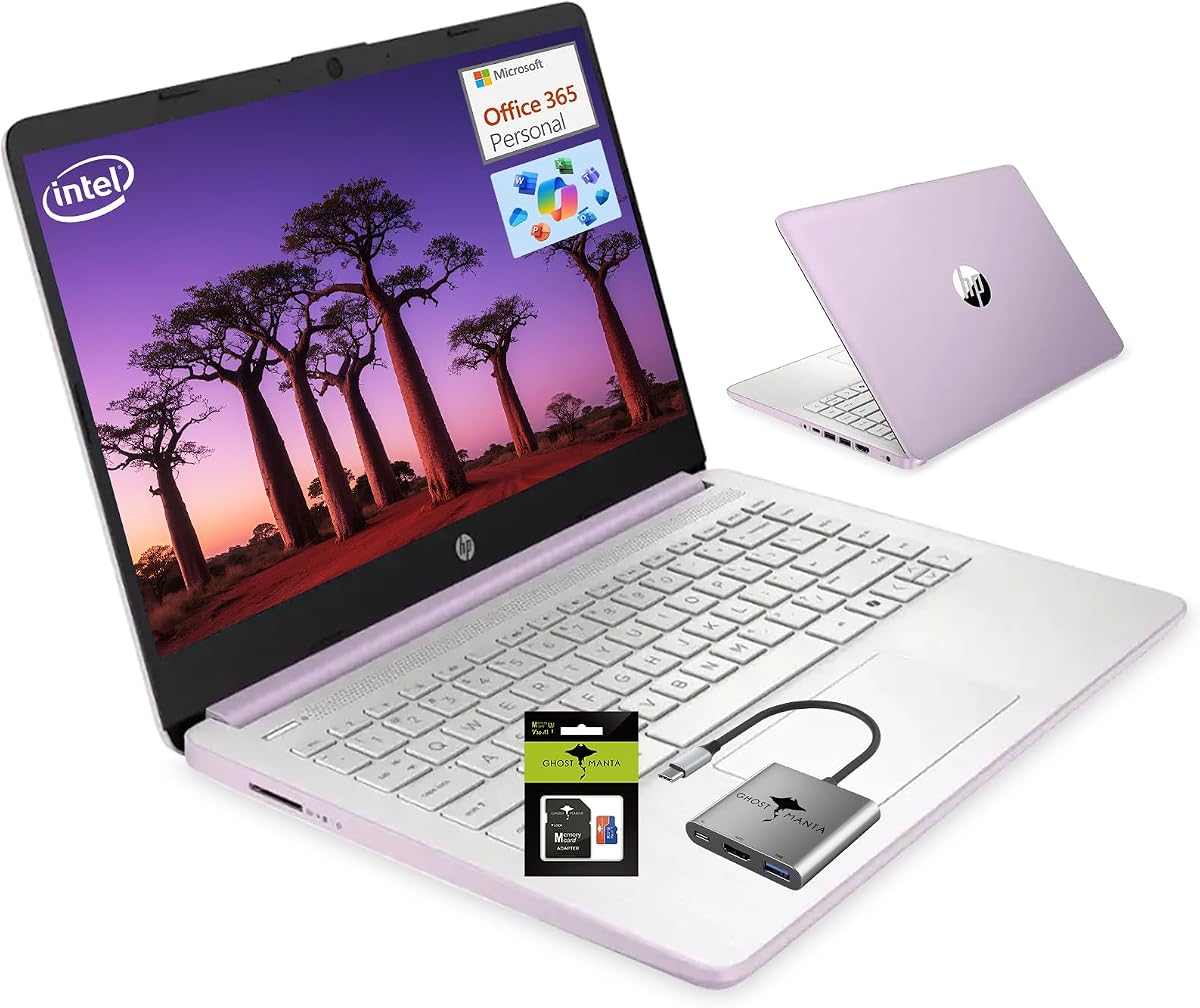
This Honey Lavender laptop offers a stylish look and a balanced mix of RAM and storage that suits general student needs. It comes with 8GB of memory and an SD card adding up to 256GB of usable space.
We may earn a commission when you buy through this link, at no additional cost to you.
The inclusion of Office 365 and Copilot AI helps boost productivity by providing tools for writing and research. The WiFi 6 capability ensures fast and reliable internet connections for online classes.
Performance is adequate for daily tasks and the 11 hour battery life supports students throughout the day. The device is lightweight and easy to carry for classes or library sessions.
If you want a laptop with a unique style and a practical balance of features for typical academic work this model is a reliable choice for students.
An extra 128GB SD card adds significant storage flexibility without requiring an external drive.
The Honey Lavender color provides a unique and attractive look for your personal computing device.
We may earn a commission when you buy through this link, at no additional cost to you.
Choosing the right laptop involves balancing performance needs with budget constraints and portability requirements.
The processor is the brain of your laptop and determines how fast it can run applications. For general school work like writing papers and browsing the web a basic quad-core processor is sufficient. If you plan to do video editing or data analysis look for higher tier chips.
Choose a processor that matches your academic workload to ensure smooth performance over several years.
Memory affects how many programs you can run at once while storage holds your files and apps. Aim for at least 8GB of RAM for multitasking and 256GB of storage to avoid running out of space. Some models include external drives or cloud storage which can help expand your capacity.
Prioritize RAM if you use many tabs and storage if you keep large local files.
Battery life is critical for students who need to work all day without a charger. Look for models rated for at least 8 to 10 hours of use. This ensures you can take notes and study between classes without worrying about power.
Check reviews to confirm real-world battery performance matches the manufacturer claims.
A good screen reduces eye strain during long study sessions. Anti-glare coatings are highly recommended for indoor use. While Full HD is ideal many budget models use HD displays which are still usable for text and web browsing.
Select a screen size and resolution that fits your visual comfort needs and portable requirements.
Windows offers broad compatibility with school software while Chrome OS is simpler and web focused. Make sure the OS supports the applications required by your courses. Some students prefer the simplicity of Chromebooks for basic tasks.
Ensure the operating system is compatible with your university or college software requirements.
A laptop that is too heavy can be a burden to carry around campus. Look for lightweight models under four pounds and thin designs that fit easily in backpacks. Durable materials ensure the device survives daily handling.
Choose a build that feels sturdy and is easy to transport daily.
Modern connectivity standards like WiFi 6 and USB-C ensure your laptop works with future accessories and networks. These features provide faster internet speeds and quicker file transfers. Ports for HDMI or Ethernet may be useful for external monitors.
Verify that your laptop has the ports you need for peripherals and external displays.
Some bundles include a year of Office 365 or other tools which can save money. Check if your school provides free software licenses before purchasing extra. Having essential productivity apps ready to use saves time during your first weeks.
Take advantage of any included software subscriptions to reduce your initial setup costs.
Keep your laptop clean by wiping the screen with a microfiber cloth to prevent smudges and scratches. Avoid eating or drinking near the device to prevent spills that could damage internal components.
Store your laptop in a protective case or sleeve when not in use to shield it from bumps and dust. Ensure the vents are not blocked by soft surfaces like bedding to allow proper airflow and cooling.
Manage your battery by avoiding leaving it plugged in constantly and keeping it at a moderate charge level. Update your software regularly to maintain security and performance throughout the school year.
8GB is a good standard for most students allowing for comfortable multitasking. If you run heavy applications consider 16GB for better future-proofing. 4GB can work for light web browsing but may feel limited over time.
Chromebooks are excellent for basic tasks like writing papers and researching online. They are affordable and have great battery life. However they cannot run traditional Windows software which might be required for some specialized courses.
128GB to 256GB is usually enough if you use cloud storage for files. If you store many photos and videos locally aim for 512GB or more. An external drive can also help expand your capacity affordably.
Many manufacturers and retailers offer special student pricing during the back to school season. Check official brand websites or ask your university bookstore for verified deals. These discounts can often save significant money on eligible models.
Windows comes with built-in protection that is sufficient for most users. Chrome OS is inherently secure against many common threats. Focus on safe browsing habits and keeping your system updated to maintain security.
Fourteen inches offers a balance between viewing area and carry weight. Smaller screens are lighter but harder to read for long periods. Larger screens provide more workspace but can be cumbersome in backpacks.
We have reviewed ten laptops that cover a wide range of student needs from basic writing to heavy multitasking. The HP 14 N150 model offers the best overall value while the Chromebook is great for portability.
Prioritize battery life and RAM for daily productivity and check for included software bundles to save money. A laptop that lasts all day will help you stay focused during classes and study sessions.
Remember that prices and availability change often so verify current offers before making a final purchase. Use this guide to find the machine that fits your budget and academic requirements perfectly.