
OBDLink EX FORScan OBD Adapter
4.7Editor score
Dealership level diagnostics
Electronic CAN switching
Maximum throughput speed
This guide compares the top Forscan USB OBD2 adapters for Ford and Mazda vehicles, evaluating compatibility speed and reliability for professional diagnostics
Choosing the right Forscan USB OBD2 adapter is critical for vehicle owners who want to access deep diagnostic data. These tools bridge the gap between your computer and your car's electronic systems, enabling detailed troubleshooting and configuration changes.
We evaluated ten leading adapters based on their ability to handle HS and MS CAN bus protocols efficiently. The list includes models recommended by the software development team and those with proven track records for stability during long diagnostic sessions.
Each selection highlights specific strengths like automatic switching or extended voltage support for programming. Prices vary by feature set so always verify current listings before purchase to ensure you get the best value for your specific vehicle needs.
4.7Editor score

4.7Editor score

4.3Editor score
The following table provides a side by side overview of all ten adapters analyzed in this guide. It highlights key specifications and capabilities to help you quickly identify the tool that matches your vehicle model and diagnostic requirements.




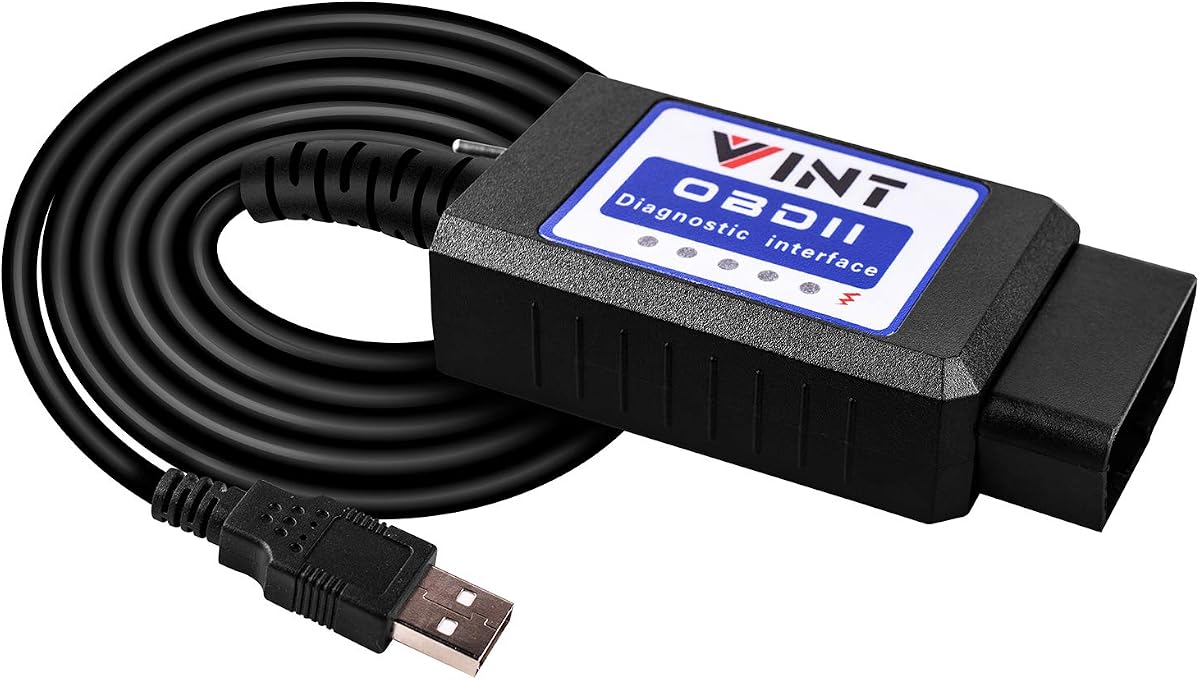
The Vgate vLinker FS OBD2 USB Adapter stands out as the top choice for users needing reliable diagnostics. It is optimized for FORScan software ensuring stable performance even during extended sessions without crashes or lag.
We may earn a commission when you buy through this link, at no additional cost to you.
This adapter automatically identifies and connects to supported CAN buses including HS and MS variants which simplifies the setup process. It also supports high speed data transfer up to 3 Mbps enabling complete retrieval of large data packets without truncation.
While it requires separate software installation the included documentation helps users set up efficiently. The need for manual CAN bus switching is eliminated by its intelligent access features which save time during complex diagnostic tasks.
This adapter is ideal for Ford owners looking to configure modules or clear codes efficiently. It balances performance and ease of use making it a strong recommendation for both hobbyists and semi professional technicians.
Users report fewer disconnects compared to generic adapters when running long programming sessions.
The device handles bus switching internally so you do not need to toggle switches manually.
We may earn a commission when you buy through this link, at no additional cost to you.
The OBDLink EX is designed specifically for FORScan users who need the highest level of performance. It is officially recommended by the software team for its ability to access all Ford protocols and modules seamlessly.
We may earn a commission when you buy through this link, at no additional cost to you.
It uses an electronic switch to access all CAN buses simultaneously which is a significant upgrade over manual toggle adapters. This design ensures maximum throughput making it up to twenty times faster than standard adapters in data retrieval tasks.
The connection stability is rock solid which reduces the risk of data corruption during critical operations. While it is more expensive than budget options the reliability and speed justify the cost for professional or frequent users.
If you need dealership level diagnostics and advanced programming features this adapter delivers. It is built for those who prioritize performance and stability over saving a few dollars on hardware.
Unlike toggle switches this adapter switches buses electronically for faster and more reliable access.
Users can access modules and features that are typically reserved for authorized dealer tools.
We may earn a commission when you buy through this link, at no additional cost to you.
The OHP FORScan ELM327 adapter is a solid entry level tool for owners wanting to avoid dealer fees. It connects to your computer to read and clear diagnostic trouble codes from various vehicle systems accurately.
We may earn a commission when you buy through this link, at no additional cost to you.
It supports Ford specific protocols with a maximum speed of 500 kbit/s which is sufficient for most standard diagnostics. Users can access features like engine transmission and ABS diagnostics without needing expensive professional equipment.
You must manually switch between MS and HS CAN buses which requires a bit of knowledge but keeps costs low. The driver setup may need manual installation on some systems but documentation is available to help with the process.
This adapter is perfect for those on a budget who still need reliable code reading capabilities. It empowers you to handle basic maintenance and troubleshooting with confidence using a simple and effective tool.
Read and interpret codes to identify root causes before deciding on repairs.
Designed to work well with Ford vehicles and common OBD2 protocols.
We may earn a commission when you buy through this link, at no additional cost to you.
This VGATE vLinker FS adapter is designed for reliability and efficiency in diagnostics. It features automatic switching between CAN buses which simplifies the connection process for users working with multiple modules.
We may earn a commission when you buy through this link, at no additional cost to you.
The transmission rate can reach up to 3 Mbps allowing for real time graphs and smoother data monitoring. It also includes battery saver technology that prevents drain when left plugged in for extended periods.
The solid connection ensures no dropped packets during live data streaming or programming tasks. A one year warranty is included which provides peace of mind for users investing in diagnostic hardware.
It is a great choice for those who want high performance features without dealing with manual switches. The balance of speed and protection makes it suitable for regular use across various vehicle models.
Low sleep current prevents unnecessary battery drain when the adapter is idle.
High baud rates allow for detailed live data graphs during driving or testing.
We may earn a commission when you buy through this link, at no additional cost to you.
This ELM327 USB adapter offers stability that surpasses many wireless options for Ford owners. It comes with toggle switches for HS and MS CAN buses which gives you control over the connection type.
We may earn a commission when you buy through this link, at no additional cost to you.
Users can unlock hidden vehicle features like global windows and parking settings using compatible software. It works with tools like ELMconfig and FoCCCus allowing deep configuration changes beyond simple code reading.
The V1.5 hardware ensures consistent communication speeds up to 500 kbit/s for standard tasks. Drivers must be installed manually on some systems which adds a step but ensures long term reliability.
It is an excellent tool for enthusiasts who enjoy customizing their vehicle settings. The wired connection ensures data integrity which is crucial when modifying complex electronic modules.
Access factory settings like parking lights or tire calibration without dealer visits.
Supports multiple tools allowing you to choose the interface that fits your needs.
We may earn a commission when you buy through this link, at no additional cost to you.
This adapter is built for compatibility with a wide range of Ford and Mazda vehicles. It supports specific customization features like Bambi mode and reverse mirror tilt which are popular among owners.
We may earn a commission when you buy through this link, at no additional cost to you.
The MS and HS CAN switch allows you to target specific modules when needed. It works well with FORScan software making it a versatile option for both reading codes and programming modules.
While it does not offer the highest speed of premium models it covers most models after 1996. Installation requires drivers to be set up on your computer before you can start diagnostics.
It is a practical choice for those looking to personalize their vehicle features economically. The tool provides access to essential diagnostics and configuration without high costs.
Supports nearly all models after 1996 ensuring broad applicability.
Enable or disable specific factory features to match your driving preferences.
We may earn a commission when you buy through this link, at no additional cost to you.
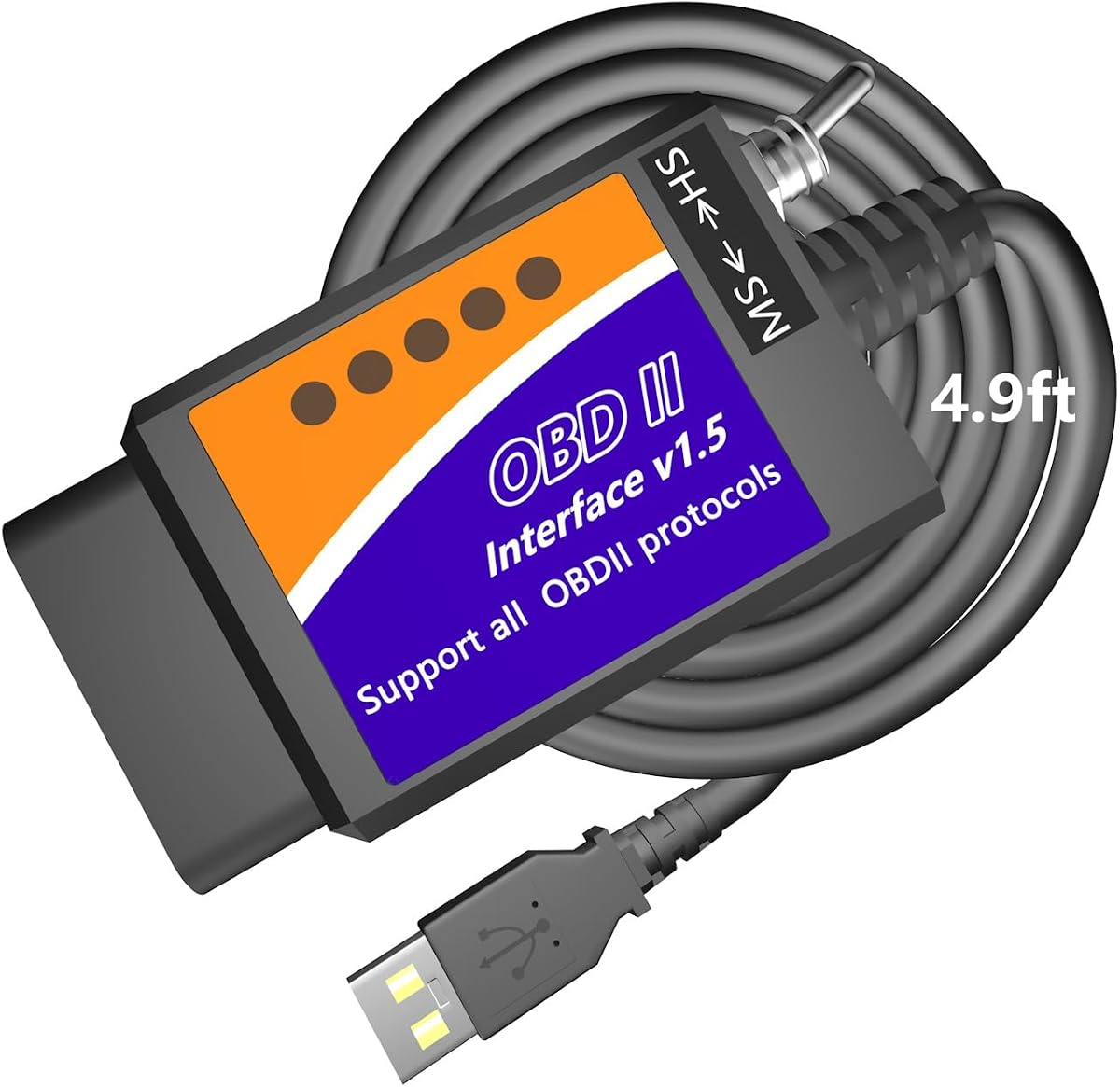
The MOCATEC adapter stands out for its extra long cable which improves comfort during diagnostics. The 4.9ft length allows you to rest your laptop on your knees without straining the port.
We may earn a commission when you buy through this link, at no additional cost to you.
It includes a toggle switch to access hidden modules and features like temperature tracking or trailer programming. The longer cable makes it easier to reach the port without twisting or bending awkwardly.
Users can access live data graphs and clear specific error codes effectively using this tool. It is not compatible with Mac computers requiring a Windows system which is a limitation to consider.
This adapter is ideal for those who value ergonomic comfort during long sessions. The extra length provides flexibility that shorter cables often lack in tight vehicle interiors.
Longer cable allows you to work from a comfortable position during diagnostics.
Access hidden settings and real time sensor data with ease.
We may earn a commission when you buy through this link, at no additional cost to you.
This adapter features an FTDI chip which helps avoid data corruption during transfers. The reliable USB connection ensures that packets are not dropped which is crucial for accurate diagnostics.
We may earn a commission when you buy through this link, at no additional cost to you.
It supports a speed of up to 500 kbit/s for professional grade programming tasks. Users can unlock hidden settings or clear engine lights with confidence using compatible software.
The improved switch allows smooth access to existing modules in your vehicle. It is designed to withstand regular use without losing connection stability over time.
It is a solid choice for those who prioritize hardware reliability. The chip quality ensures that your data remains intact even during complex configuration sessions.
Uses a reliable chip to prevent data loss during transmission.
Smoothly accesses existing modules without interrupting communication.
We may earn a commission when you buy through this link, at no additional cost to you.
This model is designed for efficiency with automatic electronic switching between CAN buses. It removes the need for manual toggling saving time during complex diagnostic or programming sessions.
We may earn a commission when you buy through this link, at no additional cost to you.
It achieves a transmission rate of 3 Mbps allowing for smoother real time graphics. The USB connection is rock solid preventing dropped packets that could interrupt critical vehicle tasks.
Programming functions are supported with 18V voltage output for compatible modules. It works well with FORScan software making it a great tool for advanced configuration changes.
For users needing speed and convenience this adapter is highly recommended. Its reliable connection and automatic features make it stand out among similar products.
Automatically accesses all CAN buses to streamline your workflow.
High speed allows for detailed live data monitoring without lag.
We may earn a commission when you buy through this link, at no additional cost to you.
This tool is popular among Ford owners for its ability to handle coding and scanning effectively. It includes a toggle switch to help you access specific data modules and configuration options easily.
We may earn a commission when you buy through this link, at no additional cost to you.
It runs at a constant speed of 500kbit/s which is sufficient for most diagnostic and configuration tasks. Users can discover endless mods like mirror tilt or signal flash to personalize their vehicle.
The interface works well with ELM327 based software which provides flexibility in tool selection. It helps in retrieving generic and manufacturer specific codes to aid in troubleshooting.
It is a great option for those wanting to modify their vehicle settings at home. The toggle switch provides control while the speed ensures reliable performance during standard tasks.
Discover and apply various factory mods to customize your ride.
Toggle switch allows easy access to specific vehicle modules.
We may earn a commission when you buy through this link, at no additional cost to you.
Choosing the right adapter requires understanding your vehicle model and the features you need. This guide breaks down the key factors to consider.
Ensure the adapter supports HS and MS CAN protocols which are standard for Ford and Mazda vehicles. Without these specific protocols you will not be able to access critical modules.
Check the product specifications to confirm full protocol coverage.
Faster data transfer rates allow for smoother real time graphs and quicker code retrieval. Adapters with higher speeds can handle larger data packets without truncation.
Prioritize adapters offering at least 500 kbit/s for efficiency.
Automatic switching adapters save time by handling bus changes internally. Manual switches are cheaper but require you to toggle between modes during sessions.
Choose automatic switching if you plan on complex diagnostics.
The adapter must work with FORScan or similar tools. Ensure drivers are available for your operating system to avoid connectivity issues.
Verify compatibility with your preferred software before buying.
Most diagnostic tools require a Windows environment. macOS or Linux systems may need emulators which can complicate the setup.
Confirm your computer meets the OS requirements for use.
Reliable chips like FTDI help prevent data corruption. Durability ensures the adapter lasts through regular use without failure.
Look for adapters with solid construction and positive reviews.
Longer cables provide more comfort when working in the driver seat. A longer length prevents strain on the port during sessions.
Consider cable length if you plan to move around frequently.
Premium models offer advanced features like electronic switching at higher costs. Budget options are functional but may lack automation or speed.
Balance the cost against the features you actually need.
First download the correct drivers for your operating system from the manufacturer website. Install the drivers before connecting the adapter to your vehicle to ensure proper detection by your computer.
Next connect the adapter to the OBD2 port located under your dashboard near the steering wheel. Launch the FORScan software and select the correct vehicle model to establish a connection.
Finally use the software to read codes or configure settings. Avoid removing the adapter while a programming session is active to prevent data corruption.
You generally need a Windows PC or laptop because most diagnostic software is designed for desktop operating systems. Tablets often lack the necessary ports or drivers for stable connections.
Most quality adapters have low power draw modes to prevent battery drain. Leaving it plugged in for days may still affect battery health on older vehicles.
Yes but you must ensure the adapter supports 18V output if your vehicle requires it. Always consult service documentation before attempting ECU programming.
The basic software is free but advanced features may require an extended license. Users can usually download a trial version to test functionality first.
Ensure you installed the correct drivers for the USB chip used. Try changing the COM port number in device manager if detection fails.
Yes most adapters support models from 1996 onwards. Check specific protocol compatibility for pre OBD2 systems if your car is very old.
The Vgate vLinker FS OBD2 USB Adapter leads the group with its stability and automatic switching features. It offers a balance of speed and reliability ideal for most users.
If you need top tier performance the OBDLink EX provides dealership level access and maximum throughput. Budget conscious buyers will find the OHP FORScan tool sufficient for basic tasks.
Remember to check current prices and availability before buying to ensure you get the best deal. Always verify compatibility with your specific vehicle model for optimal results.