
TP-Link TL-SG105
4.7Editor score
Five gigabit ports available
Fanless metal design
Plug and play setup
This guide compares the top 10 Eero Ethernet Switch options to help you find the best networking solution for your home or business needs.
Finding the right Eero Ethernet Switch can transform your network performance. Whether you need Power over Ethernet or simple connectivity, the best option boosts speed and reliability.
We evaluated ten top models based on port speed, PoE capabilities, and user reviews. This list covers everything from budget-friendly hubs to advanced managed switches.
Each pick highlights key features and real-world use cases. Prices and availability change often, so check current details before making your final network upgrade choice.
4.7Editor score

4.4Editor score

4.8Editor score
This side-by-side comparison reviews all ten selected models to highlight their unique strengths and ideal use cases for any networking setup.



The Amazon eero PoE Gateway stands out as a powerful all-in-one networking hub. With a rating of 4.4, it delivers exceptional speed and convenience for modern homes.
We may earn a commission when you buy through this link, at no additional cost to you.
Its dual 10 GbE ports and eight 2.5 GbE PoE ports provide massive bandwidth. This eliminates the need for separate routers or switches in many setups.
While the cost is higher, the integration of routing and PoE switching saves space and cabling. This trade-off is acceptable for users needing top tier performance.
If you want a robust wired backbone for eero access points, this gateway is the ideal choice. It streamlines your network management effectively.
This unit combines routing and PoE switching to simplify your network wiring and save physical space in your server rack.
With 10 GbE ports available, you are prepared for the fastest internet plans and multi-gigabit wired device connections.
We may earn a commission when you buy through this link, at no additional cost to you.
The TP-Link TL-SG105 is a reliable budget choice for basic network expansion. It holds a 4.7 rating for its solid build and straightforward functionality.
We may earn a commission when you buy through this link, at no additional cost to you.
Five gigabit ports allow you to connect wired devices easily. The metal case and fanless design ensure it runs quietly in any room.
Lack of management features limits control over traffic prioritization. However, for simple expansion, this is a minor drawback compared to the low cost.
Perfect for adding a few wired devices to an existing setup, this switch offers excellent value. It is a great entry level option for any home.
The metal casing protects internal components and provides a rugged feel that resists daily wear and tear.
Plug and play functionality means you can start using this switch immediately without any software installation.
We may earn a commission when you buy through this link, at no additional cost to you.
This NETGEAR switch is a top tier choice for those needing management features. With a 4.8 rating, it is known for reliability and strong PoE capabilities.
We may earn a commission when you buy through this link, at no additional cost to you.
Eight PoE ports with 62W budget power multiple devices like cameras or access points. The Easy Smart interface allows VLAN and QoS configuration easily.
The price is higher than basic unmanaged models. This is acceptable given the flexibility and power management features available for advanced users.
Ideal for small businesses or homes with many IoT devices, this switch provides control and reliability. It balances cost and advanced features well.
Configure VLANs and prioritize traffic to ensure critical applications like video calls maintain high performance.
Use per-port controls to manage power delivery, ensuring your devices are powered efficiently and reliably.
We may earn a commission when you buy through this link, at no additional cost to you.
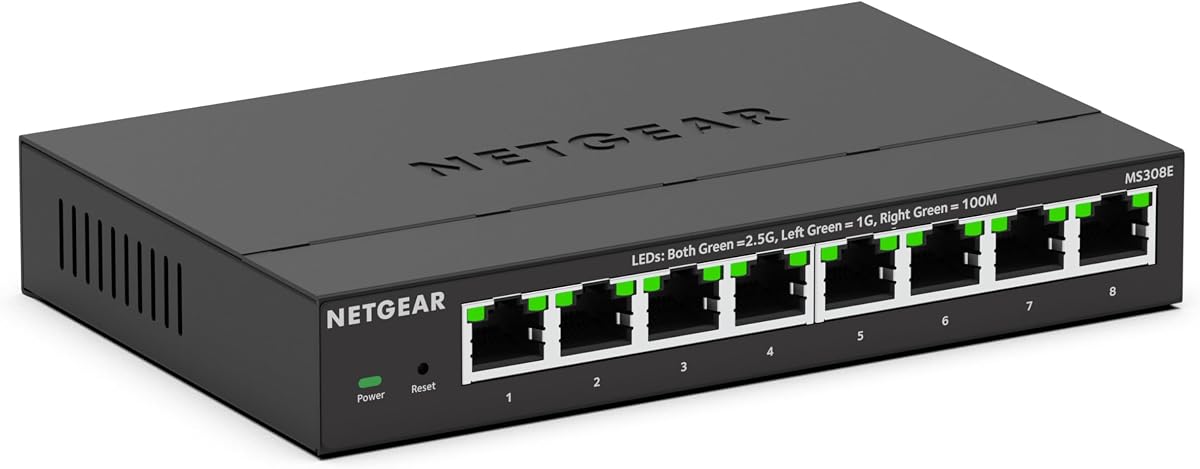
This NETGEAR model offers 2.5Gbps speeds, making it great for high bandwidth needs. Its rating of 4.3 reflects solid performance and reliable management tools.
We may earn a commission when you buy through this link, at no additional cost to you.
All eight ports support Multi-Gig speeds, which is perfect for future-proofing wired connections. The Easy Smart interface provides necessary configuration options.
It requires devices that can handle 2.5Gbps to see full benefits. For standard 1Gbps devices, it still works well, but costs more than standard switches.
A great choice for high-end home labs or offices with fast internet plans. It delivers the speed needed for data-intensive workloads and streaming.
Experience speeds up to 2.5 times faster than standard gigabit switches, ideal for large file transfers.
Manage your network traffic efficiently with built-in tools that optimize performance without complex configuration.
We may earn a commission when you buy through this link, at no additional cost to you.
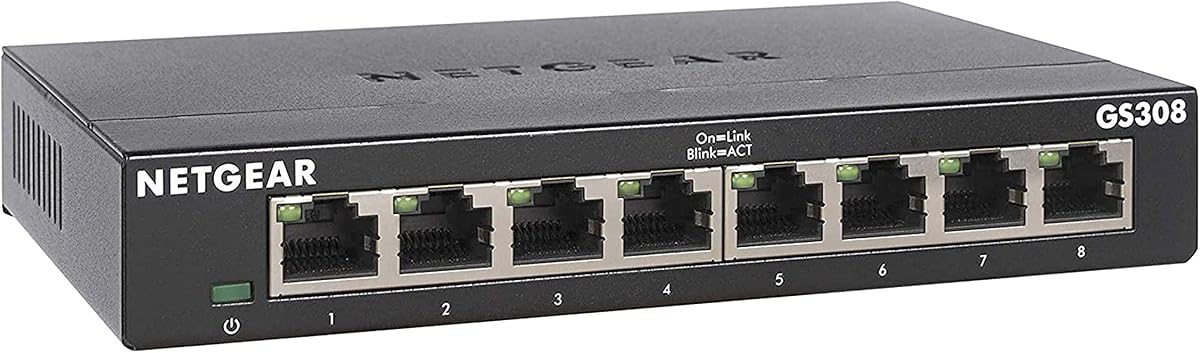
The NETGEAR GS308 is a highly rated workhorse for simple network expansion. With a 4.8 rating, it offers eight gigabit ports at a reasonable price.
We may earn a commission when you buy through this link, at no additional cost to you.
It is completely unmanaged, meaning no configuration is required. You simply plug it in and it handles traffic automatically with high reliability.
The lack of management limits control over network traffic prioritization. However, for general use, this simplicity is often preferred by most users.
Perfect for connecting multiple wired devices like consoles or PCs. It is a solid, dependable choice for anyone needing more ports quickly.
Uses advanced technology to reduce power consumption based on link status and cable length.
Fits easily on a desk or can be wall mounted to save space in your office.
We may earn a commission when you buy through this link, at no additional cost to you.
This NETGEAR model brings managed features to a compact five-port switch. Its 4.7 rating highlights its reliability and useful traffic control capabilities.
We may earn a commission when you buy through this link, at no additional cost to you.
VLAN and QoS features allow for better network segmentation and traffic priority. It is perfect for small offices needing simple but effective control.
The limited port count may require adding more switches later. However, the management features make it valuable for structured and organized networks.
Ideal for users wanting control without enterprise complexity. This switch offers a balance of cost, features, and performance for smaller setups.
Use QoS to ensure your voice and video data gets priority over standard internet traffic.
Separate devices into different virtual networks to enhance security and organization.
We may earn a commission when you buy through this link, at no additional cost to you.
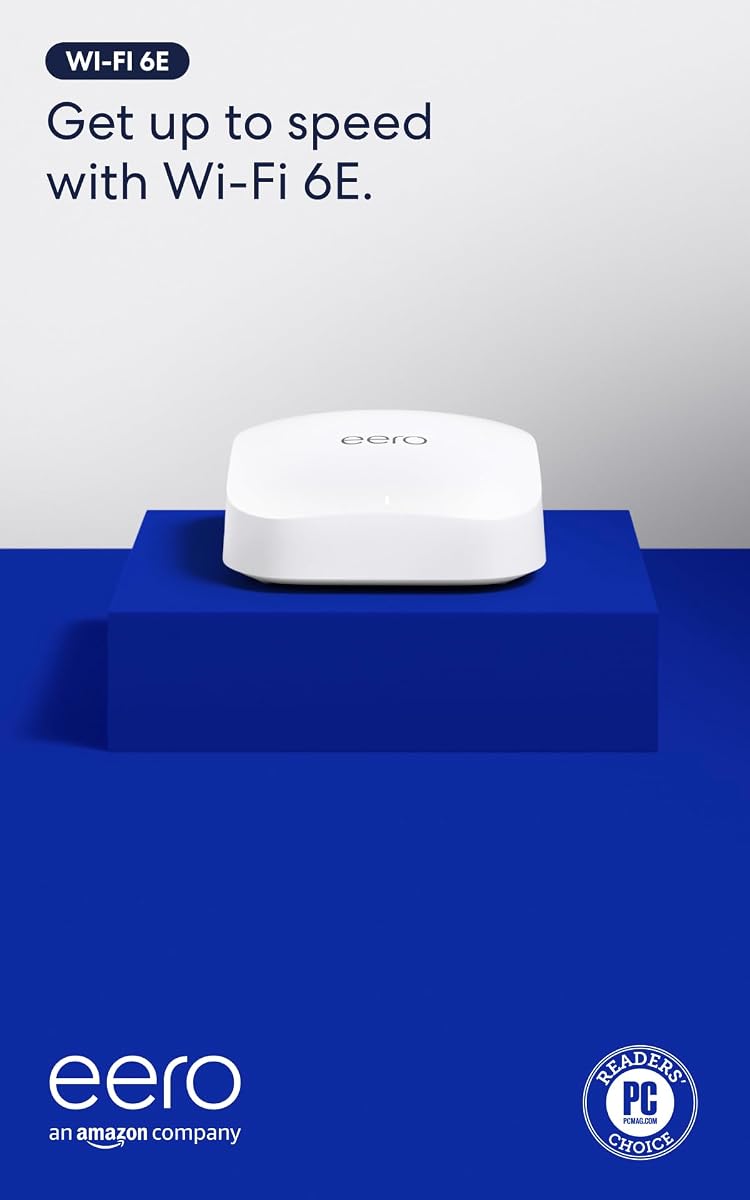
The eero Pro 6E is a top router with a strong wired port. With a 4.3 rating, it provides fast internet and reliable wireless coverage.
We may earn a commission when you buy through this link, at no additional cost to you.
Its 2.5GbE port supports high-speed internet plans and can act as a backbone for other switches. This makes it a versatile hub.
It has limited physical ports compared to dedicated switches. This is acceptable for most users who rely on the mesh nodes for wireless extension.
Best for those needing a powerful router with some wired flexibility. It integrates well into the eero ecosystem for a complete network.
The 2.5GbE port allows you to connect to other switches or access points easily.
Intelligently routes traffic to reduce dead spots and maintain high speeds throughout the home.
We may earn a commission when you buy through this link, at no additional cost to you.
The eero 6 offers solid Wi-Fi 6 performance at an affordable price. It holds a 4.4 rating for reliable coverage and smart home integration.
We may earn a commission when you buy through this link, at no additional cost to you.
While it lacks many physical ports, its wired connections can support basic switch needs. It is best for average home speeds.
It does not match high-end switches for wired speed or flexibility. However, for most users, its wireless performance and smart hub are enough.
Ideal for budget-conscious buyers needing reliable Wi-Fi. It provides good value and integrates well with other eero products.
Connect compatible smart home devices directly without needing a separate hub.
Upgrade your network with modern Wi-Fi 6 features without spending a fortune.
We may earn a commission when you buy through this link, at no additional cost to you.
This access point brings the newest Wi-Fi 7 tech to your network. With a 4.1 rating, it promises incredible speeds and advanced performance for high bandwidth users.
We may earn a commission when you buy through this link, at no additional cost to you.
It features 10GbE ports for multi-gigabit backhaul. The PoE support simplifies installation by removing the need for a power outlet near the unit.
The price is significant and requires a matching gateway. For early adopters needing maximum speed, these trade-offs are worth the investment.
Best for homes needing cutting-edge performance. It integrates seamlessly into the eero ecosystem and future proofs your setup.
Prepare your home for the latest wireless standards with faster speeds and lower latency.
Use PoE to power and connect the access point with a single cable for clean setups.
We may earn a commission when you buy through this link, at no additional cost to you.
The eero 7 offers Wi-Fi 7 at a lower cost. With a 4.4 rating, it is a great way to upgrade your network without breaking the bank.
We may earn a commission when you buy through this link, at no additional cost to you.
Two 2.5GbE ports support fast internet and can connect to external switches. It balances wireless and wired needs well.
It lacks advanced management features found in dedicated switches. For most users, the convenience and wireless speed are sufficient priorities.
Perfect for users wanting the latest Wi-Fi tech on a budget. It provides solid performance and integrates well with other eero devices.
Enjoy faster speeds and better performance in crowded networks with the latest Wi-Fi standard.
Get modern features without the high price tag of enterprise grade systems.
We may earn a commission when you buy through this link, at no additional cost to you.
Choosing the right Eero Ethernet Switch requires understanding your port needs, speed requirements, and management features.
Determine how many devices need wired connections. Most households require 5 to 8 ports to connect computers, consoles, and smart TVs.
Always leave extra ports for future expansion to avoid replacing the switch too soon.
Gigabit ports are standard for most homes. Multi-gigabit ports are needed if you have internet plans faster than 1 Gbps.
Choose 2.5G or 10G ports if you need fast wired connections for data transfer.
Power over Ethernet allows devices like cameras and access points to receive power and data via one cable.
Ensure the switch provides enough wattage for all your PoE devices.
Unmanaged switches are plug and play and cost less. Managed switches allow VLANs and traffic control for more control.
Choose unmanaged for simple home use and managed for business or advanced users.
Fanless designs are ideal for living spaces because they operate silently. Metal cases provide better durability and heat dissipation.
Consider where the switch will be placed before choosing a design.
Ensure the switch works with your current router and network setup. Some Eero switches integrate deeply with the Eero ecosystem.
Check if any extra subscription is needed for advanced features.
Look for Energy Efficient Ethernet features to reduce power usage. This lowers your electricity bill and heat output.
Efficient models often shut down unused ports automatically.
A good warranty protects your investment. Brands like NETGEAR and TP-Link offer solid support options.
Check how long the warranty lasts and what customer service options are available.
Connect your modem or router to the switch using an Ethernet cable. Plug in any devices you want to add to your network.
Place the switch in a cool, well ventilated area. Avoid stacking it under other equipment to prevent overheating.
Keep cables organized to reduce wear. Avoid bending the cables too tightly to maintain signal quality.
You need a switch if your wired devices exceed the available ports on your Eero router. It expands connectivity for devices that do not use Wi-Fi.
PoE switches provide power to devices like cameras. Standard switches only provide data. You need PoE if your devices require power from the network.
Managed switches are worth it if you need VLANs or QoS. For most homes, unmanaged is simpler and cheaper.
Match the switch speed to your internet plan. If you have 1 Gbps, gigabit is enough. For higher plans, use multi-gigabit.
No, a switch does not slow down Wi-Fi. It handles wired traffic separately and can reduce wireless congestion.
Some PoE features work with other Eero access points. However, basic ports work with any device. Check specs for compatibility.
Unmanaged switches need no configuration. Managed switches require basic setup through a browser or app.
Count your devices and add two extra ports. This ensures room for growth without replacing the switch.
The best Eero Ethernet Switch depends on your speed and power needs. Top picks range from budget models to advanced managed solutions.
Prioritize features like PoE or high speed ports if your devices need them. Most users can find a great fit in this list.
Always verify current prices and availability before buying. Network needs change, so pick the right tool for your future setup.