
HOTTABLET Tablet 7Inch
3.7Editor score
Android 14 OS with smooth multitasking
Dual-Band Wi-Fi for stable connectivity
Lightweight design with protective case
Finding a Cheap WiFi Tablet that balances performance and price can be challenging. You need a device that handles daily tasks smoothly without breaking the bank. This guide reviews ten top options to help you make an informed decision.
We evaluated these tablets based on screen quality, battery life, processing power, and storage capacity. Our goal is to highlight models that offer genuine value for students, professionals, and casual users seeking affordable connectivity.
Each pick showcases unique strengths, from robust multitasking to vibrant displays. Note that prices and availability change frequently, so verify current details before purchasing to ensure you get the best deal available right now.
3.7Editor score

4.3Editor score

4.2Editor score
As an Amazon Associate we earn from qualifying purchases.
Here is a side-by-side comparison of all ten products to help you quickly identify key differences in specifications, features, and overall value for your specific needs.


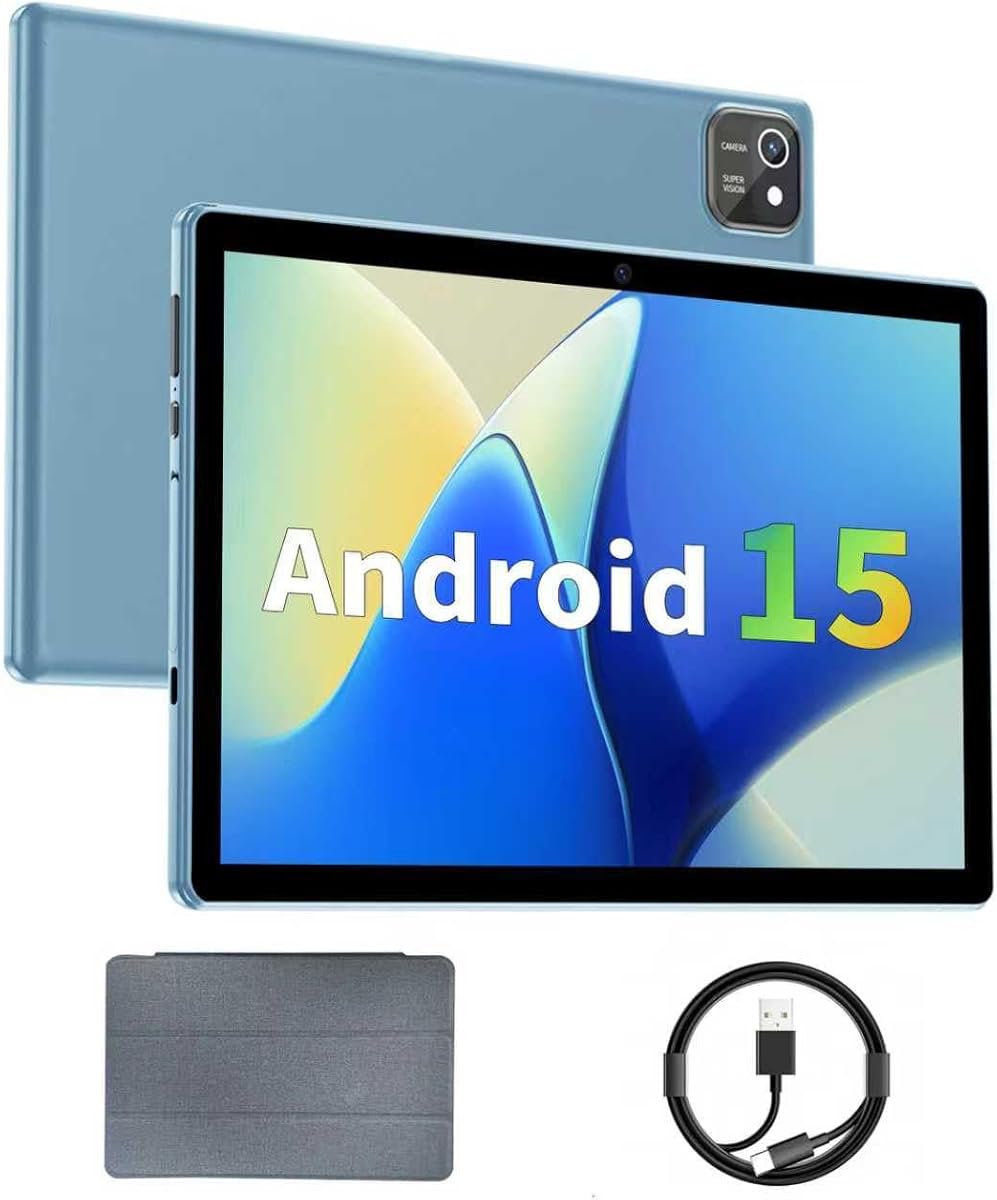
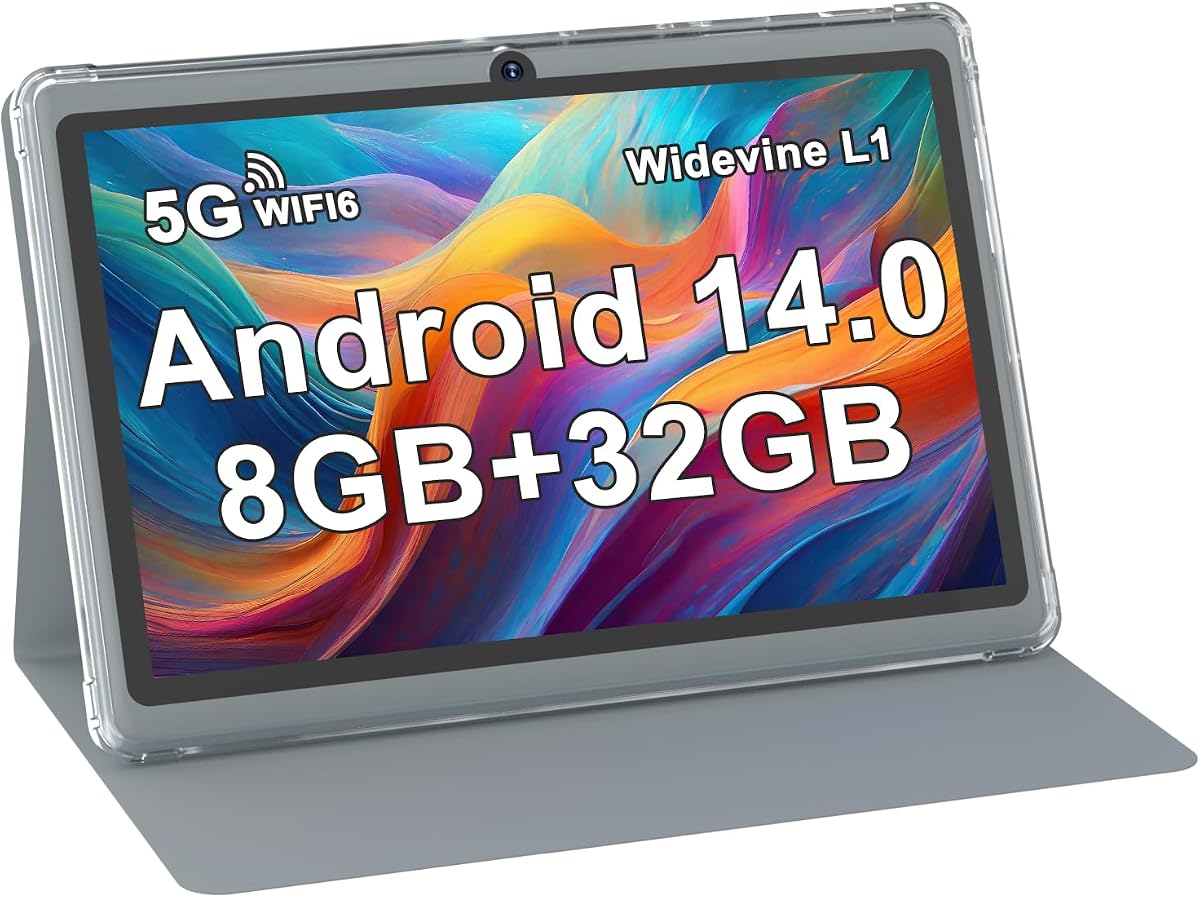


This Evermyth tablet stands out as a top contender in the budget-friendly market. With a rating of 4.3 stars, it offers a robust combination of modern software and versatile hardware features.
We may earn a commission when you buy through this link, at no additional cost to you.
It runs on Android 16 with GMS certification, ensuring access to all major Google apps. The 5-core processor and high RAM capacity allow for smooth multitasking during work or entertainment sessions.
While the display is vibrant, the plastic chassis might feel less premium compared to higher-end models. However, the low-blue-light tech helps reduce eye strain during long viewing periods.
Anyone needing a reliable device for streaming, light work, or family use should consider this option. It delivers exceptional value for the price point with solid connectivity features.
Android 16 ensures you have access to the latest security patches and app features, extending the device's usable lifespan significantly.
Wi-Fi 6 support provides faster and more stable internet connections compared to older Wi-Fi standards, reducing buffering during streaming.
We may earn a commission when you buy through this link, at no additional cost to you.
The HOTTABLET is an ideal choice for those seeking portability without spending much. Its compact 7-inch form factor makes it easy to carry anywhere while maintaining essential functionality.
We may earn a commission when you buy through this link, at no additional cost to you.
Powered by Android 14, it handles daily apps well with expanded RAM capabilities. The included case adds durability, which is a great touch for students or casual users.
However, the smaller screen size might be limiting for detailed work or movie watching. The cameras are functional but not designed for high-quality media production needs.
This tablet is perfect for reading, browsing, and light entertainment on the go. It offers a practical entry point into the world of affordable Android tablets today.
At just 7 inches, this tablet fits easily in bags and pockets, making it a great travel companion for reading or quick tasks.
Having a protective case included saves money and ensures the device is protected from scratches and minor drops right away.
We may earn a commission when you buy through this link, at no additional cost to you.
Samsung brings a premium feel to this budget category with the Tab A11. The 90Hz display ensures smooth scrolling and video playback, offering a higher quality visual experience.
We may earn a commission when you buy through this link, at no additional cost to you.
It runs on the latest Android 15 with One UI, providing a polished user interface. The 64GB storage is adequate, and expansion options are available for media files.
The lack of warranty is a significant risk for international models. Additionally, the absence of cellular connectivity limits it strictly to Wi-Fi environments.
For users prioritizing screen quality and brand reputation, this is a strong candidate. It balances performance and cost effectively for home and travel use.
A 90Hz refresh rate makes animations and scrolling feel more fluid compared to standard 60Hz screens, enhancing overall user interaction.
Samsung's One UI offers useful features like split screen and seamless integration with other Samsung devices for a better ecosystem experience.
We may earn a commission when you buy through this link, at no additional cost to you.
The COOPERS tablet offers a balanced mix of screen size and price. It is designed for users who need a larger display for media consumption without paying premium costs.
We may earn a commission when you buy through this link, at no additional cost to you.
With Android 15 and a quad-core processor, it handles standard apps and games decently. The 6000mAh battery ensures it can last through a day of mixed usage.
The main trade-off is the older Wi-Fi standard compared to newer models. However, for home use, the performance remains sufficient for most general tasks.
This device is recommended for students or home users focusing on reading and video streaming. It provides ample storage flexibility for offline media libraries.
The 10 inch screen offers more real estate for reading documents or watching movies, making it comfortable for extended sessions.
Support for up to 1TB microSD cards allows you to store a massive library of movies and photos locally on the device.
We may earn a commission when you buy through this link, at no additional cost to you.
Amazon's Fire HD 10 is a powerhouse for media consumption at a competitive price. The 1080p screen delivers vibrant colors and sharp text for a rich visual experience.
We may earn a commission when you buy through this link, at no additional cost to you.
It features an octa-core processor that powers through apps and games smoothly. The 13-hour battery life means you can binge-watch shows without interruption.
Users should note the lack of native Google Play support, though side-loading is possible. The ecosystem is heavily integrated with Amazon services.
This tablet is perfect for fans of Amazon Prime Video and Kindle. It offers a premium entertainment experience that rivals more expensive competitors.
Seamless access to Amazon Prime Video and Audible makes this the ultimate device for consuming digital content daily.
The strengthened glass makes the device more resistant to scratches and drops, ideal for long-term household use.
We may earn a commission when you buy through this link, at no additional cost to you.
This 7-inch tablet is designed for simplicity and portability. Its lightweight body makes it easy to handle for long periods without fatigue.
We may earn a commission when you buy through this link, at no additional cost to you.
Running GMS certified Android allows access to standard apps like YouTube and Facebook. It is perfect for basic web browsing and educational tools.
The 2GB RAM might struggle with heavy multitasking, but for single apps it works well. It is a solid backup device for quick tasks.
Consider this for parents looking for a first tablet for young children. It balances cost and essential features effectively for light usage.
GMS certification ensures you can download apps from the Play Store without needing to modify the system settings.
Its small size fits easily in a backpack, making it convenient for carrying to school or during travel.
We may earn a commission when you buy through this link, at no additional cost to you.
The aiprotablet focuses on delivering high RAM specifications for a low price. This allows for smoother operation when switching between multiple apps simultaneously.
We may earn a commission when you buy through this link, at no additional cost to you.
Android 15 ensures you have a modern interface. The large battery capacity supports long study sessions or extended video streaming periods without frequent charging.
The processor is decent but not top-tier. However, for general use, it manages the workload efficiently with the help of the generous RAM.
This is a great choice for students needing to keep multiple apps open. It offers a competitive performance profile for the price point.
Having 12GB of RAM allows you to run multiple heavy apps in the background without them closing unexpectedly.
The 6000mAh battery combined with efficient power management ensures you get hours of usage on a single charge.
We may earn a commission when you buy through this link, at no additional cost to you.
This tablet combines a compact form factor with modern Wi-Fi 6 technology. It is designed to handle daily tasks efficiently while offering protection with an included case.
We may earn a commission when you buy through this link, at no additional cost to you.
Android 14 provides a stable environment for apps. The 3000mAh battery is enough for short sessions and daily commuting needs.
The camera setup is functional for video calls and documents. While not a professional tool, it meets basic communication standards well.
Ideal for users who want a secondary device with Wi-Fi 6 support. It is practical for browsing and streaming on the go.
Wi-Fi 6 technology provides faster download speeds and better connection stability in crowded networks compared to older standards.
The included case saves you the hassle of buying separate accessories and ensures the tablet is protected from scratches.
We may earn a commission when you buy through this link, at no additional cost to you.
This tablet emphasizes portability with an ultra-slim profile. It weighs just 15 ounces, making it easy to hold for reading or browsing without hand fatigue.
We may earn a commission when you buy through this link, at no additional cost to you.
The octa-core processor delivers solid performance for daily tasks. Combined with 12GB RAM, it handles app switching smoothly.
While the build feels standard, the internal specs are competitive. The screen provides good colors for the price range.
It is a great pick for commuters or travelers. It offers powerful specs in a form factor that is easy to carry.
The slim profile and light weight reduce physical strain, making it comfortable for long reading or work sessions.
An octa-core CPU ensures that heavy apps and multitasking run without significant lag or slowdowns.
We may earn a commission when you buy through this link, at no additional cost to you.
Jeazans delivers impressive specifications at a low price point. It stands out with Widevine L1 support which is rare in budget devices.
We may earn a commission when you buy through this link, at no additional cost to you.
This certification enables HD streaming on apps like Prime Video. The massive RAM ensures smooth performance even with many apps open.
The inclusion of a 2-year warranty adds peace of mind. Face unlock offers a convenient way to access the device quickly.
This is a high value option for media lovers. It combines essential modern features that are often missing in cheaper tablets.
Widevine L1 certification allows you to stream high-definition content securely on supported services without quality drops.
The 2-year warranty provides better protection than the standard year, ensuring support if hardware issues arise.
We may earn a commission when you buy through this link, at no additional cost to you.
Selecting the right tablet involves weighing multiple factors to find a balance between performance and affordability. This guide helps you evaluate key specifications.
Ensure the tablet runs a recent version of Android or a customized OS. Newer versions offer better security updates and app compatibility which extends device life.
Prioritize models with Android 14 or higher for the best long-term experience.
Look for an IPS panel for better viewing angles and color accuracy. Sizes between 7 and 10 inches offer a good balance between portability and usability.
Higher resolution like 1080p is preferred for media consumption to avoid pixelation.
At least 4GB of RAM is recommended for smooth multitasking. Storage should be at least 32GB with microSD expansion options for flexibility.
More RAM helps keep apps running in the background without reloading frequently.
Choose a tablet with Wi-Fi 5 or Wi-Fi 6 for faster and more stable internet connections. This reduces lag during video calls and streaming.
Modern standards also support better bandwidth management in crowded networks.
Aim for a battery capacity of at least 5000mAh for full-day usage. Long battery life is crucial for travel and commuting without constant charging.
Check for USB-C charging support to ensure compatibility with modern chargers.
A lightweight design makes the tablet comfortable to hold for long periods. Durable materials like glass front or reinforced plastic protect against daily wear.
Consider models that come with cases or screen protectors included in the package.
Features like widevine L1, face unlock, and high-quality cameras add value. Ensure the device supports the apps you need for streaming or work.
These extras significantly enhance the user experience and versatility of the device.
Check if the manufacturer offers a warranty period beyond the standard term. Reliable customer support is essential if you encounter software or hardware issues.
Extended warranties provide security against defects especially with budget-friendly brands.
To maintain battery health, avoid charging the tablet to 100% for extended periods. Unplug it once fully charged and use it until the battery drops to 20% before recharging.
Keep the screen clean with a soft microfiber cloth to prevent scratches. Avoid using harsh chemicals that could damage the oleophobic coating on the display surface.
Install apps only from trusted sources to prevent malware. Regularly update the software and clear cache to keep the system running smoothly and efficiently.
Yes, many budget tablets are capable of handling basic work tasks like email, documents, and video calls. Just ensure it has enough RAM and a good screen for comfortable typing and reading.
Not all budget tablets support HD streaming. Look for Widevine L1 certification to ensure Netflix and other services play in HD. Many options in our list include this feature.
WiFi only models connect to the internet via wireless networks and do not have SIM slots for mobile data. They are cheaper but require access to a WiFi signal to get online.
With proper care, a budget tablet can last 3 to 5 years. Performance may slow down as apps update, so keeping software updated is key to longevity.
Most modern tablets support microSD cards for storage expansion. Always check the maximum supported capacity in the specs before buying a card to avoid compatibility issues.
Standard Android offers more app compatibility than custom OS variants. However, custom OS like Fire tablets work well for Amazon ecosystem users but lack Play Store apps.
We have reviewed ten excellent options that balance performance and affordability. The Android 16 Tablet leads in features, while the Samsung Tab A11 offers a premium display experience.
Focus on what matters most to you, be it screen size, battery life, or raw processing power. Each pick here delivers solid value for its specific use case.
Remember that prices fluctuate frequently, so check the current deals before finalizing your purchase. With these choices, you can find a reliable device without overspending.