
ASUS ProArt PA248QV
4.6Editor score
WUXGA Resolution
100% sRGB Coverage
Ergonomic Stand
Finding the right display for creative work requires precision and reliability. Professional monitors must deliver accurate colors and sharp resolution to ensure your output meets industry standards consistently.
We evaluated ten ASUS Proart Monitor models based on color gamut, resolution, connectivity options, and ergonomic design. Each entry represents a distinct option for different professional needs and budgets.
Every pick details key strengths and trade-offs to help you decide. Product availability and pricing can change quickly, so verify current details before making your final purchase decision.
4.6Editor score
4.2Editor score
As an Amazon Associate we earn from qualifying purchases.
The following table provides a side-by-side overview of the ten selected models, highlighting their core specifications and unique selling points for easy comparison.




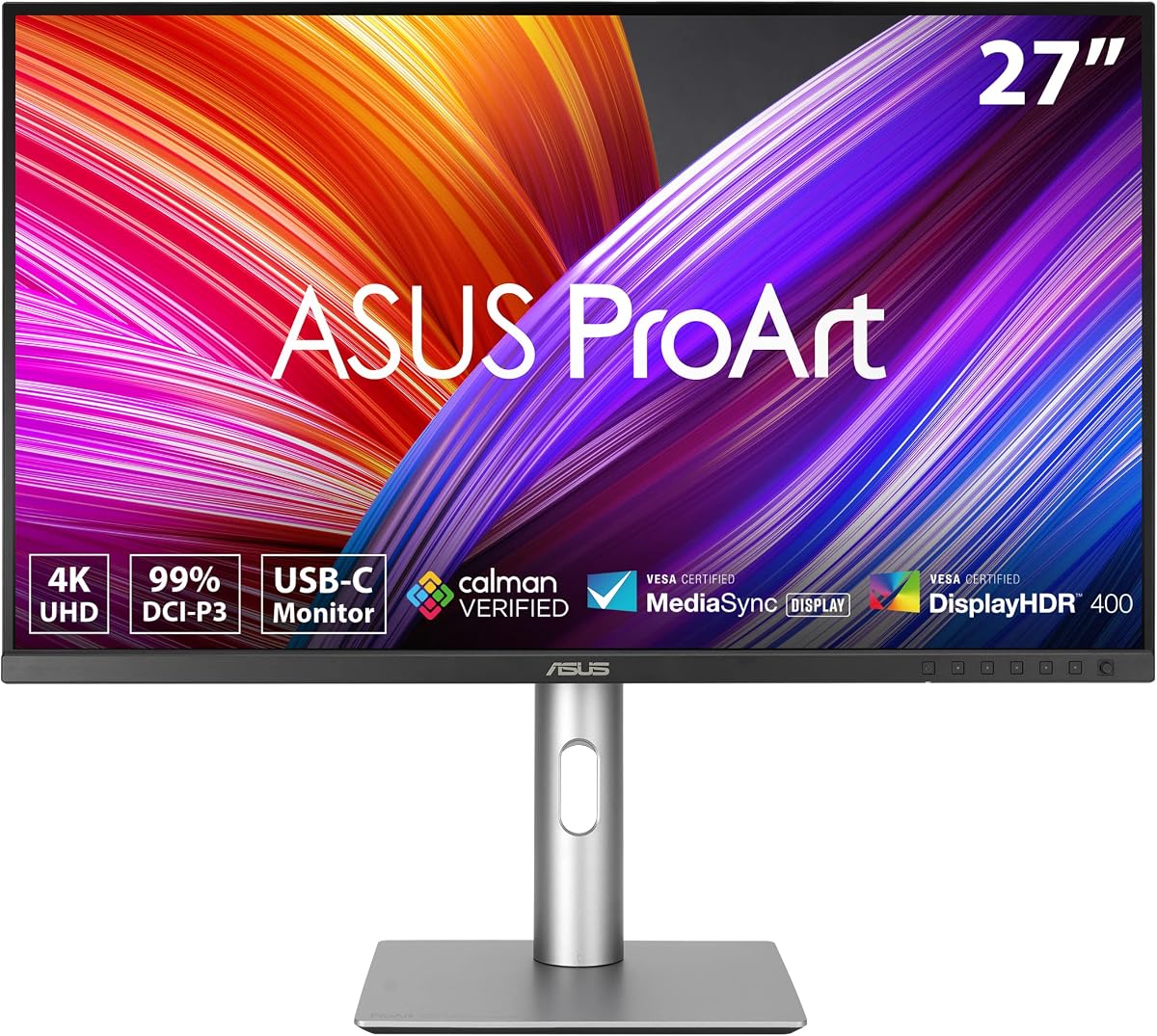
The ASUS ProArt PA279CRV is a top-tier choice for professionals requiring precise color reproduction. It holds a strong rating and stands out for its factory calibration ensuring Delta E under two.
We may earn a commission when you buy through this link, at no additional cost to you.
This monitor covers ninety-nine percent of Adobe RGB and DCI-P3 spaces. Its twenty-seven-inch four-kil resolution provides sharp details suitable for editing high-resolution photography and video content.
While it lacks Thunderbolt ports, the USB-C connection supports ninety-six watts of power delivery. This allows for efficient laptop charging and data transfer through a single cable.
Creators prioritizing color accuracy will find this model highly reliable. The extensive warranty and included software subscription add significant value to the overall professional package.
The factory calibration ensures that colors match industry standards right out of the box, reducing the need for immediate external calibration.
Multiple ports including HDMI, DisplayPort, and USB-C allow seamless connection to various devices without requiring extra adapters or dongles.
We may earn a commission when you buy through this link, at no additional cost to you.
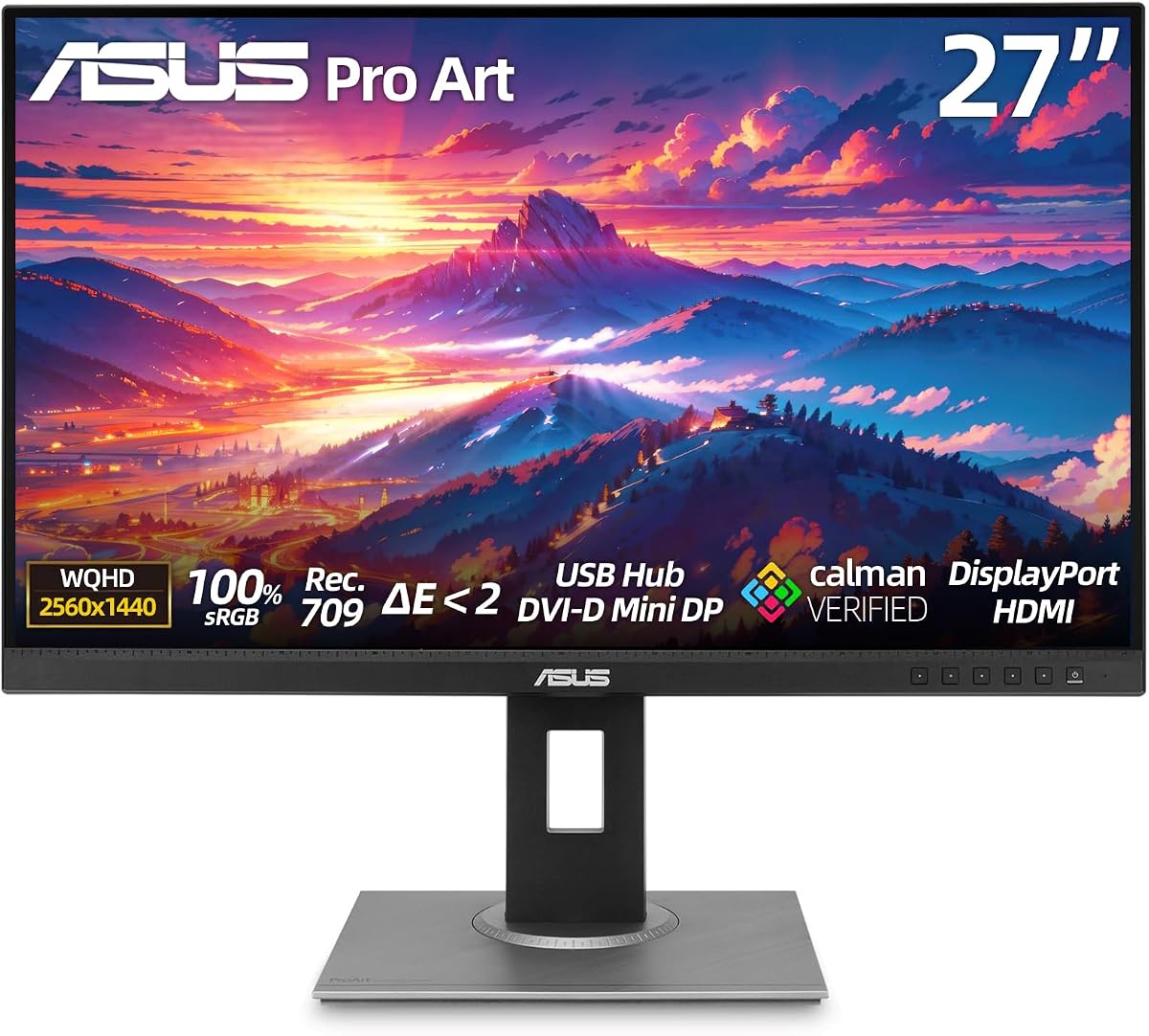
The ASUS ProArt PA248QV offers exceptional value for budget-conscious professionals. With a high rating and factory calibration, it delivers reliable color performance without a high price tag.
We may earn a commission when you buy through this link, at no additional cost to you.
It features a twenty-four-inch WUXGA panel covering one hundred percent of sRGB. This makes it ideal for general graphic design and content creation tasks where precise color is critical.
While the resolution is lower than forty-kil models, the anti-glare screen reduces eye strain during long sessions. The ergonomic stand allows easy adjustments for comfortable viewing.
This monitor is perfect for entry-level designers or secondary workstations. It balances performance and cost effectively while maintaining the quality standards expected from the ProArt line.
Despite its affordable price, the monitor maintains professional color standards that compete with more expensive alternatives in the market.
Anti-glare coatings help minimize reflections and reduce eye fatigue during extended periods of focused work or creative tasks.
We may earn a commission when you buy through this link, at no additional cost to you.
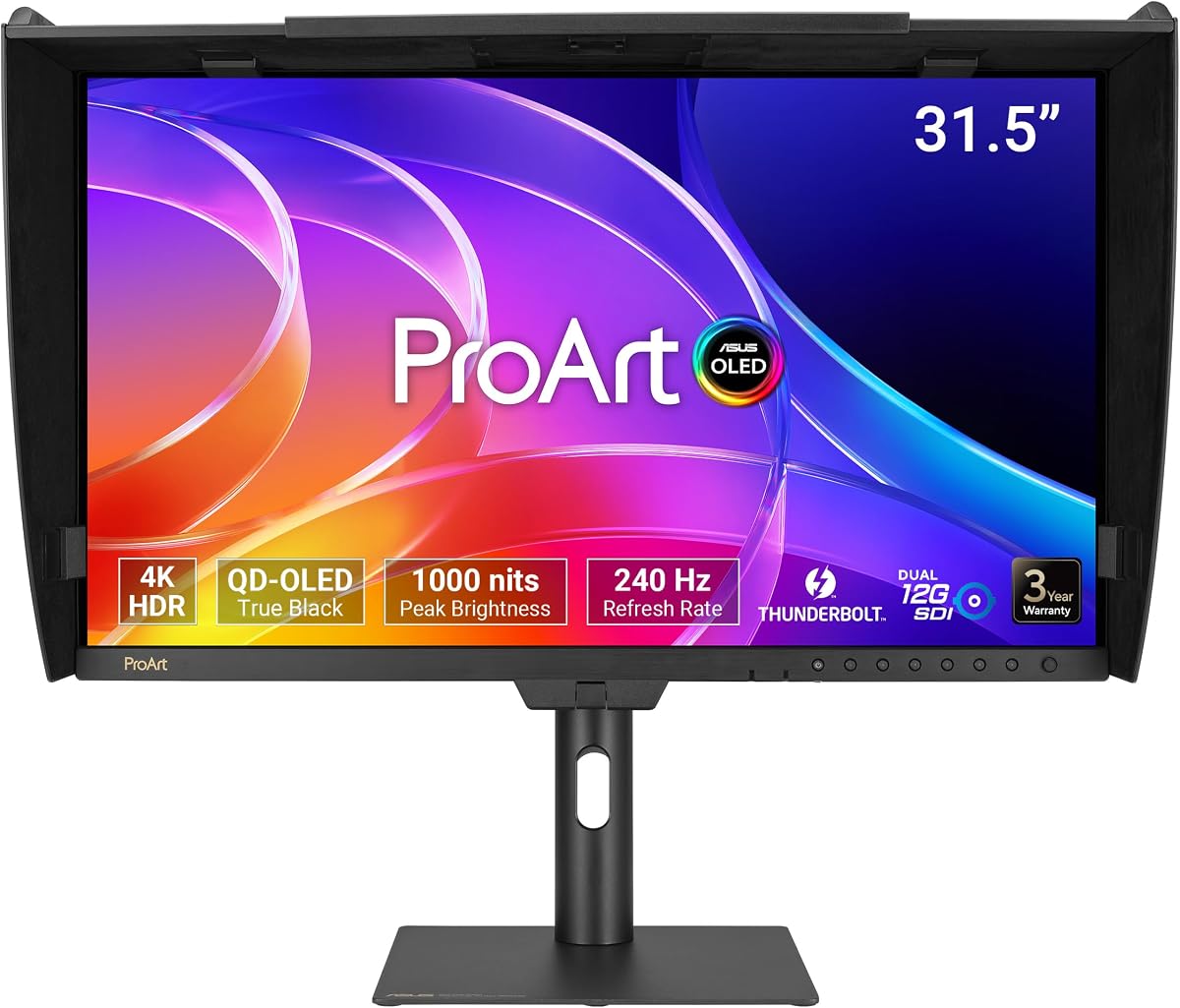
The ASUS ProArt PA32USD represents the pinnacle of display technology with its QD-OLED panel. It is designed for high-end professionals needing superior contrast and fast refresh rates.
We may earn a commission when you buy through this link, at no additional cost to you.
With one thousand nits of peak brightness and true ten-bit color, this monitor delivers stunning visuals. It supports multiple HDR formats for immersive dynamic range viewing.
The dual twelve-gigabit SDI ports cater to broadcast professionals requiring uncompressed video playback. This feature sets it apart from standard creative monitors in the market.
Investing in this model suits high-budget production environments. It provides unmatched visual fidelity and connectivity options for demanding video post-production workflows.
OLED technology offers infinite contrast ratios allowing for deep blacks and vibrant colors that enhance the realism of creative content.
Professional SDI inputs ensure compatibility with industry-standard equipment used in broadcast and high-end video production facilities.
We may earn a commission when you buy through this link, at no additional cost to you.
The ASUS ProArt PA278CV is a versatile choice for users needing a reliable mid-range display. It offers a twenty-seven-inch QHD panel that balances screen real estate and clarity well.
We may earn a commission when you buy through this link, at no additional cost to you.
Its USB-C port provides sixty-five watts of power delivery which charges most laptops. The daisy-chain capability allows for building a multi-monitor setup easily.
While it lacks high brightness for HDR content, the color accuracy meets professional standards for general editing tasks. The stand includes a ninety-degree pivot for vertical coding.
This model is suitable for developers and general designers. It provides a robust feature set at a competitive price point without unnecessary premium costs.
Single cable connectivity reduces desk clutter and simplifies setup for users who switch between devices frequently.
The adjustable stand supports various viewing positions ensuring users can maintain a healthy posture during long work hours.
We may earn a commission when you buy through this link, at no additional cost to you.
The ASUS ProArt PA279CGV boasts a perfect rating from users who appreciate its reliable performance. It is designed specifically for photo editing with accurate color reproduction.
We may earn a commission when you buy through this link, at no additional cost to you.
Its twenty-seven-inch WQHD panel ensures detailed image rendering. The factory calibration guarantees Delta E under two for consistent results across different screens.
Eye care technology protects vision during long editing sessions. The anti-glare screen and flicker-free design contribute to a comfortable working environment.
Photographers will find this monitor highly dependable for color critical work. It offers a straightforward experience focused on accuracy rather than gaming features.
The high user rating reflects consistent performance in delivering accurate colors necessary for professional photography workflows.
The monitor includes comprehensive ports and USB hubs for connecting peripherals without needing additional hubs.
We may earn a commission when you buy through this link, at no additional cost to you.
The ASUS PA329CRV-P stands out for its TAA compliance which is essential for government procurement. It offers a large thirty-two-inch display with high resolution.
We may earn a commission when you buy through this link, at no additional cost to you.
With ninety-six watts of USB-C power delivery it can charge high-performance laptops. The dual HDMI 2.1 ports support multiple devices for easy switching.
While primarily targeting government needs, the monitor excels for any creative professional. The four-kil resolution provides ample space for detailed design work.
This model ensures compliance with trade agreements while delivering top-tier visual performance. It is an ideal choice for corporate or public sector workstations.
TAA certification allows this product to be used in government projects where specific procurement regulations must be met.
The thirty-two-inch screen size significantly increases available workspace for complex layouts and multi-window productivity.
We may earn a commission when you buy through this link, at no additional cost to you.
The ASUS ProArt PA32UCR-K utilizes Mini-LED backlighting for high brightness and contrast. It is a strong contender for HDR content creators needing vivid visuals.
We may earn a commission when you buy through this link, at no additional cost to you.
With one thousand nits of brightness it supports HDR10 and HLG formats. The included X-rite calibrator ensures precise color management without extra costs.
While some users report issues, the technical specifications are impressive. The quantum dot technology covers a wide color gamut for diverse creative tasks.
This monitor suits professionals focused on HDR video production. Its hardware calibration features simplify workflow by maintaining accurate color profiles.
Mini-LED zones allow for local dimming that enhances contrast and detail in dark areas of the image.
The bundled calibrator tool provides a complete package for users needing accurate color from the start without buying separately.
We may earn a commission when you buy through this link, at no additional cost to you.
The ASUS ProArt PA278CGV bridges the gap between creative monitors and gaming displays. It offers a high refresh rate alongside accurate color performance.
We may earn a commission when you buy through this link, at no additional cost to you.
With a ninety-five percent DCI-P3 coverage it delivers vibrant images suitable for design. The USB-C port supports ninety watts of power delivery for laptops.
While primarily a creative tool, the FreeSync Premium feature benefits gaming on the side. This versatility makes it suitable for hybrid work setups.
Users seeking a do-it-all display will find this model appealing. It balances professional color accuracy with modern gaming refresh capabilities.
The combination of color accuracy and high refresh rates caters to professionals who also enjoy gaming during downtime.
Higher refresh rates reduce motion blur ensuring smooth scrolling and video playback for dynamic content.
We may earn a commission when you buy through this link, at no additional cost to you.
The ASUS ProArt PA32UCG-K pushes brightness boundaries with sixteen hundred nits of peak light. It is engineered for environments requiring high dynamic range visibility.
We may earn a commission when you buy through this link, at no additional cost to you.
With over one thousand dimming zones it offers precise control over light. This minimizes blooming and enhances contrast in HDR content creation.
While the rating is lower due to price sensitivity the technical specs are industry leading. It supports variable refresh rates for smooth visual transitions.
This monitor is best for professional high-end HDR mastering. It ensures that content looks perfect on the brightest consumer displays available.
High brightness ensures that HDR content can be accurately previewed without needing external reference monitors.
Hundreds of local dimming zones allow for detailed brightness control across the screen.
We may earn a commission when you buy through this link, at no additional cost to you.
The ASUS ProArt PA32QCV offers a massive six-kil resolution ideal for detailed work. It is specifically optimized to match MacBook color profiles seamlessly.
We may earn a commission when you buy through this link, at no additional cost to you.
With Thunderbolt 4 support it delivers fast data transfer and high power delivery. The auto KVM switch makes switching between two laptops effortless.
While the price is high the resolution advantage is clear for professionals. It ensures that every pixel is visible for intricate design tasks.
Mac users needing top-tier resolution will find this model valuable. It integrates smoothly with Apple workflows for efficient productivity.
The dedicated color preset matches the MacBook display ensuring consistency between portable and desktop setups.
Thunderbolt 4 connections allow for high bandwidth data transfer and display support simultaneously.
We may earn a commission when you buy through this link, at no additional cost to you.
Selecting the right monitor involves balancing resolution, color accuracy, and connectivity needs based on your specific workflow requirements.
Higher resolutions like 4K or 6K provide more workspace and sharper details essential for photo and video editing. Screen size determines how much information you can view comfortably without excessive zooming.
Choose at least 27 inches for professional tasks to ensure comfortable viewing distances and pixel density.
Professional monitors should cover wide color spaces like Adobe RGB or DCI-P3 to ensure prints and digital files look as intended. Delta E values under two indicate high fidelity to the source colors.
Prioritize models with factory calibration or hardware calibration features for consistent color reproduction across different devices.
USB-C ports with Power Delivery simplify your desk by combining data transfer and laptop charging into one cable. Multiple inputs like HDMI and DisplayPort allow connecting several devices simultaneously.
Ensure the monitor has the specific ports required by your laptops or PCs to avoid needing extra adapters.
An adjustable stand that supports tilt, swivel, pivot, and height is vital for maintaining a healthy posture during long hours of work. Look for options that allow you to rotate the screen vertically.
Investing in ergonomic features reduces physical strain and increases productivity over extended work sessions.
If you work with HDR content, a monitor with high peak brightness and local dimming ensures accurate dynamic range. HDR support enhances contrast and makes images appear more lifelike.
Check for certifications like VESA DisplayHDR to confirm the monitor meets specific brightness and contrast standards.
Most creative monitors run at 60Hz but higher refresh rates like 144Hz can improve smoothness during scrolling or video editing. High refresh rates reduce motion blur and eye fatigue.
Unless you game frequently, a standard refresh rate is often sufficient for static design and photo editing work.
Professional work often requires reliable tools that last. A five-year warranty provides peace of mind and protection against hardware defects for your investment.
Verify that the manufacturer offers good customer support channels to resolve any issues quickly without delaying your work.
Features like KVM switches allow controlling multiple computers with one mouse and keyboard. Built-in light sensors automatically adjust brightness based on room lighting.
These advanced tools can streamline workflows and enhance comfort especially in shared or multi-device workspaces.
Begin by connecting your laptop or desktop using the provided cables ensuring a secure fit. Calibrate the display if necessary using built-in settings or included tools for accurate color output.
Clean the screen gently with a microfiber cloth to avoid scratching the panel. Avoid using harsh chemicals or paper towels that could damage the anti-glare coating.
Use the ergonomic stand to adjust the height and angle to your preference. This helps maintain a comfortable posture and reduces eye strain during extended usage periods.
Yes many models feature Mac optimized color presets and USB-C connectivity for seamless integration. They support high resolutions and accurate color matching essential for creative professionals using macOS.
Calman Verified indicates the monitor meets strict color standards validated by third-party testing. Factory calibration ensures the unit arrives with precise settings optimized for professional use.
While primarily designed for productivity some models offer high refresh rates and FreeSync support. This makes them suitable for casual gaming alongside professional design tasks.
You can use external calibration tools connected via USB to adjust settings precisely. Many models also include built-in software wizards to guide you through the calibration process.
Select models support DisplayPort daisy chaining allowing multiple screens to connect via a single cable. This feature helps maintain a clean desk and simplifies multi-monitor setups.
Warranty terms vary by region so check the specific coverage for your location. Registering the product online often extends the standard warranty period significantly.
The ten models reviewed offer diverse options ranging from budget-friendly to premium displays. Selecting the right one depends on your specific needs for resolution, color accuracy, and connectivity.
Consider your workflow requirements and how much you prioritize features like HDR support or Thunderbolt connectivity. A well-chosen monitor will significantly improve your productivity and output quality.
Prices and availability change frequently so always confirm current details before purchasing. Investing in the right display ensures you have the tools needed to excel in your professional work.