
Seasonic Prime TX-1600 Noctua Edition
4.7Editor score
Noctua Fan Cooling
Semi-Passive Operation
Titanium Level Efficiency
Compare the top 80 Plus Titanium power supplies for efficiency and reliability. This guide reviews leading PSUs for high-end PCs and workstations.
Choosing the right power supply is critical for system stability. An 80 Plus Titanium unit offers superior efficiency and reduced heat. This ensures your components receive clean power without unnecessary energy waste or thermal stress during intense usage.
We analyzed ten top models based on efficiency ratings and build quality. Each PSU meets rigorous standards for voltage regulation and protection. Our list covers diverse wattages and features to help you find the perfect match for your specific hardware configuration needs.
Each selection highlights unique strengths like quiet operation or advanced connectors. You will see detailed specs and real-world performance notes. Please note that prices and availability can change frequently so verify current listings before making your final purchasing decision today.
4.7Editor score

4.6Editor score

4.1Editor score
This table provides a side-by-side overview of all ten power supplies. You can quickly compare key specifications and certifications to find the unit that aligns best with your system requirements and budget constraints for optimal performance.




The FSP Hydro Ti Pro 1000W stands out as a top choice for high efficiency. It holds both 80 PLUS and Cybenetics Titanium certifications ensuring minimal power loss. This model delivers over 94% efficiency at typical loads which reduces heat and energy bills significantly.
We may earn a commission when you buy through this link, at no additional cost to you.
Its ATX 3.1 readiness makes it future proof for next gen graphics cards. The versatile GPU support includes 12V-2×6 and five PCIe connectors for stable performance. The conformal coating protects against humidity and dust ensuring long term reliability in harsh conditions.
The semi fanless mode keeps noise levels near silent during light use. The 135mm FDB fan only activates when needed for cooling. While the price is higher the included protection and efficiency justify the investment for serious enthusiasts.
Buyers seeking a balance of power and quiet operation should consider this unit. It is ideal for workstations or gaming rigs needing future readiness. The compact size fits most cases easily while maintaining top tier performance standards.
The dual Titanium certification ensures that power loss is minimized effectively. The semi fanless fan design guarantees a near silent experience most of the time.
With ATX 3.1 and PCIe 5.1 compliance this PSU supports the latest GPUs. The 12V-2×6 connectors provide stable power for high demand graphics cards.
We may earn a commission when you buy through this link, at no additional cost to you.
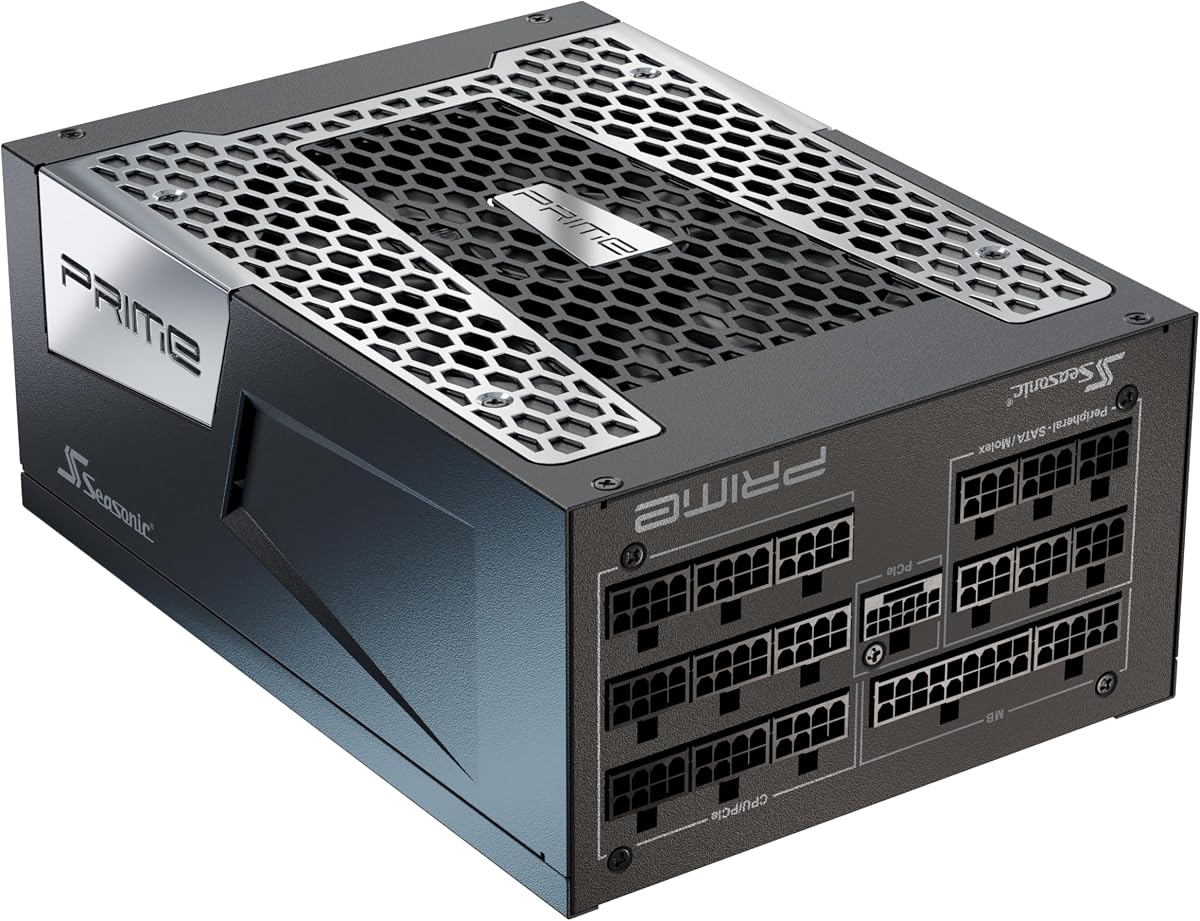
This unit is the ultimate choice for users prioritizing silence and power. The Noctua NF-A12x25 fan ensures extremely low noise levels. It operates semi passively turning off until loads reach 50 percent at typical temperatures.
We may earn a commission when you buy through this link, at no additional cost to you.
With 1600W capacity it handles even the most demanding workstations easily. The ATX 3.1 compliance ensures compatibility with future high end GPUs. The fully modular design allows for clean cable management and better airflow.
The price is significant but reflects the top tier components and branding. It offers state of the art electrical performance with tight voltage regulation. This makes it perfect for critical systems where stability is paramount.
Consider this if budget is secondary to absolute silence and power. It suits professional creators needing reliable power for long renders. The Noctua branding guarantees quality cooling and minimal acoustic disturbance.
The custom Noctua fan is optimized for low noise operation. It ramps up slowly under load to remain near inaudible during use.
At 1600W this PSU supports the highest end hardware configurations. The Titanium efficiency reduces waste heat even under heavy sustained loads.
We may earn a commission when you buy through this link, at no additional cost to you.
The Dark Power 13 offers Titanium efficiency at a competitive price. It delivers up to 95.4% efficiency reducing power consumption and heat. This is an excellent entry point for those needing high efficiency without the premium price.
We may earn a commission when you buy through this link, at no additional cost to you.
It supports ATX 3.0 with native 12VHPWR connectors for next gen GPUs. The unit handles power excursions up to double its rated power briefly. The four independent 12V rails ensure stable distribution across components.
While not as feature rich as higher end models it performs well. The design focuses on core reliability and low noise operation. It is ideal for standard high end builds that do not need extreme wattage.
Buyers wanting Titanium efficiency on a budget will appreciate this unit. It ensures cooler and quieter operation for high end systems. Verify current availability as stock can vary for this specific model.
With 95.4% efficiency this PSU reduces wasted energy effectively. It helps lower electricity costs and keeps system temperatures lower.
The native integration of the 12VHPWR connector supports new GPUs. It also includes PCIe 6+2 pin connectors for current generation hardware.
We may earn a commission when you buy through this link, at no additional cost to you.
This MSI model boasts a perfect 5.0 rating for its reliability and features. The GPU Safeguard+ provides real time alerts for current issues. This proactive protection helps prevent damage to expensive graphics cards during operation.
We may earn a commission when you buy through this link, at no additional cost to you.
It uses server grade SiC MOSFETs for enhanced efficiency and lower temps. The dual native 12V-2×6 connectors support PCIe 5.1 GPUs effectively. The 135mm FDB fan ensures durability and quiet performance under load.
The 12 year warranty offers long term peace of mind for users. Premium copper alloy connectors ensure reliable performance over time. This unit is designed for gamers needing robust safety mechanisms.
Consider this if protecting your hardware is a top priority. The high rating reflects strong user satisfaction with stability. It is a solid investment for next generation gaming systems requiring reliable power.
The SiC MOSFETs reduce heat and boost efficiency significantly. The GPU Safeguard+ alerts users to current anomalies before they become critical.
With a 12 year warranty this PSU offers extended protection. The durable design and quality materials support long term system stability.
We may earn a commission when you buy through this link, at no additional cost to you.
The ROG Thor III stands out with its magnetic OLED display feature. It shows real time power consumption allowing precise monitoring of usage. This unique tool helps enthusiasts understand their system energy habits accurately.
We may earn a commission when you buy through this link, at no additional cost to you.
GaN MOSFETs offer 30% higher efficiency than standard units. The patented GPU First stabilizer improves voltage delivered to the graphics card significantly. These features ensure smoother gaming and rock solid stability for extreme builds.
The price is the highest on this list due to these innovations. It includes Turbo mode for extended power excursions without instability. This unit is built for those wanting top visual and performance tech.
Buyers wanting the most advanced features should choose this model. The OLED display adds a premium aesthetic and functional benefit. It is ideal for high budget setups needing the absolute best technology.
The magnetic OLED screen shows power consumption in real time. It allows users to monitor usage habits and efficiency directly.
The intelligent voltage stabilizer improves GPU delivery by up to 45%. This ensures unshakable performance even during intensive gaming sessions.
We may earn a commission when you buy through this link, at no additional cost to you.
This unit is a robust choice for high wattage power needs. It holds a tri-certified Titanium rating ensuring top tier efficiency. The dual native 12V-2×6 connectors support PCIe 5.1 GPUs easily.
We may earn a commission when you buy through this link, at no additional cost to you.
Industrial level protection with multiple safeguards keeps components safe. The 100% all Japanese capacitors ensure stability at 105 degrees C. This quality supports long term reliable operation under heavy loads.
The low noise design keeps operation quiet even at high power. Braided cables add a premium look and durability to the build. It is a strong contender for professional workstations needing high output.
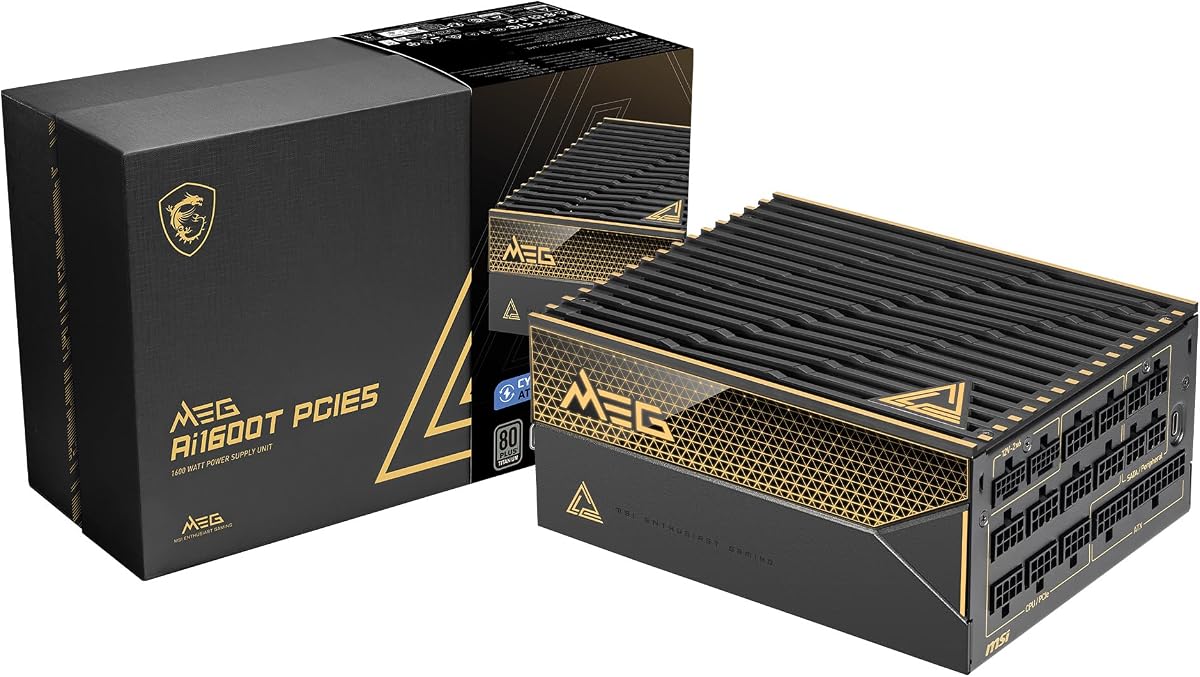
Choose this for maximum power and component quality assurance. The tri-certified status gives confidence in the efficiency claims. It serves users needing a reliable 1600W solution for heavy loads.
With full protection against over current and voltage this unit is safe. The industrial level specs ensure stability even in demanding environments.
The Japanese capacitors are designed for high temperature reliability. This ensures consistent performance and longevity for the power supply.
We may earn a commission when you buy through this link, at no additional cost to you.
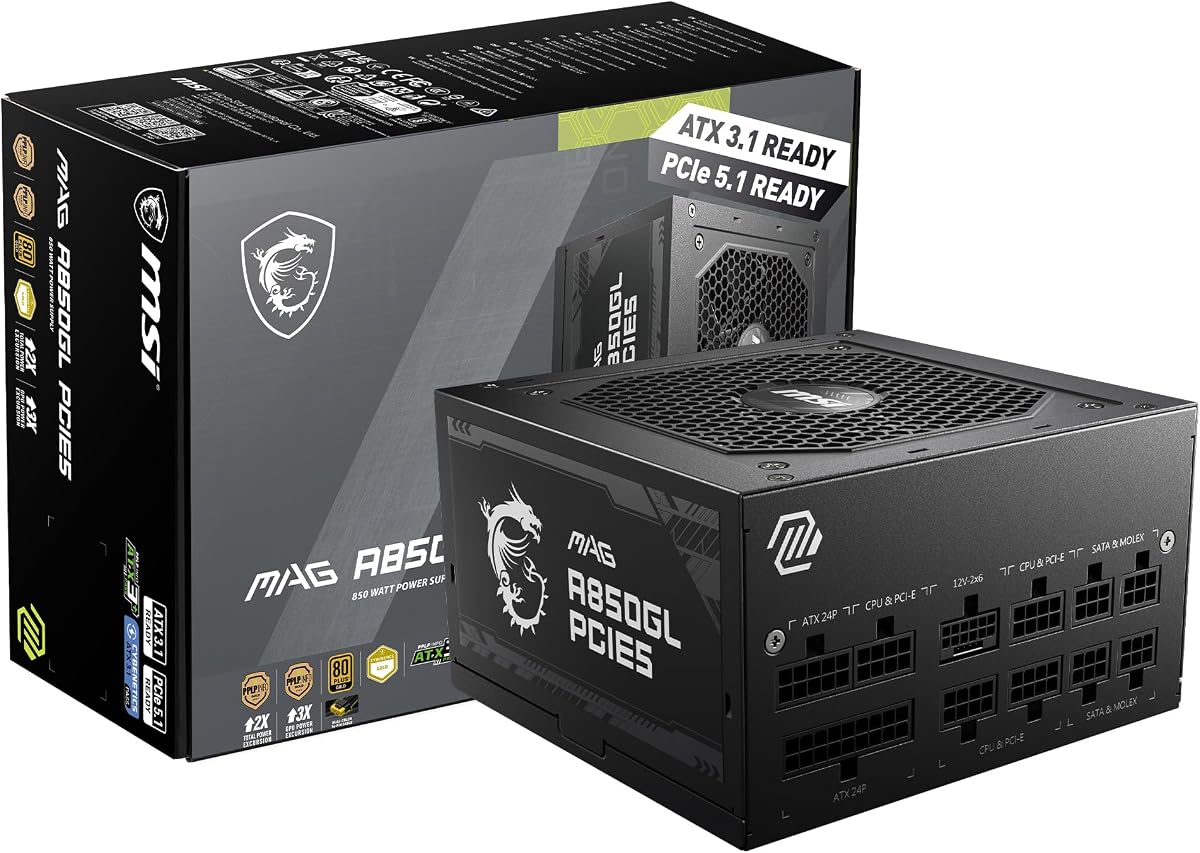
This model offers a compact solution for standard high end gaming. While Gold rated it still supports modern ATX 3.1 standards well. The native 12V-2×6 cable simplifies connections for new graphics cards.
We may earn a commission when you buy through this link, at no additional cost to you.
It is a fully modular design allowing for clean installation easily. The 10 year warranty provides good protection for the investment. This unit fits smaller cases without sacrificing essential modern features.
Although not Titanium it remains a practical choice for many users. The price point is significantly lower than higher efficiency options. It balances performance and cost for general gaming enthusiasts.
Buyers needing a compact option should consider this model. It offers reliable power for typical setups without the premium cost. The 10 year warranty adds value to this affordable unit.
The ATX 3.1 support ensures compatibility with latest GPUs. Native connectors make installation simpler for newer hardware systems.
Fully modular cables reduce clutter inside the case effectively. This improves airflow and makes cable management much easier for users.
We may earn a commission when you buy through this link, at no additional cost to you.
The AX Series is a classic choice known for world class performance. It offers a Zero RPM fan mode for near silent low load operation. This feature ensures the system stays quiet during light daily tasks.
We may earn a commission when you buy through this link, at no additional cost to you.
With Titanium certification it delivers high efficiency and low heat. The 135mm FDB bearing fan provides reliable cooling at demanding loads. The customizable magnetic labels let users match the style of the build.
While an older model it maintains high standards of stability. Voltage regulation is incredibly stable with ultra low ripple noise. This makes it suitable for systems prioritizing consistent power delivery.
Consider this for a proven reliable option that is widely supported. It remains a strong choice for those valuing silence and efficiency. Check current availability as stock may be limited for older units.
Zero RPM fan mode keeps noise low during light loads. The FDB bearing ensures long life and low acoustic noise.
World class performance ensures stable voltages and low noise. This supports sensitive components needing clean power for reliability.
We may earn a commission when you buy through this link, at no additional cost to you.
This Seasonic model provides solid professional grade power delivery. It offers Micro Tolerance Load Regulation for extremely tight voltage control. This ensures stable performance for sensitive workstations and professional rigs.
We may earn a commission when you buy through this link, at no additional cost to you.
Premium Japanese capacitors and a 135mm FDB fan support durability. The full modular design keeps cable management clean and organized easily. It is compatible with both Nvidia and AMD high end graphics cards.
The efficiency is high but it lacks advanced features like displays. It focuses on core electrical performance and reliable power output. This is a practical choice for professional setups needing stability.
Buyers needing consistent voltage regulation will appreciate this unit. It serves as a reliable engine for high performance tasks. The build quality ensures long term stability for demanding users.
Micro Tolerance Load Regulation ensures voltages stay within tight limits. This supports sensitive components needing precise power delivery.
Premium Japanese capacitors support high temperatures and longevity. The build ensures consistent performance under heavy professional loads.
We may earn a commission when you buy through this link, at no additional cost to you.
This model is the top rated unit on our entire list. It offers a unique button for switching between active and semi passive modes. This gives users full control over cooling and noise levels.
We may earn a commission when you buy through this link, at no additional cost to you.
It uses advanced full bridge LC technology for lower hum and higher efficiency. The Silent Wings fan is vibration free and firmly seated. Modular sheathed cables up to 120cm make installation easier.
The unit is suitable for overclocking with rail mode switching. Japanese capacitors ensure stability at 105 degrees C for reliability. This provides the latest tech with unparalleled stable operation.
Buyers wanting top rated reliability should choose this model. The flexible cooling modes adapt to different usage scenarios well. It is a premium choice for high end and overclocking systems.
The back button allows switching between active and passive modes. This optimizes noise and cooling based on current workload needs.
Advanced rectifier technology lowers hum noise significantly. The rail switching provides full control for overclocking enthusiasts.
We may earn a commission when you buy through this link, at no additional cost to you.
Selecting a power supply requires evaluating several technical factors. Efficiency ratings and wattage capacity define performance and cost. This guide outlines key aspects to consider for your unique system needs.
An 80 Plus Titanium rating guarantees the highest efficiency in the industry. This means less energy is lost as heat during conversion to DC power. Reduced waste heat leads to lower cooling demands and electricity bills over time.
Prioritize units with high efficiency scores to save on long term costs. Lower waste heat ensures your system runs cooler and quieter overall.
Choose a wattage that exceeds your current system needs by at least 20%. High end GPUs and CPUs can draw significant power under load. A 1000W or higher unit ensures headroom for future component upgrades.
Ensure the unit can handle peak loads without shutting down. Selecting extra capacity protects your investment in future high end parts.
Modern systems often require ATX 3.1 compliance for stability. This standard ensures the PSU can handle power excursions from new GPUs. Look for native 12V-2×6 connectors to support next generation hardware effectively.
Check for PCIe 5.1 compatibility if you plan to use new GPUs. Proper compliance prevents cable damage and ensures system stability.
A fully modular PSU lets you connect only the cables you need. This reduces clutter inside the case and improves internal airflow significantly. Better airflow keeps components cooler and makes cleaning easier over time.
Non modular units can leave unused cables blocking airflow or space. Choose modular designs to maintain a clean and efficient build environment.
Fan bearing types and sizes greatly impact noise levels. Fluid Dynamic Bearing fans provide long life and quieter operation. Look for semi passively or Zero RPM modes for silence during light loads.
Noise is critical for quiet workstations or home theater PCs. A silent PSU ensures your audio and work remain undisturbed.
Robust protection circuits protect your expensive components from surges. Look for units with over current and voltage protection. These features ensure your hardware survives unexpected electrical issues.
Advanced units offer alerts for current anomalies before damage. Choose a model with comprehensive safety nets for reliability.
A longer warranty indicates confidence in build quality and reliability. Look for at least 10 years of coverage for premium units. This ensures you can rely on the PSU for the life of the system.
Shorter warranties might signal lower quality components. Always check brand reputation before finalizing your purchase decision.
Premium PSUs cost more but often offer better efficiency and noise. Calculate if the energy savings justify the upfront investment. A higher price can pay off over years of operation and use.
Balance your budget with long term goals. Sometimes spending more upfront saves money later in electricity and cooling.
Install the PSU in a location with clear intake and exhaust vents. Dust buildup can reduce airflow and cause overheating during operation. Ensure the unit is tightly secured with screws to prevent vibration.
Connect cables securely to ensure good contact. loose connections can cause instability or power drops. Use the correct connectors for your specific GPU models and avoid adapters if possible.
Keep the area around the PC clean to allow proper airflow. Regularly check for dust accumulation on fan intakes and filters. This maintenance extends the life and performance of the power supply.
Yes, Titanium offers the highest efficiency level available. It reduces energy waste and heat generation compared to Gold models. The savings in electricity bills often offset the higher purchase price over time.
Not strictly for current GPUs but it helps with future proofing. ATX 3.1 units support power excursions required by new cards. It ensures your system remains ready for the next generation of hardware.
Zero RPM mode means the fan does not spin under low loads. This ensures the system is completely silent during light usage. The fan only activates when temperatures rise above a certain threshold.
Check your GPU and CPU requirements specifically. Most high end setups need two CPU connectors and multiple PCIe connectors. Always ensure the PSU includes the correct cables for your components.
Modular cables are safer because they reduce clutter and blockages. Non modular cables can obstruct airflow leading to higher internal temperatures. A clean build improves cooling and system stability significantly.
A 10 year warranty covers defects and failures for ten years. Most manufacturers require the original proof of purchase to claim. This long coverage ensures you are protected for the system life.
Yes but you need sufficient wattage and connector count. A 1600W unit is usually best for dual GPU setups. Always verify the PSU supports the combined power draw of all components.
Yes a high quality PSU often has quieter fans. Units with fluid bearing fans run smoother and produce less noise. A silent PSU contributes to a quieter overall desktop experience.
Our top picks cover a wide range of needs and budgets. The FSP Hydro Ti Pro offers value while the Seasonic Noctua excels in silence. Each option provides the efficiency and reliability that Titanium ratings promise.
Prioritize efficiency and compliance based on your specific hardware goals. High wattage and ATX 3.1 readiness ensure your system stays ready for the future. Noise levels matter too if you value a quiet workspace.
Prices and stock levels change frequently on major retailer sites. Always check the current listing for your preferred unit before buying. This ensures you get the best deal for your specific power supply needs.