
Rongta Bluetooth Shipping Label Printer
4.0Editor score
Affordable Wireless Option
Automatic Label ID
Compact Portable Design
Discover the top ten Dhl Label Printer models for 2026. This guide compares features, compatibility, and performance to help you ship faster.
Shipping efficiency is critical for modern businesses. A reliable Dhl Label Printer ensures your packages move quickly through the logistics network. Choosing the right thermal printer can save time and reduce errors in your daily operations.
We have analyzed the top ten models available on the market. Our evaluation focuses on connectivity, print quality, and platform compatibility. Each product was selected based on its ability to handle high-volume shipping tasks effectively.
Every recommendation includes detailed specifications and user feedback. You will find options ranging from budget-friendly to premium models. Please note that availability and terms may vary depending on your specific location and needs.
4.0Editor score

4.6Editor score

4.1Editor score
This table provides a side-by-side overview of the top ten thermal printers. Compare key specifications to find the model that best fits your shipping workflow requirements.






The Rollo USB Shipping Label Printer stands out as the top choice for serious shippers. It delivers commercial grade quality with a robust design built to handle high volumes. With a strong rating, it proves its reliability in real world business environments.
We may earn a commission when you buy through this link, at no additional cost to you.
Its high speed printing capability ensures your orders move quickly. The direct thermal technology means no ink or toner is needed. Compatibility with major platforms like Amazon and DHL streamlines your workflow significantly.
The main trade-off is the USB-only connection. This may limit flexibility for mobile users. However, for a stationary desk setup, the stability of USB is often preferred over wireless options.
Businesses prioritizing speed and reliability should choose this model. It is ideal for growing e-commerce operations. The included shipping app adds extra value by offering exclusive rates.
Built to last through millions of prints without failure.
Works seamlessly with every major shipping and sales platform.
We may earn a commission when you buy through this link, at no additional cost to you.
The JADENS Bluetooth Thermal Printer offers excellent wireless capabilities for a lower price. It uses a high tech Japanese print head for crisp labels. Users report easy setup and reliable performance across various devices.
We may earn a commission when you buy through this link, at no additional cost to you.
Its ability to work with both fanfold and roll labels adds versatility. Bluetooth allows you to print from laptops without cables. This flexibility is great for small businesses needing a compact solution.
Mobile printing requires downloading a specific app. This extra step might confuse some users initially. Calibration is needed each time labels change, which can be tedious.
Ideal for those wanting wireless freedom on a budget. It fits well in home offices. The included drivers and videos make starting up straightforward.
Handles both roll and fanfold labels for different needs.
Print directly from your laptop via Bluetooth easily.
We may earn a commission when you buy through this link, at no additional cost to you.
The MUNBYN Bluetooth Thermal Printer introduces advanced DAC chip technology. This ensures auto calibration and precise label placement every time. Its quiet operation makes it perfect for shared workspaces.
We may earn a commission when you buy through this link, at no additional cost to you.
With a near zero jam rate, downtime is minimized significantly. The design focuses on long term efficiency and reduced waste. It supports a wide range of label sizes for various tasks.
Bluetooth connection is stable only during data transfer. This design choice can be confusing for some users. The app interface offers many features but may take time to learn.
Best for environments where noise is a concern. It delivers professional quality labels consistently. The durability supports long term business needs effectively.
Reduces alignment issues with built-in intelligent sensors.
Operates at noise levels quieter than typical typing.
We may earn a commission when you buy through this link, at no additional cost to you.
The Rollo Wireless Shipping Label Printer offers genuine Wi-Fi capabilities. It allows printing directly from any device on your network. AirPrint support makes it incredibly easy for Apple users.
We may earn a commission when you buy through this link, at no additional cost to you.
Its extended print head life provides better value over time. The commercial quality ensures sharp barcodes and text. This model eliminates the need for driver installations on computers.
Setup requires connecting to a Wi-Fi network first. This step can be tricky if your network is complex. The higher price point reflects the premium features included.
Perfect for offices needing flexible wireless access. It simplifies the printing process for multiple users. Consider this if convenience is a top priority.
Print directly without installing extra software on devices.
Print head life is four times longer than standard models.
We may earn a commission when you buy through this link, at no additional cost to you.
The Rongta Bluetooth Shipping Printer is an affordable option for starters. It features automatic label identification to save setup time. Its compact design fits easily on any desk.
We may earn a commission when you buy through this link, at no additional cost to you.
Despite the budget price, it handles standard shipping tasks well. The speed is adequate for small business needs. It supports a wide range of label sizes for flexibility.
Build quality is basic compared to premium models. Driver setup might require some technical knowledge. However, the value it offers is hard to beat for the price.
Ideal for new sellers on a tight budget. It gets the job done without breaking the bank. Choose this for basic shipping requirements.
Detects label gaps automatically to simplify feeding.
Small footprint makes it easy to store or move.
We may earn a commission when you buy through this link, at no additional cost to you.
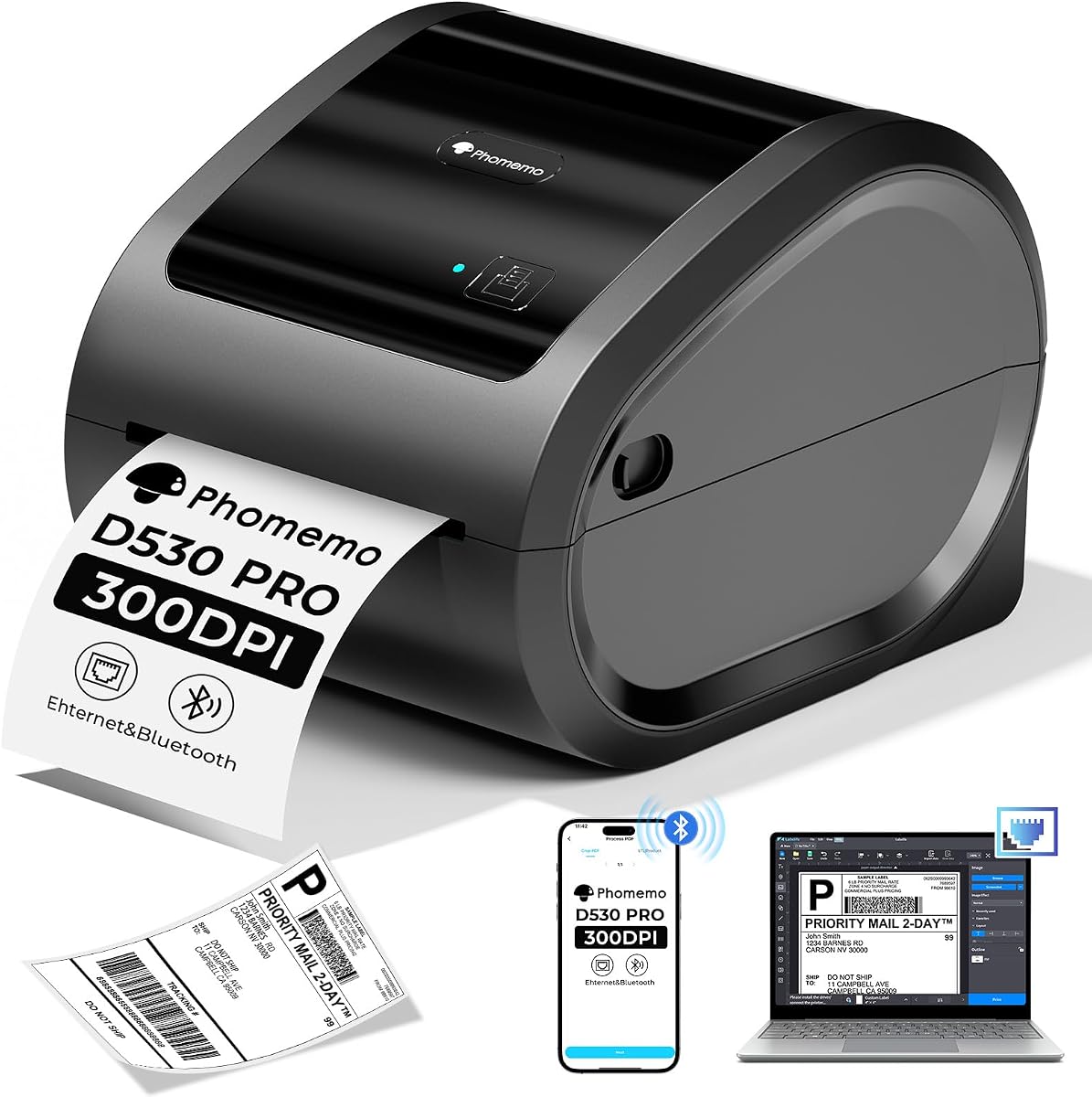
The Phomemo 300DPI Ethernet Printer delivers ultra high definition labels. Its built-in paper bin reduces clutter on your desk. This model is designed for high volume commercial use.
We may earn a commission when you buy through this link, at no additional cost to you.
With 300 DPI resolution, every barcode is sharp and clear. The return to paper towel function helps save costs on labels. It connects via Ethernet for stable network printing.
Wireless options are limited to Bluetooth only. Some users may prefer full Wi-Fi capability. The Ethernet port requires a physical connection to the router.
Best for warehouse environments needing network printing. The high resolution ensures scanning reliability. It is a solid choice for organized offices.
300 DPI ensures every detail is perfectly clear.
Built-in bin holds labels to keep workspace tidy.
We may earn a commission when you buy through this link, at no additional cost to you.
The Nelko Bluetooth Thermal Printer is great for home offices. Its small size saves valuable desk space. The speed is high enough for daily shipping needs.
We may earn a commission when you buy through this link, at no additional cost to you.
It supports Mac M1 and M2 CPUs via the app. Video guides are provided for easier setup. It works with both fanfold and roll labels.
Mac users may face Bluetooth limitations requiring USB. This can be inconvenient for wireless workflows. The app is necessary for full functionality.
Perfect for small home business setups. The compact design fits anywhere. It offers a good balance of features and size.
Works with newer M1 M2 processors via app.
Tiny footprint ideal for clutter free desks.
We may earn a commission when you buy through this link, at no additional cost to you.
The KNAON Bluetooth Thermal Printer offers extensive customization options. Its app includes thousands of templates and icons. This makes it ideal for creating various labels.
We may earn a commission when you buy through this link, at no additional cost to you.
Print speed is fast at 180mm/s for efficiency. It supports multiple operating systems including Linux. The design is compact and portable for easy moving.
Reliance on the app is high for best features. Some designs require online access for full use. Offline storage is limited compared to desktop apps.
Best for users needing creative control. The template library adds significant value. It is great for both shipping and branding.
Access thousands of icons for custom label designs.
Compatible with Windows Mac and Linux systems easily.
We may earn a commission when you buy through this link, at no additional cost to you.
The Thermal Shipping Label Printer 4×6 focuses on ease of use. The FlashLabel Pro app provides hundreds of templates. Offline capability ensures you can print anytime.
We may earn a commission when you buy through this link, at no additional cost to you.
Its print speed is efficient for small business needs. Setup is straightforward with clear instructions included. It works well for daily shipping requirements.
Build quality is standard without extra durability. The app is essential for all operations. This limits flexibility if the app is down.
Ideal for those wanting simple custom options. It balances cost and features well. A solid pick for basic customization needs.
Start printing immediately without waiting for downloads.
Edit fonts and templates to suit your brand needs.
We may earn a commission when you buy through this link, at no additional cost to you.
The DYMO LabelWriter 550 Series is designed for personal use. It uses only authentic labels for consistent quality. The precision printing eliminates waste effectively.
We may earn a commission when you buy through this link, at no additional cost to you.
It offers a simple setup with no ink needed. The design is compact for home offices. It handles precise quantities to save resources.
Proprietary labels are required and may be costly. The rating is lower due to limited compatibility. This makes it less ideal for commercial shipping.
Best for individual users with low volume. It works well for home organization. Consider this if you already use DMO products.
Print exact quantities to eliminate unused labels.
Setup is easy and requires no complex drivers.
We may earn a commission when you buy through this link, at no additional cost to you.
Selecting the right printer involves several factors. Consider your volume, connectivity needs, and budget carefully.
Resolution impacts barcode scan reliability. Look for 200 DPI or higher for sharp text and codes.
Higher DPI ensures labels are readable by all shipping systems.
Decide between USB, Bluetooth, or Wi-Fi. Bluetooth and Wi-Fi offer more flexibility for mobile devices.
Choose wireless options if you move around your workspace often.
Ensure the printer works with your shipping platforms. Most support major ones but check specific lists.
Compatible software streamlines your entire shipping process effectively.
Check the max width supported. Most ship 4×6 but some support smaller custom sizes.
Versatile width support handles both shipping and branding needs.
Commercial printers last longer than home ones. Check print head life and jam rates.
Higher duty cycles prevent downtime during busy seasons.
Drivers should be simple to install. Look for video guides or user friendly apps.
Quick setup gets your shipping operation running faster.
Factor in labels and maintenance. Some brands use proprietary materials.
Standard label options often save money in the long run.
Good warranty and support are vital. Check reviews for service quality.
Reliable support resolves technical issues quickly.
Install the drivers and download the necessary app. Follow the on-screen instructions to pair the device via Bluetooth or USB.
Load the labels correctly by aligning them with the guides. Ensure the rollers grip the paper firmly without tearing.
Clean the print head regularly with a soft cloth. Avoid using harsh chemicals to maintain optimal performance.
Yes, most thermal printers work with DHL platforms. You can save labels as PDFs and print them using the app.
DHL requires standard 4×6 inch labels. Ensure your printer supports this size for compliance.
Many models support direct mobile printing via Bluetooth. You need the specific app to send print jobs.
Commercial heads last up to millions of prints. Home heads may wear out faster with heavy use.
Thermal labels are cost-effective compared to ink. They save money on ink and toner replacements.
Bluetooth connects directly to devices while Wi-Fi uses a network. Wi-Fi allows multiple users on one printer.
USB connections require drivers for computers. Bluetooth and mobile apps usually handle this automatically.
Yes, all thermal printers generate QR codes clearly. Ensure your software generates them correctly.
We covered ten top models ranging from budget to premium. The Rollo USB is our top pick for reliability and speed.
Prioritize connectivity that fits your workflow. High volume businesses should look at commercial grade options.
Always check current availability and details. Prices and stock change frequently so verify before buying.