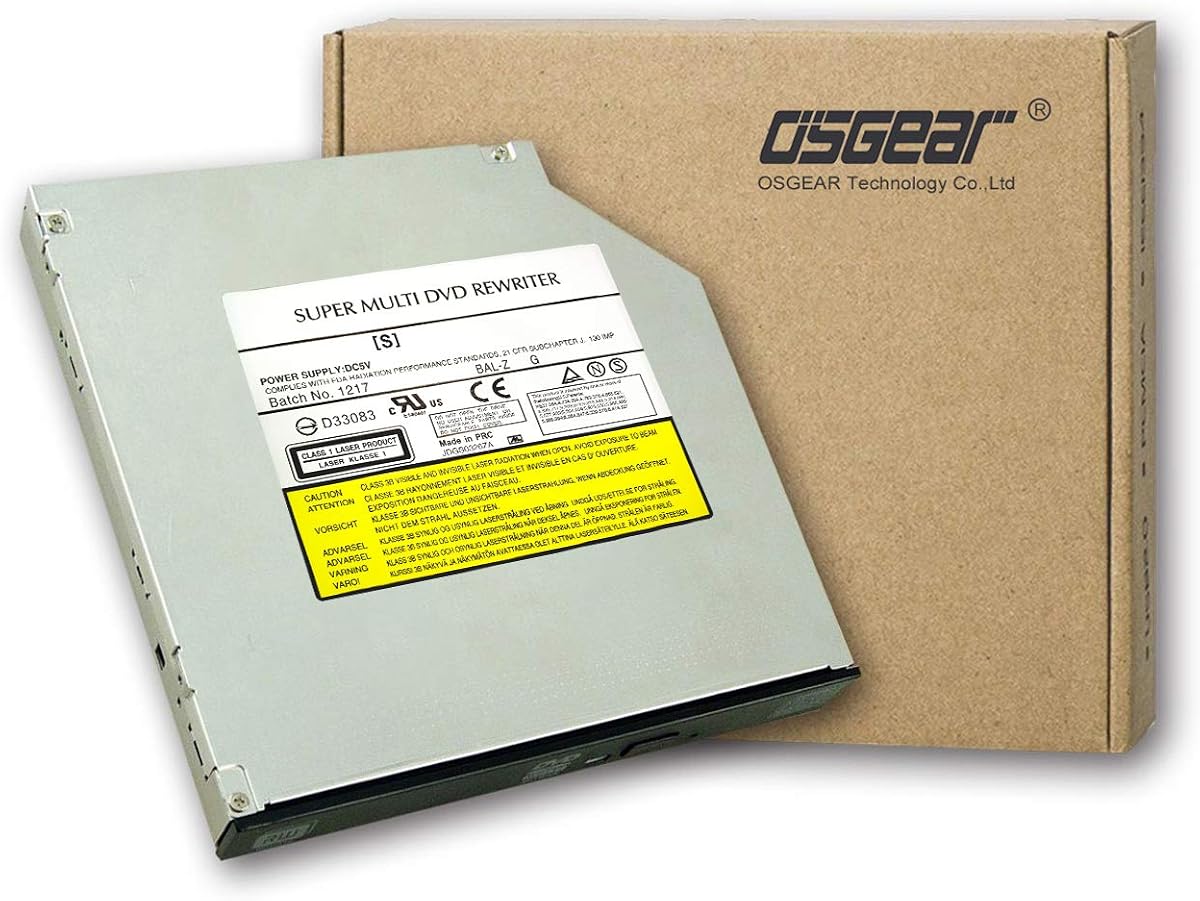
OSGEAR Internal 9.5mm
4.1Editor score
9.5mm slim SATA interface
Tray loading design
Wide laptop brand compatibility
This guide compares ten top-rated internal DVD drives for laptops based on speed compatibility thickness and features to help you choose the right optical
Finding a reliable internal DVD drive for laptop upgrades can be challenging as many modern devices skip optical drives entirely. You need a slim SATA unit that fits your bay perfectly while offering fast write speeds and broad disc format support for data backup and media playback needs.
We evaluated ten real products using their official specifications and customer feedback to determine which models deliver the best performance. Each drive was assessed on thickness compatibility write speed M-DISC support and noise levels to ensure they meet the demands of both home and professional environments today.
Every pick in this list shows key specs and direct links so you can verify dimensions before buying. Prices and availability change frequently so always check the current listing for the most accurate information and to confirm your laptop supports the drive thickness you select.
4.1Editor score

4.4Editor score
4.5Editor score
This side-by-side comparison reviews all ten drives with their key specs so you can quickly match a unit to your laptop bay and performance needs without digging through lengthy descriptions.


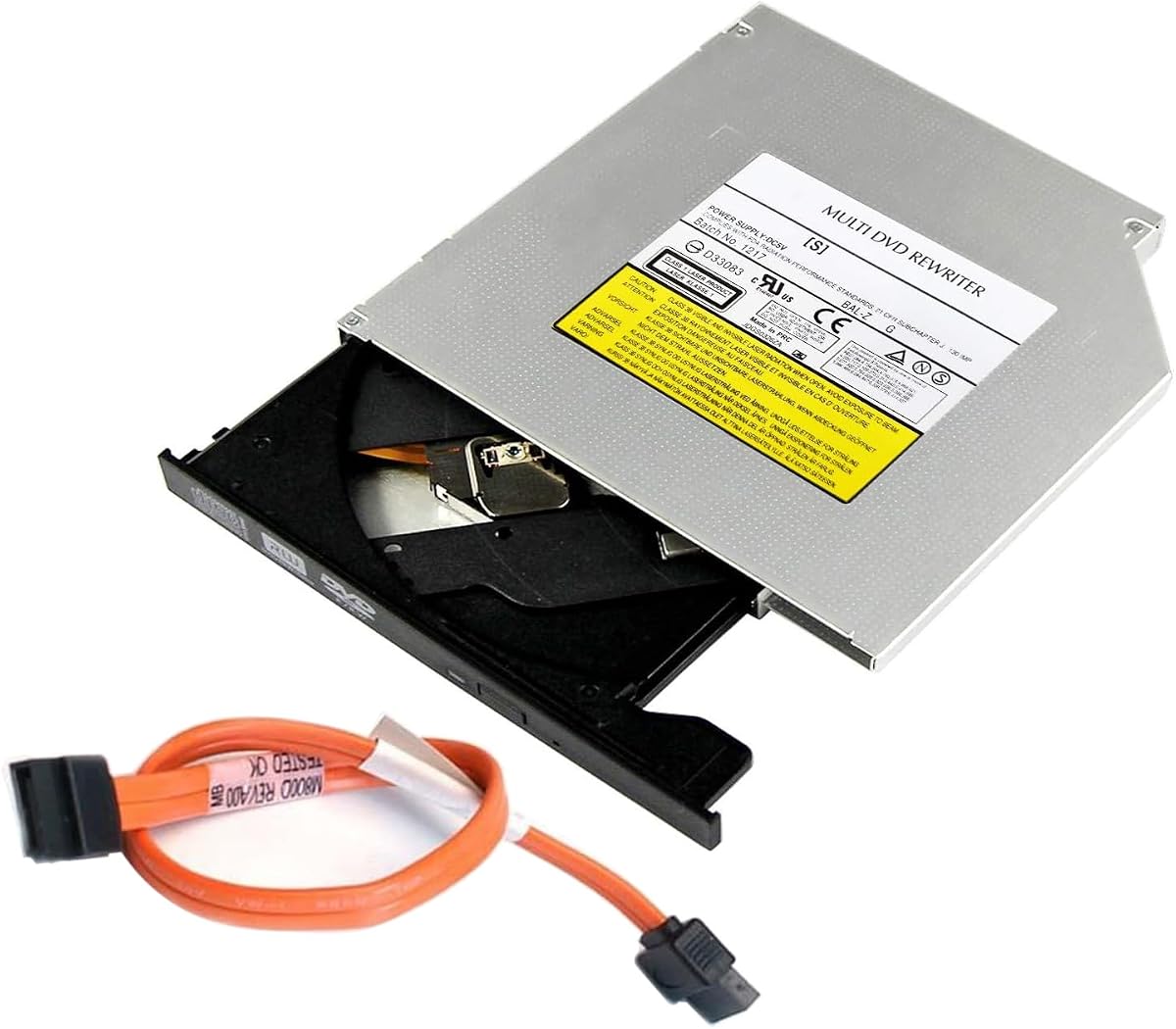

The Hitachi-LG GTC2N offers robust performance with 12.7mm thickness and strong media format support. Its 4.4 user rating highlights reliable operation for both reading and writing tasks without major complaints from users.
We may earn a commission when you buy through this link, at no additional cost to you.
M-DISC support allows archiving files on rock-like surfaces that outlast standard DVDs by centuries. Silent Play technology reduces disc spin noise during movies and 8x writing speeds let you burn discs quickly when working on backups.
While its 12.7mm profile limits it to older or larger laptop bays its build quality and compatibility make it a dependable choice. The OEM packaging means fewer frills but the drive itself performs well for sustained use.
Buy this if your laptop has a standard 12.7mm SATA bay and you need archival storage capabilities. It is ideal for professionals who value data longevity and quiet operation during playback.
M-DISC uses a rock-like recording surface instead of organic dye to etch data so it withstands heat light and humidity far better than standard media.
Silent Play technology automatically adjusts playback speed based on disc media so you experience less noise while watching videos without compromising quality.
We may earn a commission when you buy through this link, at no additional cost to you.
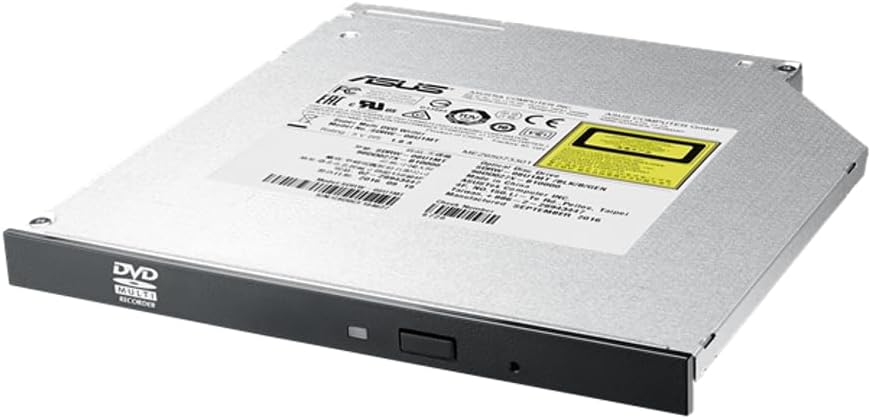
The ASUS SDRW-08U1MT fits slim 9.5mm bays and supports M-DISC for long term data safety. Users praise its quiet operation and energy saving features that keep your laptop cool during extended use.
We may earn a commission when you buy through this link, at no additional cost to you.
E-Green technology automatically closes the drive application when idle which saves over 50 percent power compared to standard optical drives. E-Media ensures a quiet environment when reading or writing discs making it ideal for shared spaces.
Its 8X DVD writing speed is competitive for internal drives though not the fastest available. The slim design means it will not fit 12.7mm bays so double check your laptop specs before ordering.
This drive is perfect for thin laptops that need archival storage and power efficiency. It suits students and professionals who prioritize quiet operation and long term data preservation on the go.
E-Green technology detects when the drive is idle and closes the application to reduce power consumption by more than half which helps extend battery life on laptops.
With M-DISC support you can burn photos and videos to discs that last a thousand years or more protecting your memories from degradation over time.
We may earn a commission when you buy through this link, at no additional cost to you.
This HP 16X DVD-ROM Drive is a direct OEM replacement designed to fit HP laptops and desktops with standard internal slots. Its perfect five star rating suggests users experience zero compatibility issues when installing it.
We may earn a commission when you buy through this link, at no additional cost to you.
It reads DVDs and CDs at 16X speed which is fast enough for most playback tasks but it does not write to discs. Serial ATA interface ensures quick data transfer within compatible systems.
Being an older OEM unit you may find it hard to verify the exact height without checking the part number. Still the build quality matches what HP ships in new systems so it is a safe match.
Use this if you need a read-only replacement for an HP device and want guaranteed fit. It works well for installing old software or watching movies without needing burn capabilities.
As an original HP part this drive matches the mechanical and electrical standards required for HP branded systems ensuring smooth installation and reliable operation.
We may earn a commission when you buy through this link, at no additional cost to you.
The HP DVD±RW Dual Layer drive provides both reading and writing functions for standard and dual layer discs. Users give it 4.7 stars for consistent performance and reliable SATA connectivity in laptop bays.
We may earn a commission when you buy through this link, at no additional cost to you.
Built on the Samsung SH-216 platform it delivers solid burn speeds and broad disc compatibility. The dual layer support means you can store more data per disc which is helpful for larger backups.
Since this is often sold as a refurbished or OEM unit the exact thickness may vary. Confirm your laptop uses a 9.5mm or 12.7mm bay before ordering to avoid fit issues.
Choose this if you need a cost effective read and write option for older laptops. It is well suited for users who want to burn installation discs or backup photos regularly.
Dual layer support lets you burn more data onto one disc which is useful for storing larger videos or system images without needing multiple discs.
We may earn a commission when you buy through this link, at no additional cost to you.
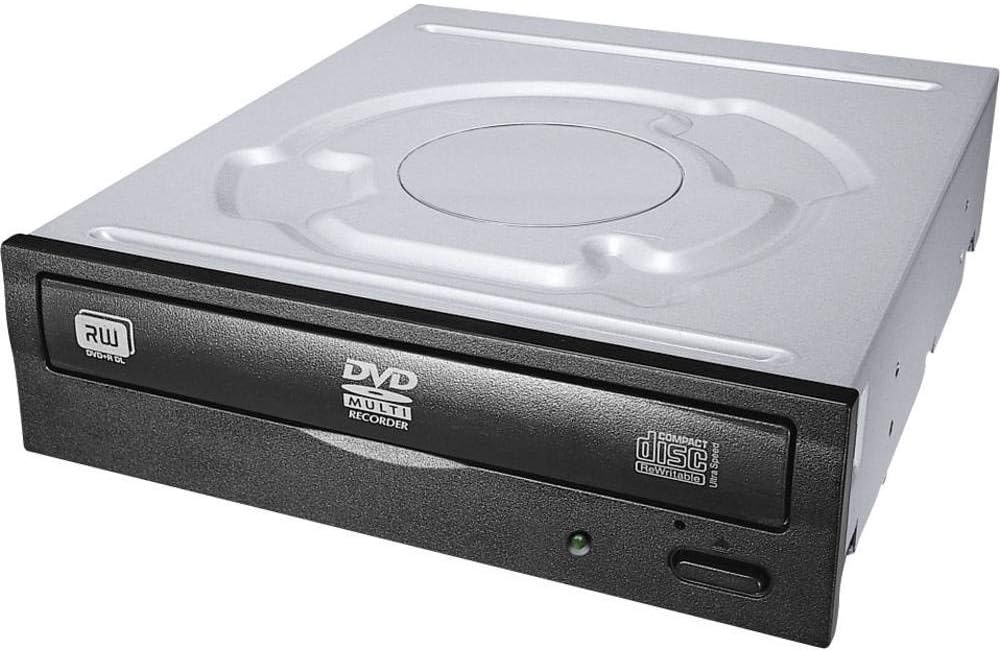
Lite-On 24X SATA delivers fast CD writing at 24X speed while maintaining solid DVD read and write capabilities. Its 4.5 rating indicates users appreciate the consistent performance and standard SATA design.
We may earn a commission when you buy through this link, at no additional cost to you.
The IHAS124-14 model is a proven internal optical drive that works with most laptops and desktops using SATA bays. It handles CD-R CD-RW DVD+R and DVD-RW discs without issues.
While it lacks M-DISC support its raw speed makes it practical for frequent disc burning tasks. The unit is standard internal so verify your laptop's height tolerance before installation.
This drive suits users who burn CDs often and need dependable performance. It is a good pick for media centers or older laptops that need a fast replacement drive.
With 24X CD writing speed you can burn audio or data CDs much faster than standard drives which saves time when creating large disc sets.
We may earn a commission when you buy through this link, at no additional cost to you.
The LG DVD Rewriter Internal Slim gets a perfect five star rating for quiet and smooth operation. Users value its tray loading design which makes inserting discs easier than slot loading models.
We may earn a commission when you buy through this link, at no additional cost to you.
It supports 8X DVD writing and includes power saving modes to reduce energy use. Buffer under-run prevention helps avoid write errors so your discs finish cleanly even if your system slows down.
While the exact thickness isn't specified in the title you should measure your laptop bay carefully. LG typically offers 9.5mm or 12.7mm options so confirm before buying to ensure fit.
This drive is ideal for users who want a simple reliable unit for basic tasks. It works well for media playback and occasional backups without complex features or setup.
Tray loading lets you place discs on a sliding tray which is easier to handle than slot loading and reduces the risk of jamming.
Buffer under-run prevention ensures that if your computer pauses during writing the drive keeps the buffer full so the disc finishes without errors.
We may earn a commission when you buy through this link, at no additional cost to you.
OSGEAR Internal 9.5mm is the most affordable internal option and covers basic read and write needs for laptops. Users give it 4.1 stars for solid performance when installed correctly with attention to thickness.
We may earn a commission when you buy through this link, at no additional cost to you.
It supports 24x CD and 8x DVD speeds and fits standard 9.5mm SATA bays found in many laptops from ASUS Acer and HP. The tray loading design makes it easy to insert discs without jamming.
While the build quality is basic it serves well for light use. Check the third picture in the listing to confirm your drive thickness before purchase to avoid compatibility issues.
This is a great value pick for budget conscious buyers who need a quick replacement. It works well for students or home users who rarely burn discs but need a working drive.
OSGEAR drives work with many laptop brands as long as the bay is 9.5mm and uses SATA which gives you broad choice for replacements.
We may earn a commission when you buy through this link, at no additional cost to you.
The UJ8C2 UJ8E2 UJ8G2 drive earns perfect five stars for its reliable slot-in loading and included USB 3.0 SATA cable. It replaces many 9.5mm SATA drives without needing drivers for most systems.
We may earn a commission when you buy through this link, at no additional cost to you.
It lets you watch movies install software or create backups using CD-R CD-RW and DVD-RW discs. The included cable simplifies installation especially if your laptop lost its original cable.
Slot-in loading is faster but can be less forgiving if the disc is not pushed in fully. Ensure your laptop has a 9.5mm bay before ordering to avoid fit issues.
This drive fits users who want a quick drop-in replacement with cable included. It is suitable for laptops that support slot-in drives and need a reliable write unit.
Slot-in loading lets you insert discs directly without opening a tray which speeds up disc changes but requires careful insertion to avoid jams.
The included USB 3.0 SATA cable makes testing or replacement easier if your laptop lacks a compatible connector or lost the original one.
We may earn a commission when you buy through this link, at no additional cost to you.
TechMagnet Internal 7mm offers a rare ultra-slim profile that fits laptops with narrow bays. Users give it 3.8 stars mostly due to compatibility challenges but it works well for those who need 7mm.
We may earn a commission when you buy through this link, at no additional cost to you.
It supports 8X DVD writing and includes M-DISC for archival storage. Tray loading makes it simple to insert discs and the renewed condition keeps costs low compared to new units.
Few laptops use 7mm drives so measure carefully before buying. If your laptop has a 7mm bay this drive is a strong value pick for basic tasks.
This is a niche pick for thin ultrabooks or compact desktops. It works well if you need M-DISC support in a very slim package without paying premium prices.
The 7mm ultra-slim design fits laptops and desktops with narrow optical bays that cannot accept standard 9.5mm or 12.7mm drives.
We may earn a commission when you buy through this link, at no additional cost to you.
The GUD1N 9.5mm Internal drive offers basic read and write functions with M-DISC support for long term storage. Users rate it 4.2 stars for decent performance and ease of installation.
We may earn a commission when you buy through this link, at no additional cost to you.
It includes a data cable which simplifies setup if your laptop lacks one. 8X DVD read and write speeds are good for typical backup tasks and playback without lag.
Tray loading is straightforward and it supports many disc formats including DVD-R DL and CD-RW. Just confirm your laptop uses 9.5mm SATA before buying to avoid fit issues.
This drive suits users who need a no fuss replacement with cable included. It works well for home or office laptops that need occasional burning and media playback.
Having a data cable included makes installation easier especially if your laptop lost its original cable or lacks a matching connector for the drive.
We may earn a commission when you buy through this link, at no additional cost to you.
Choosing the right internal DVD drive depends on your laptop bay size connection type and the disc formats you plan to use regularly.
Most laptops use either 9.5mm or 12.7mm thickness so you must measure your current drive before ordering to ensure a proper fit inside the bay. Using a drive with the wrong height can prevent it from seating correctly or cause physical damage to the chassis.
Always match the millimeter height to your laptop manual or existing drive to avoid compatibility issues.
SATA is the standard for internal drives so confirm your laptop uses SATA and not IDE or other legacy connectors. SATA offers faster data transfer and is simpler to install in modern systems.
Check your current drive connector to ensure you buy a SATA unit that will plug in directly.
Decide if you need a read-only ROM or a read-write RW model based on whether you plan to burn discs. RW units let you create backups and install software while ROM only play existing media.
For most users a DVD±RW or dual layer RW drive provides the best flexibility for daily tasks.
Higher DVD write speeds such as 8X reduce the time needed to burn discs while faster CD speeds help with audio projects. Look for balanced read and write ratings to avoid bottlenecks.
Prioritize 8X or higher for DVD writing to keep tasks quick and efficient.
M-DISC allows you to archive files on discs that resist heat and humidity far longer than standard media. This is vital for storing photos and videos that you must keep for years.
Choose a drive with M-DISC support if long term data safety is a priority.
Tray loading slides a drawer out for easy disc placement while slot-in loads discs directly into a narrow slot. Tray loading is simpler to handle and reduces jamming risks.
Select tray loading if you frequently swap discs or want a more user friendly design.
Quiet drives reduce noise during playback which improves your experience when watching videos or in shared spaces. Look for Silent Play or E-Media features that minimize disc spin sound.
Opt for models with noise reduction if you use your laptop in a quiet environment.
Branded drives often come with better technical support and longer warranty periods than generic units. Check the seller's policy to ensure you can get help if the drive fails.
Prioritize units with a clear warranty and support channel for peace of mind.
When installing the drive first power down your laptop and remove the battery to avoid electrical shorts. Slide the drive into the bay and secure it with the original screws before connecting the SATA data and power cables firmly.
Always eject discs using the software or button instead of forcing them out by hand. This prevents damage to the disc tray mechanism and keeps the internal components from misaligning over time.
Keep the lens clean by using a dedicated optical drive cleaning disc every few months. Dust on the lens can cause read errors so regular cleaning helps maintain reliable performance for reading and writing tasks.
Most laptops use either 9.5mm or 12.7mm thickness so you must measure your current drive or check your laptop manual. Using the wrong height can prevent installation or damage the chassis so always match the millimeter spec exactly.
No only laptops with a dedicated optical bay and SATA connector can use an internal DVD drive. Many modern ultrabooks omit this bay so confirm your model supports internal drives before buying a replacement unit.
M-DISC support lets you burn data onto special discs that use a rock-like recording surface instead of dye. These discs resist heat and humidity far longer than standard media making them ideal for archiving photos and videos for decades.
Most internal SATA DVD drives are plug and play and work automatically with Windows or Mac without extra software. If your system does not recognize the drive check the device manager to ensure SATA ports are enabled.
This often means the lens is dirty or the disc is damaged so try a lens cleaning disc and inspect the disc for scratches. If the issue persists the drive may have hardware damage and need replacement.
Tray loading is more forgiving and easier to handle so it is preferred for general use. Slot-in is compact but can jam if the disc is not fully inserted so choose based on your tolerance for maintenance.
The Hitachi-LG GTC2N and ASUS SDRW-08U1MT lead the list with strong archival features and quiet operation for users who value data longevity. For budget needs the OSGEAR Internal 9.5mm provides a solid option without breaking the bank for basic tasks.
Focus on matching thickness and interface type before worrying about speed or brand name because compatibility is the foundation of a successful installation. A drive that fits your bay correctly will last longer and perform more reliably than a faster unit that cannot install.
Prices and availability change so verify the current listing details before you click buy. Check your laptop bay dimensions and confirm the drive height to ensure it will fit properly inside your system for the best experience.