
HP OmniBook 5 16 inch Next Gen AI PC
4.5Editor score
2K OLED Touchscreen Display
Snapdragon X Plus Processor
34 Hours Battery Life
OLED technology has revolutionized laptop screens with deep blacks and vibrant colors. Choosing the right model requires balancing display quality with performance and portability for your needs.
We analyzed ten top-rated laptops featuring OLED panels across various price points and use cases. Our comparison focuses on screen specs, processor power, and real-world usability.
Each pick highlights specific strengths like gaming speed or creative color accuracy. Prices change frequently so verify current deals before purchasing to ensure you get the best value.
4.5Editor score

4.0Editor score
4.5Editor score
As an Amazon Associate we earn from qualifying purchases.
Here is a side-by-side look at all ten models to help you compare specs and features quickly for your decision.



The Lenovo IdeaPad Pro 5 stands out with its stunning 16-inch OLED display offering sharp resolution and smooth 120Hz refresh rates. It scores highly for creative professionals needing color accuracy and speed.
We may earn a commission when you buy through this link, at no additional cost to you.
Powered by the AMD Ryzen AI 7 processor, it handles multitasking and content creation smoothly. The RTX 5050 GPU adds capability for graphics rendering and light gaming without compromising battery life.
While the build is robust with MIL-STD durability, the extra weight compared to ultrabooks might be a factor for frequent travelers. The cost reflects the premium display and performance features.
Buy this if you need a powerful creator laptop with top-tier visuals. It balances portability and performance well for on-the-go work and serious media editing.
The 2880 by 1800 panel delivers deep blacks and vibrant colors perfect for design and video editing work.
AMD Ryzen AI and RTX graphics handle complex workloads efficiently for creators and power users.
We may earn a commission when you buy through this link, at no additional cost to you.
Acer delivers impressive value with the Swift Go featuring a 3.2K OLED display at an accessible price point. It excels for users wanting high resolution visuals without premium costs.
We may earn a commission when you buy through this link, at no additional cost to you.
The Intel Core Ultra 5 chip provides efficient performance for daily tasks and creative work. Thunderbolt 4 ports ensure fast data transfer and versatile connectivity for external monitors.
The 8GB RAM might be a limitation for very heavy multitasking or large file handling. Some users may prefer more memory for future-proofing demanding workflows.
Choose this if you need a large high-res OLED screen on a budget. It suits students and professionals who prioritize display quality over raw memory capacity.
The WQXGA+ panel offers sharp text and detailed images ideal for editing and productivity.
Eyesafe certification reduces blue light while keeping colors vivid for comfortable extended use.
We may earn a commission when you buy through this link, at no additional cost to you.
ASUS Vivobook S16 offers the future-ready Copilot+ PC experience with strong AI performance and plenty of RAM. It targets users who need speed and battery life for productivity.
We may earn a commission when you buy through this link, at no additional cost to you.
The 32GB memory ensures smooth multitasking even with many apps open. Fast charging and long battery life mean you can work longer without needing a charger.
The WUXGA OLED resolution is lower than others in this list which might matter for high-end design work. Integrated graphics limit heavy gaming or 3D rendering capabilities.
This pick suits business users and students needing reliability and AI features. It delivers solid performance without the cost of discrete graphics cards.
With 50 TOPS NPU power this laptop handles on-device AI tasks seamlessly for smarter workflows.
The 70Wh battery supports up to 21 hours of video playback for continuous work on the go.
We may earn a commission when you buy through this link, at no additional cost to you.
HP OmniBook 3 boasts incredible battery life making it ideal for travelers and remote workers. The Snapdragon processor delivers efficiency with on-device AI capabilities for productivity tasks.
We may earn a commission when you buy through this link, at no additional cost to you.
The compact 14-inch OLED display fits easily in bags while providing crisp visuals. Fast charging means you can quickly top up between meetings or flights.
Brightness at 300 nits limits outdoor visibility compared to brighter panels. Storage capacity is modest so external drives might be needed for large media files.
Opt for this if mobility and battery endurance are your top priorities. It offers a reliable portable option for general productivity and cloud-based work.
Up to 41 hours of life ensures you can go days without finding a power outlet.
Otter.ai integration helps manage notes and meetings seamlessly with intelligent audio features.
We may earn a commission when you buy through this link, at no additional cost to you.
This version of the ASUS Vivobook S16 brings the powerful Intel Core Ultra 9 processor to a portable 16-inch chassis. It handles heavy workloads with ease thanks to ample RAM.
We may earn a commission when you buy through this link, at no additional cost to you.
The 25-hour battery life supports full workdays without charging. MIL-STD durability ensures it withstands travel and daily wear better than typical consumer laptops.
The display resolution is lower than competitors which may affect very sharp text or high-end creative work. The cost reflects the high-end CPU and large memory pool.
Buy this if you need raw CPU power in a thin form factor. It fits developers and professionals needing robust performance on the go.
The Core Ultra 9 processor delivers top speed for complex computing and multitasking.
US MIL-STD 810H standards provide reliable strength for demanding environments.
We may earn a commission when you buy through this link, at no additional cost to you.
HP OmniBook 5 combines a 16-inch touchscreen OLED display with solid battery life at a budget-friendly price. It is an excellent choice for interactive media and presentations.
We may earn a commission when you buy through this link, at no additional cost to you.
The Snapdragon X Plus chip keeps power draw low allowing up to 34 hours of use. Fast charging ensures quick recovery when batteries run low during busy days.
The brightness may not be ideal for bright outdoor environments. Lack of discrete graphics limits performance for gaming or 3D rendering tasks.
Select this if you want a large touch OLED screen on a budget. It suits students and casual users needing versatility and portability.
The touchscreen OLED adds versatility for navigating apps and annotating documents easily.
Battery life supports full workweeks without needing a charger regularly.
We may earn a commission when you buy through this link, at no additional cost to you.
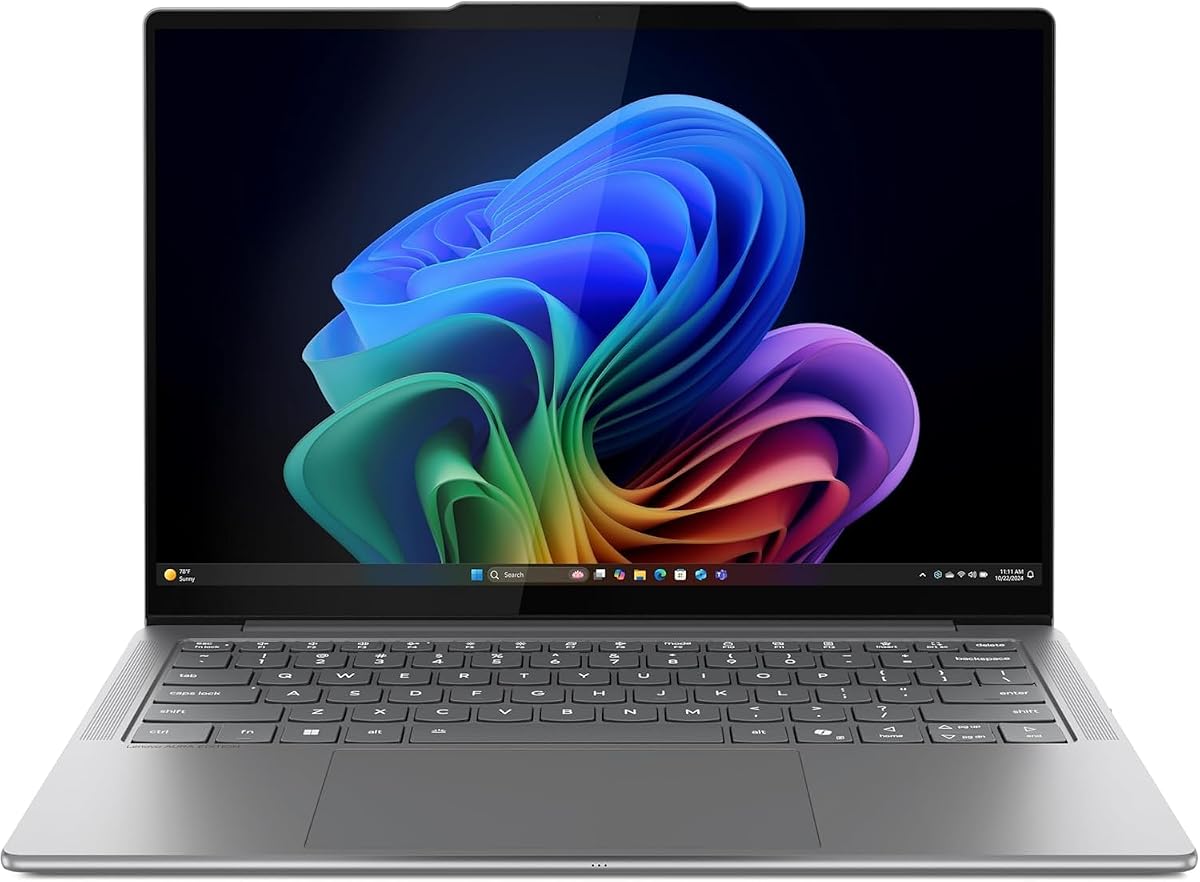
Lenovo Slim 7i delivers a premium portable experience with a bright HDR 500 OLED touchscreen. It balances high-end specs with an incredibly light chassis for easy transport.
We may earn a commission when you buy through this link, at no additional cost to you.
With 32GB of RAM it handles demanding multitasking smoothly. The quad speakers provide rich audio making it great for media consumption without external devices.
The smaller 14-inch screen might limit workspace for some users. High-end build quality justifies the price but adds to the overall investment.
Choose this if you want a lightweight machine without sacrificing power. It is ideal for executives and creatives who travel frequently.
The 600 nits peak brightness ensures colors pop even in well lit environments.
Weighing just 2.82 lbs it slips easily into bags for seamless travel.
We may earn a commission when you buy through this link, at no additional cost to you.
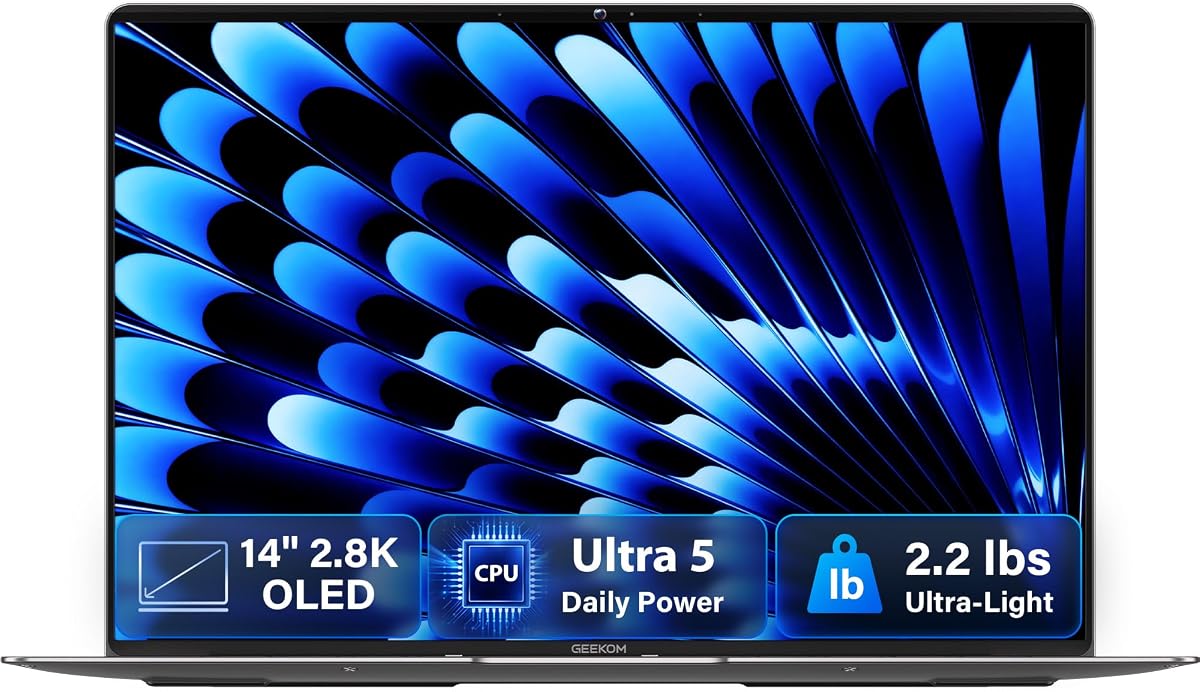
GEEKOM GeekBook X14 Pro is one of the lightest laptops available with a vibrant 2.8K 120Hz OLED display. It offers a modern design for users prioritizing portability.
We may earn a commission when you buy through this link, at no additional cost to you.
The magnesium alloy chassis keeps weight low while maintaining durability. USB4 ports support high speed data and multi monitor setups for versatile work.
Storage capacity might be tight for large media libraries. As a newer brand support infrastructure may vary compared to established manufacturers.
Opt for this if ultra-portability is critical. It delivers high-end display quality in a featherlight package for travelers.
At 2.2 lbs this laptop is easy to carry anywhere for hours.
The high refresh rate ensures fluid scrolling and animations for better visuals.
We may earn a commission when you buy through this link, at no additional cost to you.
Lenovo Legion 5a brings OLED visuals to gaming with a fast 165Hz refresh rate and dedicated RTX graphics. It stands out for immersive gameplay and rich colors.
We may earn a commission when you buy through this link, at no additional cost to you.
Wi-Fi 7 ensures low latency connections for online games. The high-resolution screen supports detailed gaming and streaming content without compromise.
The extra weight makes it less portable for daily commuting. Power requirements limit battery life during intensive gaming sessions.
Pick this if you want top-tier gaming visuals. It suits gamers who want a single device for play and work.
The 165Hz refresh rate ensures smooth motion and responsiveness during fast-paced play.
RTX 5060 GPU delivers realistic lighting and strong performance for modern games.
We may earn a commission when you buy through this link, at no additional cost to you.
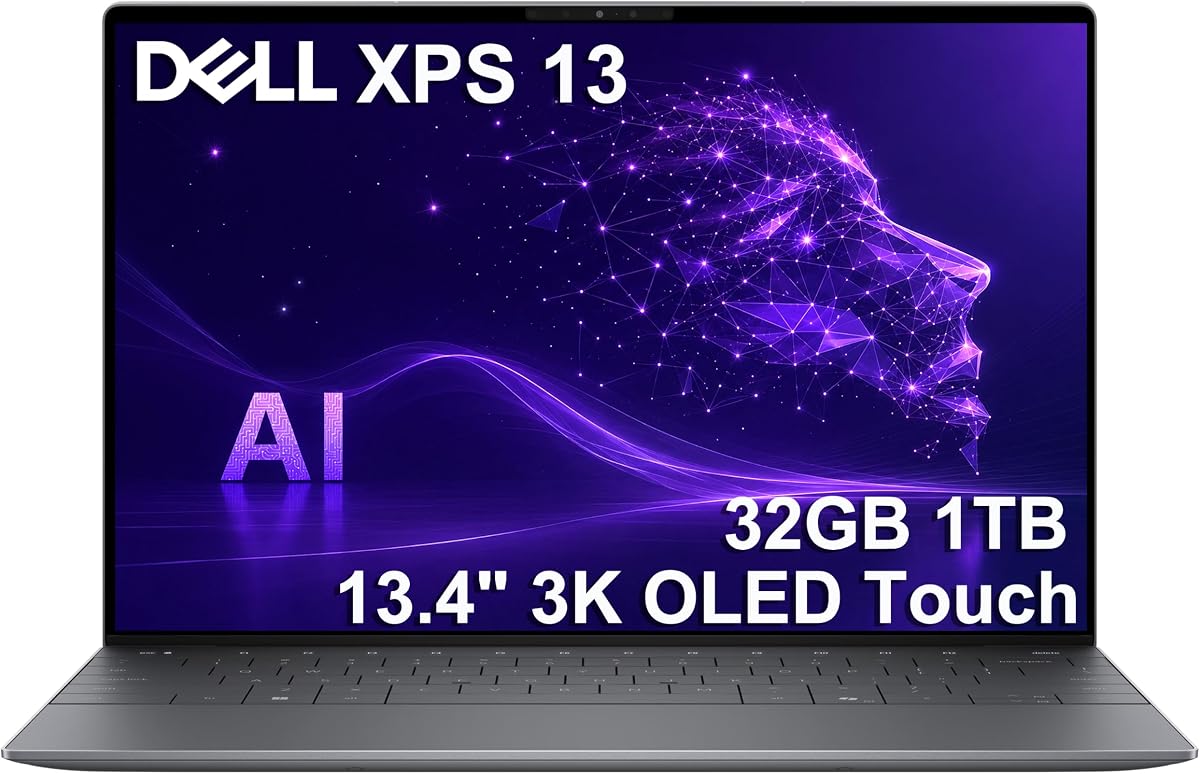
Dell XPS 13 is a premium flagship offering a bright 3K OLED touchscreen in a compact 13-inch form. It delivers top performance for professionals with generous RAM.
We may earn a commission when you buy through this link, at no additional cost to you.
Snapdragon X Elite ensures long battery life while maintaining desktop-level speed. Windows 11 Pro supports advanced enterprise security and virtualization needs.
Fewer ports may require dongles for connectivity. High cost may not suit all budgets despite strong features.
Choose this for the ultimate professional compact machine. It suits business leaders who value quality and portability.
Industry-leading battery life and thin chassis make it a standout for travel.
Windows 11 Pro with Copilot enhances productivity with enterprise-grade security.
We may earn a commission when you buy through this link, at no additional cost to you.
Understanding key factors helps you pick the right OLED laptop for your needs and budget.
Higher resolutions like 2.8K or 3K provide sharper text and detail useful for design work.
Look for at least 1920×1200 or higher for clarity.
Higher refresh rates like 120Hz or 165Hz improve smoothness for gaming and scrolling.
Standard 60Hz is sufficient for office tasks.
AMD Ryzen AI or Intel Core Ultra CPUs offer strong performance and AI features.
Choose Ultra 5 or Ryzen 7 or better for heavy tasks.
At least 16GB RAM ensures smooth multitasking. SSDs should be 512GB or more.
32GB RAM is ideal for creative professionals.
Long battery life like 20 hours or more supports work away from power.
Check real-world testing over manufacturer claims.
Weight below 3 lbs is easier for travel. Thin profiles reduce bag space needed.
Balance portability with screen size needs.
MIL-STD ratings ensure the laptop survives drops and bumps.
Premium materials like aluminum improve build quality.
USB4 or Thunderbolt 4 allows fast data and external displays.
Wi-Fi 6E or 7 keeps connections fast and stable.
Avoid leaving static images on screen too long to prevent burn-in. Use dark modes and screensavers when idle.
Keep brightness reasonable to extend battery life and reduce eye strain. Use auto-brightness settings.
Clean the screen with a microfiber cloth. Avoid harsh chemicals and excess water to protect coatings.
OLED panels are susceptible to burn-in if static images stay on screen for long periods. Modern laptops include refresh and pixel shifting features to minimize this risk. Varying your content helps maintain panel health.
OLED screens can use more power when showing bright images but less when displaying dark scenes. Overall battery life depends on usage patterns and settings like brightness and refresh rate.
OLED offers perfect blacks and higher contrast since each pixel emits its own light. This leads to vivid colors and better viewing angles compared to traditional LED-backlit panels.
Yes especially models with high refresh rates and dedicated graphics. OLED's fast response times reduce motion blur for smoother gameplay and vibrant visuals.
Use dark wallpapers avoid static images for long periods and enable screen sleep. Clean gently with a dry microfiber cloth to avoid damaging coatings.
Most OLED laptops have HDMI or USB-C with DisplayPort support for external displays. Check specs to confirm resolution and refresh rate support.
These ten options offer a range of performance and prices. Whether you want gaming power or portability there is a model for you.
Prioritize display quality and battery life based on how you work. Strong specs matter for creative and professional use.
Prices fluctuate so check current deals before buying. Find a balance of features that fits your needs today.