
Dell Optiplex 3050 SFF Desktop Computer PC
4.2Editor score
Affordable Refurbished Option
16GB RAM for Multitasking
Supports Dual 4K Displays
Find the best desktop PC for teens in 2026. This guide compares top renewed and prebuilt systems for school, gaming, and creative work.
Finding the right desktop PC for teens involves balancing performance, reliability, and value. Modern teenagers need machines that handle schoolwork, creative projects, and gaming without breaking the bank.
We evaluated ten top-rated systems based on processor power, memory capacity, storage speed, and overall build quality. Our analysis focuses on units that offer long-term usability and strong warranty support.
Each pick highlights key strengths and potential drawbacks to help you decide quickly. Keep in mind that prices and availability can change frequently, so verify current stock before ordering.
4.2Editor score

4.0Editor score
4.3Editor score
This side-by-side comparison highlights the core specifications of each selected desktop. Review these details to match technical capabilities with your specific needs.




This Dell system offers exceptional power for the price, featuring a robust 8th generation i7 processor and generous memory. It handles demanding tasks like video editing or coding without breaking a sweat.
We may earn a commission when you buy through this link, at no additional cost to you.
The 32GB of RAM ensures that teens can keep dozens of browser tabs open alongside heavy applications. The NVMe SSD makes booting up nearly instant, saving valuable time before school or homework.
While it is a renewed product, the inspection process usually guarantees reliable performance. The included wireless peripherals save money and reduce cable clutter on a busy desk.
This is the top recommendation for teens needing a reliable workhorse for both school and creative hobbies. Its speed and memory make it future-proof for years to come.
The 32GB RAM allows running virtual machines or multiple creative apps simultaneously without lag.
Traditional hard drives are replaced by a fast SSD, drastically reducing wait times.
We may earn a commission when you buy through this link, at no additional cost to you.
This bundle stands out by including a monitor and peripherals, making it a true all-in-one solution for beginners. It is ideal for teens who need a ready-to-use setup immediately.
We may earn a commission when you buy through this link, at no additional cost to you.
Performance is adequate for web browsing, streaming, and word processing. The included 20-inch monitor saves the hassle of sourcing a separate display component.
However, the older 8GB RAM and mechanical hard drive mean it may struggle with heavy modern software. It works best for light daily tasks rather than intensive gaming.
Buy this if you want a complete start-up kit for less money. It is a solid foundation that can be upgraded later with more memory or storage.
Everything needed to start working or learning is included in the shipping box.
Getting a full desktop with a monitor is rare at this price point.
We may earn a commission when you buy through this link, at no additional cost to you.
This AMD-based desktop brings modern features like Wi-Fi 6 and integrated graphics that handle casual gaming well. It feels more like a custom gaming rig than an office machine.
We may earn a commission when you buy through this link, at no additional cost to you.
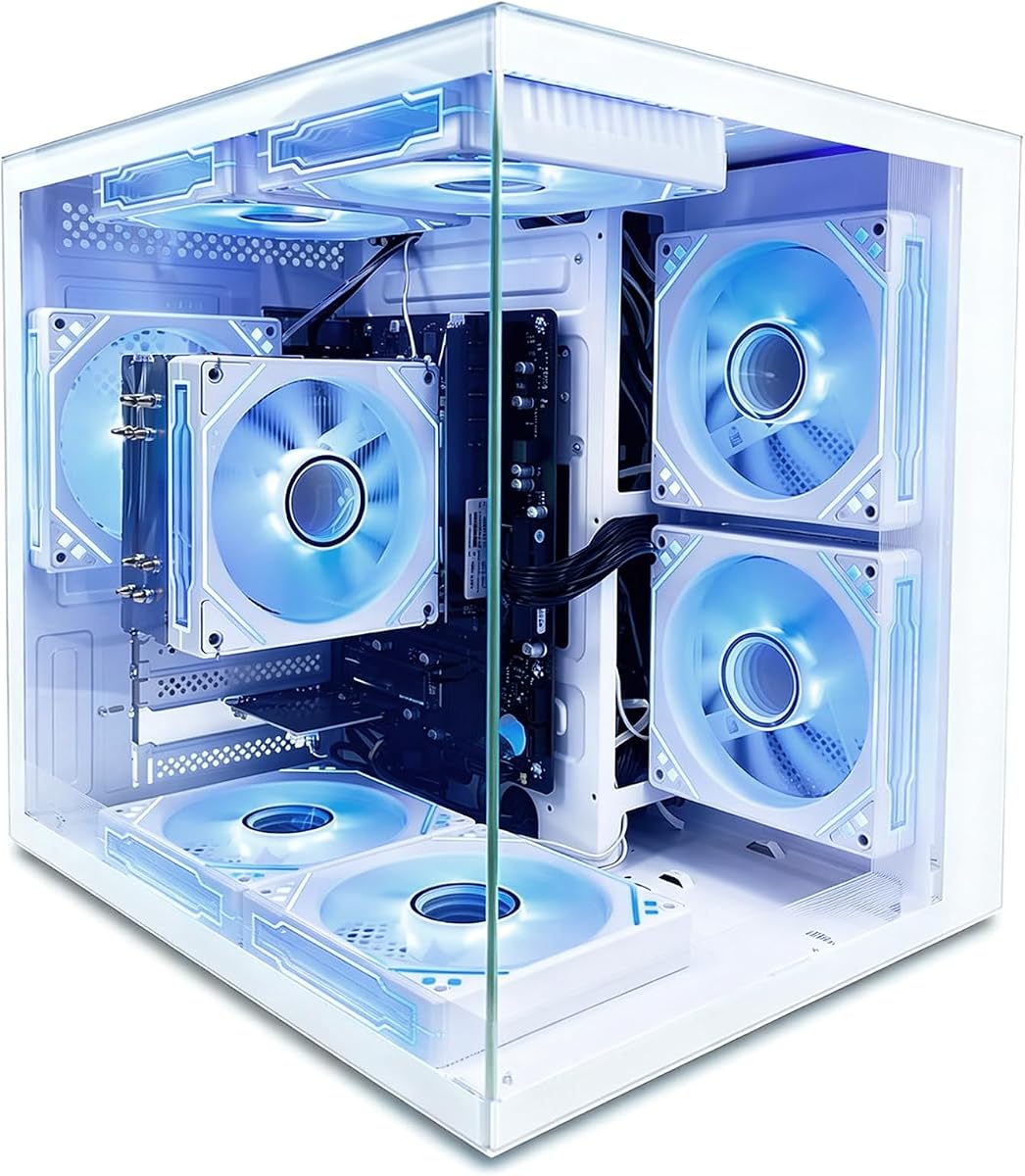
The Vega 11 graphics allow teens to play popular titles at decent settings without a dedicated card. The RGB fans add a stylish look that appeals to younger users.
While it comes with a smaller SSD, there is room to add more storage easily. The system is quiet and efficient, making it a great choice for a bedroom setup.
Choose this for a balance of style and utility. It is perfect for students who want a machine that looks cool and runs smoothly for daily tasks.
Next-gen wireless speeds ensure stable connections for online classes and gaming.
Customizable lighting effects add personality to your desk setup immediately.
We may earn a commission when you buy through this link, at no additional cost to you.
The 5050 is an excellent choice for small desks where space is at a premium. Its business-grade construction ensures longevity even with daily heavy use.
We may earn a commission when you buy through this link, at no additional cost to you.
With an i7 processor and NVMe SSD, this tiny tower punches above its weight in speed. It handles multitasking and heavy software with surprising ease.
The main limitation is its size, which restricts cooling potential and future expansion options. However, for a fixed workstation, it offers great value.
This is the best pick for teens with limited desk space. It provides powerful performance in a package that fits anywhere.
Fits easily on a shelf or under a desk to save room.
Built to last longer than consumer-grade plastic chassis units.
We may earn a commission when you buy through this link, at no additional cost to you.
This unit brings a bit of gaming style to the desktop world with its front RGB panel. It includes a monitor and headset, making it a complete entertainment center.
We may earn a commission when you buy through this link, at no additional cost to you.
Performance is solid for daily use thanks to the i7 processor and 512GB SSD. The RGB controls let you change colors to match your room or mood.
It lacks a dedicated graphics card, so high-end gaming will be limited. However, for general school and media use, it is a fun and functional option.
Select this if style is a priority. The bundled accessories make setup easy and add a cool factor that many teens appreciate.
Monitor and headset included means you can start watching content right away.
Customizable LEDs make the computer feel like a personal project.
We may earn a commission when you buy through this link, at no additional cost to you.
For budget-conscious buyers, this model offers incredible value with 16GB of RAM at a low price point. It is perfect for basic schoolwork and media consumption.
We may earn a commission when you buy through this link, at no additional cost to you.
The 256GB SSD ensures the system remains snappy despite the older processor. It also supports 4K displays, which is rare for such an affordable unit.
While the CPU is dated, it is still sufficient for web browsing and document editing. It is a great choice for a secondary machine or student desk.
This is the smartest buy for those on a tight budget. It delivers essential features without the high cost of newer models.
The combination of RAM and SSD keeps the system responsive.
Can connect to high-resolution monitors as needs grow over time.
We may earn a commission when you buy through this link, at no additional cost to you.
This desktop is built for users who store lots of data, offering a massive 1TB drive out of the box. The 32GB RAM allows for smooth video editing or graphic design work.
We may earn a commission when you buy through this link, at no additional cost to you.
It supports modern connectivity standards like Bluetooth and offers plenty of USB ports for peripherals. It is a versatile workhorse for creative students.
The only downside is its larger footprint compared to small form factor units. However, the storage and memory capacity justify the space it takes on a desk.
Choose this for teens interested in digital art or video. It provides the resources needed to handle large files without slowdowns.
Never worry about running out of space for projects and media.
High memory ensures rendering and exporting run smoothly.
We may earn a commission when you buy through this link, at no additional cost to you.
This machine distinguishes itself with a dedicated graphics card, enabling play for popular titles like GTA V. It is one of the few options with real gaming potential.
We may earn a commission when you buy through this link, at no additional cost to you.
The 24-inch monitor and headset make it a plug-and-play solution for gaming. Teens can start playing almost immediately without extra purchases.
The graphics card is entry-level, so it handles less demanding games best. It is perfect for esports titles or older games rather than AAA blockbusters.
Buy this if gaming is the main goal. It offers a complete setup that balances style and basic gaming performance.
A dedicated GPU allows for better frame rates than integrated options.
Included display and audio gear make it ready to use instantly.
We may earn a commission when you buy through this link, at no additional cost to you.
With an 8-core processor and WiFi 6E, this is one of the most advanced units available. It prepares teens for future software requirements and faster internet speeds.
We may earn a commission when you buy through this link, at no additional cost to you.
The 1TB NVMe SSD offers incredible speed for loading games and applications. The 32GB RAM ensures no slowdowns during heavy multi-tasking sessions.
This is a high-end refurbished option that rivals new models. It costs more but offers superior performance for power users.
This is the right choice for tech-savvy teens. It delivers top-tier features that keep the system relevant for years.
WiFi 6E provides faster and more stable internet connections.
Eight cores allow for efficient parallel processing of tasks.
We may earn a commission when you buy through this link, at no additional cost to you.
This unit strikes a great balance between cost and capability for everyday tasks. It supports 4K displays and includes Bluetooth, making it versatile for modern peripherals.
We may earn a commission when you buy through this link, at no additional cost to you.
Performance is reliable for schoolwork and media consumption. The 16GB RAM ensures smooth operation even with many tabs open.
It may not excel in high-end gaming, but it is a dependable machine for general use. Its build quality is robust and suitable for daily wear.
Choose this for a reliable home desktop that does it all. It is an excellent choice for students needing a consistent tool.
Perfectly tuned for general computing needs without excess cost.
Bluetooth allows easy pairing with speakers and phones.
We may earn a commission when you buy through this link, at no additional cost to you.
Selecting a desktop requires understanding your specific needs. These factors will help you narrow down the perfect fit.
The CPU is the brain of the computer. Look for Core i5 or i7 for better performance, or Ryzen equivalents for modern builds.
Prioritize newer generations for longevity and efficiency in handling complex tasks.
RAM determines how many apps you can run at once. For teens, 16GB is the sweet spot for multitasking and learning.
Avoid anything under 8GB as it will slow down with modern web applications.
Always choose a Solid State Drive (SSD) over a mechanical Hard Drive (HDD). SSDs provide faster boot and load times.
Look for at least 256GB of storage to hold apps and files comfortably.
Integrated graphics are fine for school and movies. If gaming is a priority, check for a dedicated GPU.
Some newer APUs offer strong integrated graphics for casual play without a separate card.
Ensure the desktop has enough USB ports for peripherals. Look for modern standards like USB-C if available.
Built-in Wi-Fi and Bluetooth are essential for a wireless home office setup.
Small Form Factor cases save space but limit upgradeability. Tower cases are better for expansion but take up room.
Consider your desk space when deciding between compact and tower designs.
Windows 11 is the current standard. Ensure the system supports it securely with the correct TPM chip.
Avoid systems stuck on older OS versions that lack security updates.
Refurbished units come with warranties that protect your purchase. Aim for at least a 90-day coverage period.
Check if the seller offers technical support for setup or troubleshooting.
When setting up, place the tower on a hard surface to ensure proper ventilation. Avoid carpet which can trap heat and cause overheating.
Keep the keyboard and screen clean by wiping them gently with a microfiber cloth. Dust buildup can degrade performance over time.
Install updates regularly to maintain security. Use antivirus software to protect against malicious files and downloads.
Yes, refurbished units from reputable sellers are inspected and tested to function like new. They often come with warranties to ensure safety and reliability.
No, integrated graphics are usually sufficient for writing, browsing, and media consumption. A dedicated card is only needed for gaming or heavy video editing.
At least 256GB is recommended to store documents, photos, and apps without running out of space quickly. A 512GB drive provides more headroom.
Most desktop towers allow memory upgrades, but Small Form Factor units may have limited slots. Check the specific model specs before buying.
Desktops offer better performance for the price and are easier to repair. They are perfect for a fixed workspace where portability is not needed.
Some bundles include a monitor, but most standard desktops do not. Always check the item description to see if display components are included.
We found that the DELL Optiplex 7060 offers the best balance of speed and reliability for most teens. It handles school and hobbies with ease.
For those on a budget, the Dell Optiplex 3050 is a fantastic value option that still delivers solid daily performance.
Prices fluctuate often, so check the current list prices before finalizing your purchase to ensure you get the best deal available.