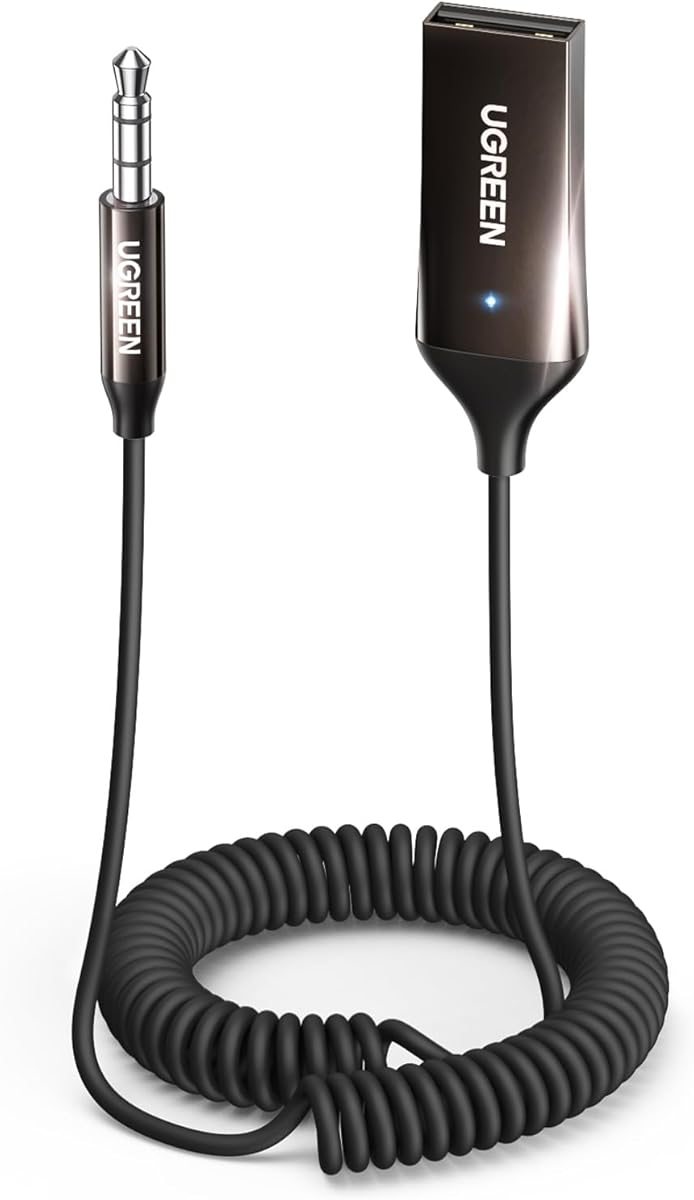
UGREEN Aux to Bluetooth 6.0 Adapter
4.6Editor score
Hands-free calling included
Durable zinc alloy build
Easy car integration
This guide compares the top Bluetooth USB Audio Transmitter models for gaming, travel, and home audio, evaluating latency, codec support, and compatibility.
Finding the right Bluetooth USB Audio Transmitter can transform your listening experience across various devices. Whether you need low latency for gaming or high fidelity for music, choosing the correct adapter ensures seamless connectivity and crystal clear sound quality every time.
We analyzed ten top-rated models focusing on performance metrics like audio latency, codec support, and device compatibility. Our comparison highlights key features such as plug-and-play functionality, battery life for portable units, and robust connection stability in crowded wireless environments.
Each pick showcases specific strengths tailored to different use cases from console gaming to car audio. Keep in mind that product availability and pricing can change frequently, so verify current details before making your final purchasing decision for the best value.
4.6Editor score

4.4Editor score

4.1Editor score
The following table provides a side-by-side comparison of all ten selected models highlighting their core specifications and unique selling points to help you quickly identify the best match for your specific audio needs.




This UGREEN adapter stands out as a top choice for gamers needing reliable wireless audio. With a rating reflecting user satisfaction, it delivers high-quality sound without requiring complex drivers or software installations.
We may earn a commission when you buy through this link, at no additional cost to you.
The Qualcomm chipset ensures efficient power usage while maintaining a stable link. Support for aptX Adaptive and other codecs means you get rich audio details whether streaming music or playing intense video games on your console.
While it offers excellent performance, be aware that Linux users may face compatibility hurdles. Additionally, specific settings adjustments are needed on the PS5 to ensure the adapter is recognized correctly as the audio output device.
Anyone looking to cut cables from their gaming setup will find this adapter invaluable. It balances price and performance effectively making it a strong recommendation for console owners seeking better audio experiences.
The adapter minimizes audio delay to under 100ms ensuring actions on screen match sound precisely for an immersive gaming experience.
Supporting aptX HD and SBC allows the device to adapt to different headphone capabilities ensuring optimal sound quality across brands.
We may earn a commission when you buy through this link, at no additional cost to you.
This adapter offers a compelling mix of features for both gaming and productivity. Users appreciate the reduction in audio lag which makes it suitable for video streaming and gaming alike without noticeable delays.
We may earn a commission when you buy through this link, at no additional cost to you.
The Bluetooth 5.3 technology provides a robust connection up to 33 feet away. This range allows you to move around your room while maintaining a stable link to your headphones or speakers.
One consideration is the need to connect an external microphone for calls since the adapter itself does not include one. You can use your headset mic or plug in the provided 3.5mm mic for voice communication.
For those working from home or gaming on multiple consoles this adapter provides the flexibility you need. It automates mode switching between music and talk making it a convenient tool for daily tasks.
Latency is reduced to less than 60ms ensuring that audio cues remain synchronized with gameplay for a competitive edge.
Switching between music and talk modes happens automatically on PC allowing seamless transitions during work meetings or calls.
We may earn a commission when you buy through this link, at no additional cost to you.
Embracing the latest Bluetooth 6.0 technology this adapter is designed for users who want future-ready audio capabilities. It supports LE Audio which offers improved efficiency and sound quality for compatible devices.
We may earn a commission when you buy through this link, at no additional cost to you.
You can switch between Low Latency and High-Quality modes depending on whether you are gaming or listening to music. This flexibility ensures you get the best experience for the specific activity you are engaging in.
While the technology is advanced it does require headphones that support LE Audio to unlock all features. If your devices use older Bluetooth standards you can still use classic mode but might miss out on some benefits.
This adapter is ideal for tech enthusiasts and families wanting to share audio. The ability to broadcast to multiple listeners simultaneously makes it perfect for group movie nights or shared gaming sessions.
Low Latency mode prioritizes sync for gaming while High-Quality mode focuses on richer sound details for music lovers.
One-to-many broadcasting allows multiple pairs of headphones to connect at once enhancing social audio experiences.
We may earn a commission when you buy through this link, at no additional cost to you.
The Creative BT-W5 focuses on delivering top-tier audio fidelity with support for high-resolution streaming. This makes it a strong choice for audiophiles who want to maintain sound quality even when switching to wireless.
We may earn a commission when you buy through this link, at no additional cost to you.
Its smart codec technology automatically adjusts the bitrate based on signal levels and content type. This ensures that you get consistent performance whether you are in a crowded wireless environment or a quiet room.
You can easily switch between up to four connected devices using the multifunction button. This convenience is particularly useful if you move between a PC a Mac and a console throughout the day.
For users prioritizing sound quality and ease of use this model offers a balanced package. The portable design and low power consumption mean it can travel with you without adding bulk or draining battery life.
Support for 24-bit 96kHz audio ensures that every nuance in your music or game soundscape is preserved wirelessly.
The device remembers multiple connections allowing quick transitions between devices without manual re-pairing steps.
We may earn a commission when you buy through this link, at no additional cost to you.
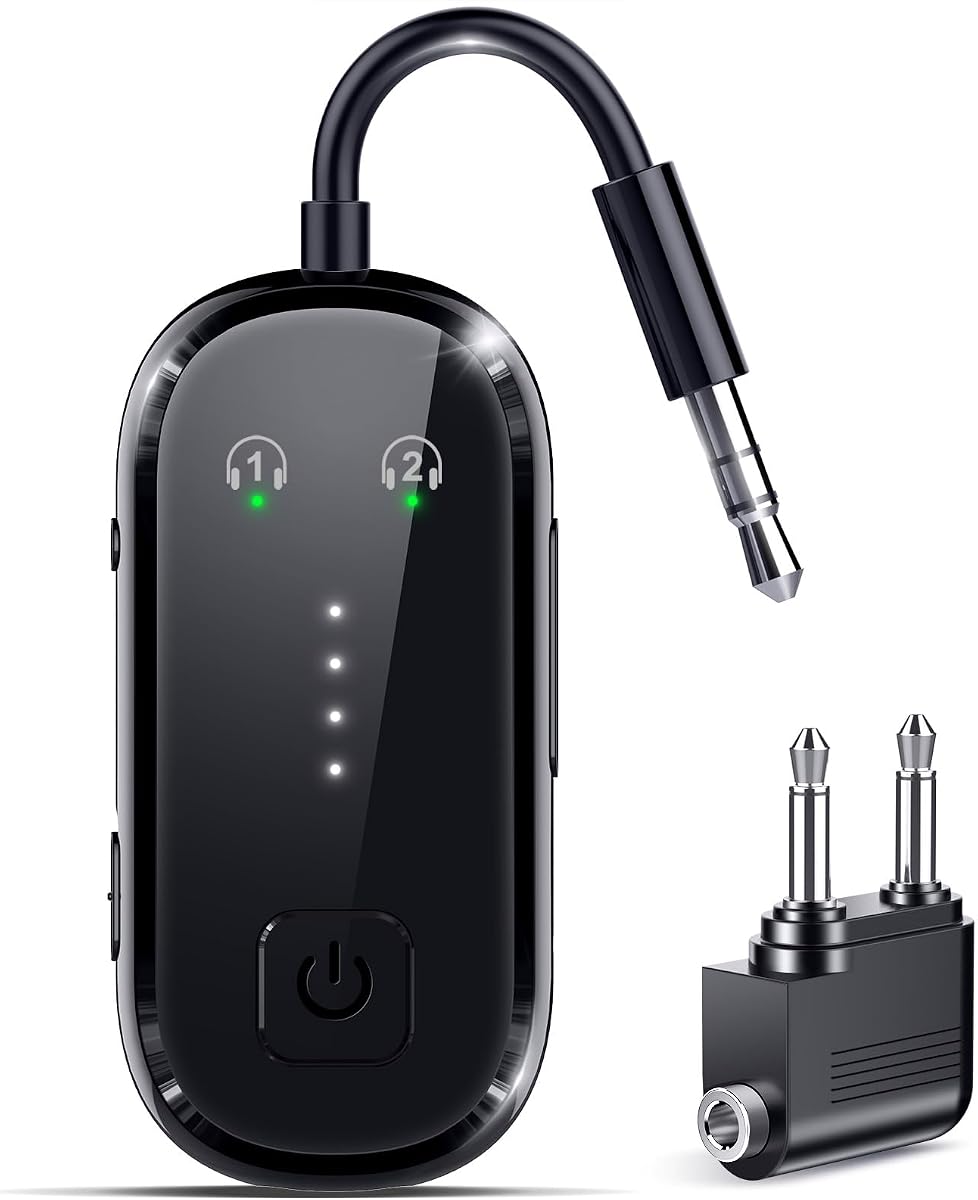
This 2-in-1 adapter is engineered for travelers who need versatility on the go. It functions as both a transmitter and a receiver allowing you to connect to TVs or play audio from your phone on older systems.
We may earn a commission when you buy through this link, at no additional cost to you.
With over twenty hours of playback time it is perfect for long flights or extended commutes. The fast USB-C charging ensures you can quickly top up the battery if you run low during a trip.
The compact design includes dedicated buttons for easy control of volume and modes. Clear LED indicators keep you informed of the connection status and battery level at a glance.
Whether you are on a plane at the gym or at home this adapter adapts to your needs. It is a reliable companion for anyone who wants to stay connected wirelessly without being tethered to a single device.
Included accessories and a lightweight build make this adapter easy to pack and use in various environments.
Switching between transmitting and receiving audio allows you to use the same device for different scenarios effortlessly.
We may earn a commission when you buy through this link, at no additional cost to you.
As a premium option this Sennheiser dongle delivers exceptional audio quality and advanced features. The support for aptX Lossless ensures that you do not lose any detail when converting analog audio to wireless.
We may earn a commission when you buy through this link, at no additional cost to you.
Gamers will appreciate the dedicated gaming mode that reduces lag to just 30 milliseconds. This level of synchronization is crucial for competitive play where timing can make the difference between victory and defeat.
The Auracast capability allows you to stream audio to multiple devices simultaneously. This is a unique feature that enables sharing your media with friends or family without needing separate receivers for each person.
For those willing to invest in top-tier audio performance this device is a standout choice. It combines high-fidelity streaming with the convenience of a simple plug-and-play setup.
aptX Lossless technology ensures that your music sounds as close to the original source as possible wirelessly.
Simultaneous streaming means you can broadcast to headphones and speakers at the same time for larger gatherings.
We may earn a commission when you buy through this link, at no additional cost to you.
This dongle offers a straightforward solution for connecting Bluetooth headphones to PCs and Macs. It is designed for users who want reliable audio without fiddling with complex settings or drivers.
We may earn a commission when you buy through this link, at no additional cost to you.
One of its best features is the ability to stay paired when moved to another device. You can unplug and replug the adapter and your headphones will reconnect automatically saving you time.
It supports leading brands and allows you to use media and call controls on your headphones. This ensures that your workflow is not interrupted when taking calls or adjusting music.
If you need a no-nonsense adapter for daily use this model fits the bill perfectly. It provides stable connectivity and sound quality that meets the needs of most home and office users.
The adapter retains pairing information so switching between computers is seamless without needing to re-pair.
Headphone controls remain functional allowing you to manage playback and calls directly from your headset.
We may earn a commission when you buy through this link, at no additional cost to you.
This adapter focuses on providing consistent high-quality audio for desktop environments. It supports the latest aptX Adaptive codec which adjusts to your environment for the best possible sound.
We may earn a commission when you buy through this link, at no additional cost to you.
The automatic bitrate adjustment means you get lossless sound for movies and games without manual configuration. This intelligent feature ensures that your audio remains stable even if signal conditions change.
It can remember up to four devices which allows you to switch outputs easily. This is useful if you have multiple headphones or speakers connected to your setup at different times.
For desktop users looking to add wireless capability to their setup this adapter is a solid choice. It is compact and does not consume much power making it a convenient addition to any workspace.
Support for 24-bit 96kHz ensures detailed audio reproduction for critical listening and gaming.
Enabling hands-free profile mode allows for clear voice chat with your computer during calls.
We may earn a commission when you buy through this link, at no additional cost to you.
This bundle offers the same high-performance dongle as the standalone version but adds a durable hard-shell case. It is an ideal package for travelers who want to protect their gear while on the move.
We may earn a commission when you buy through this link, at no additional cost to you.
The included case features a zippered closure and a mesh pocket for cables. This ensures that all your accessories are organized and safe from damage during transit.
You still get the benefit of ultra-low latency and multistreaming capabilities. This makes it a versatile choice for both home entertainment and professional travel needs.
For those who prioritize equipment safety and performance this bundle provides excellent value. It ensures your dongle stays in pristine condition while delivering top-notch audio quality.
The hard-shell case provides a secure storage solution for the dongle and cables preventing wear and tear.
Retains all the audio features of the base model including lossless streaming and low latency for gaming.
We may earn a commission when you buy through this link, at no additional cost to you.
This adapter is designed specifically to add Bluetooth to older car audio systems. It plugs into the 3.5mm aux jack and provides a reliable wireless connection for your phone or other devices.
We may earn a commission when you buy through this link, at no additional cost to you.
The built-in microphone allows you to take calls hands-free while driving. This enhances safety and convenience by keeping your eyes on the road and hands on the wheel.
It supports up to five paired devices and can connect to two at once. This means you can share the audio experience with passengers without needing multiple adapters.
For the price this is an exceptional way to modernize your car audio. It is durable and easy to use making it a great upgrade for any vehicle without native Bluetooth support.
Hands-free calling capabilities help drivers comply with safety regulations and keep attention on the road.
Plug into the aux port and the device automatically connects to your phone when you start the car.
We may earn a commission when you buy through this link, at no additional cost to you.
Selecting the right transmitter involves evaluating several key factors to ensure compatibility and performance for your specific setup.
Codecs determine the quality and speed of audio transmission. Look for aptX Adaptive or aptX HD for high-fidelity sound and low latency which is crucial for gaming and video streaming.
Prioritize adapters with aptX Adaptive for dynamic bitrate adjustment ensuring optimal performance across different environments.
Latency refers to the delay between audio playback and sound output. For gaming or watching movies aim for adapters claiming latency below 100ms to avoid sync issues.
Check for specific gaming modes that reduce lag to ensure a seamless experience.
Ensure the transmitter matches your device ports. USB-C is common on newer PCs and consoles while USB-A suits older systems. Some adapters include both or an adapter for flexibility.
Verify that your console or computer supports the specific port type before purchasing.
Newer versions like Bluetooth 5.3 and 6.0 offer better stability and range. They also enable advanced features like Auracast for multi-device streaming.
Opt for the latest version available to future-proof your audio setup.
Portable transmitters require battery power so check the playback hours. Aim for at least 10 hours to cover long flights or commutes.
USB-C charging ensures you can power the device quickly without needing specialized chargers.
Plug-and-play functionality is essential for ease of use. You should not need to install drivers to get the device working on Windows or Mac.
Choose adapters explicitly labeled as driver-free to save time on setup.
If you need to make calls ensure the adapter supports Hands-Free Profile. Some models include a built-in mic while others require an external connection.
Confirm if the mic is built-in or external based on your communication needs.
A durable build ensures longevity especially for travel. Look for materials like zinc alloy and reinforced cables to withstand daily use.
Check for compact designs that do not obstruct other ports on your device.
To begin plug the transmitter into a free USB port on your device. If using a console like PS5 navigate to the settings and select the adapter as the audio output device.
Put your Bluetooth headphones or speaker into pairing mode and wait for the connection to establish. Most devices will connect automatically once paired initially.
To maintain performance keep the adapter away from other USB devices that might cause interference. Regularly check for firmware updates if available to ensure optimal functionality.
Most modern USB Bluetooth audio transmitters are designed to be plug-and-play. They do not require driver installations on Windows or macOS systems ensuring a quick and hassle-free setup experience.
Yes many of the reviewed adapters support PS5 connectivity. You will need to select the adapter in the audio output settings and may need to adjust specific configuration options for proper function.
aptX Adaptive combines the benefits of aptX HD and low latency codecs. It dynamically adjusts bitrate to maintain high-quality sound and low delay based on current signal conditions.
If your car stereo has a 3.5mm aux port you can use an adapter with aux input. These receivers allow you to stream music wirelessly to your car speakers.
Most adapters allow you to connect to two devices at once. You can typically switch the audio output manually using a button on the device or through system settings.
Many models support Hands-Free Profile enabling voice calls. Ensure the adapter has a built-in microphone or connect an external one for clear conversation capabilities.
Ensure your headphones are in pairing mode and close to the adapter. You may also need to reset the adapter or clear previous pairings on your device.
We have explored ten distinct models ranging from budget car adapters to premium gaming dongles. Each option offers unique strengths tailored to specific needs like low latency or multi-device sharing.
Prioritize latency and codec support if you are a gamer or audiophile. For general use or travel look for long battery life and compact designs that fit your lifestyle.
Always verify current availability and compatibility details before purchasing. Audio technology evolves rapidly so checking the latest specs ensures you get the best value for your investment.